Bug Report
Docs + Word9 pages
Free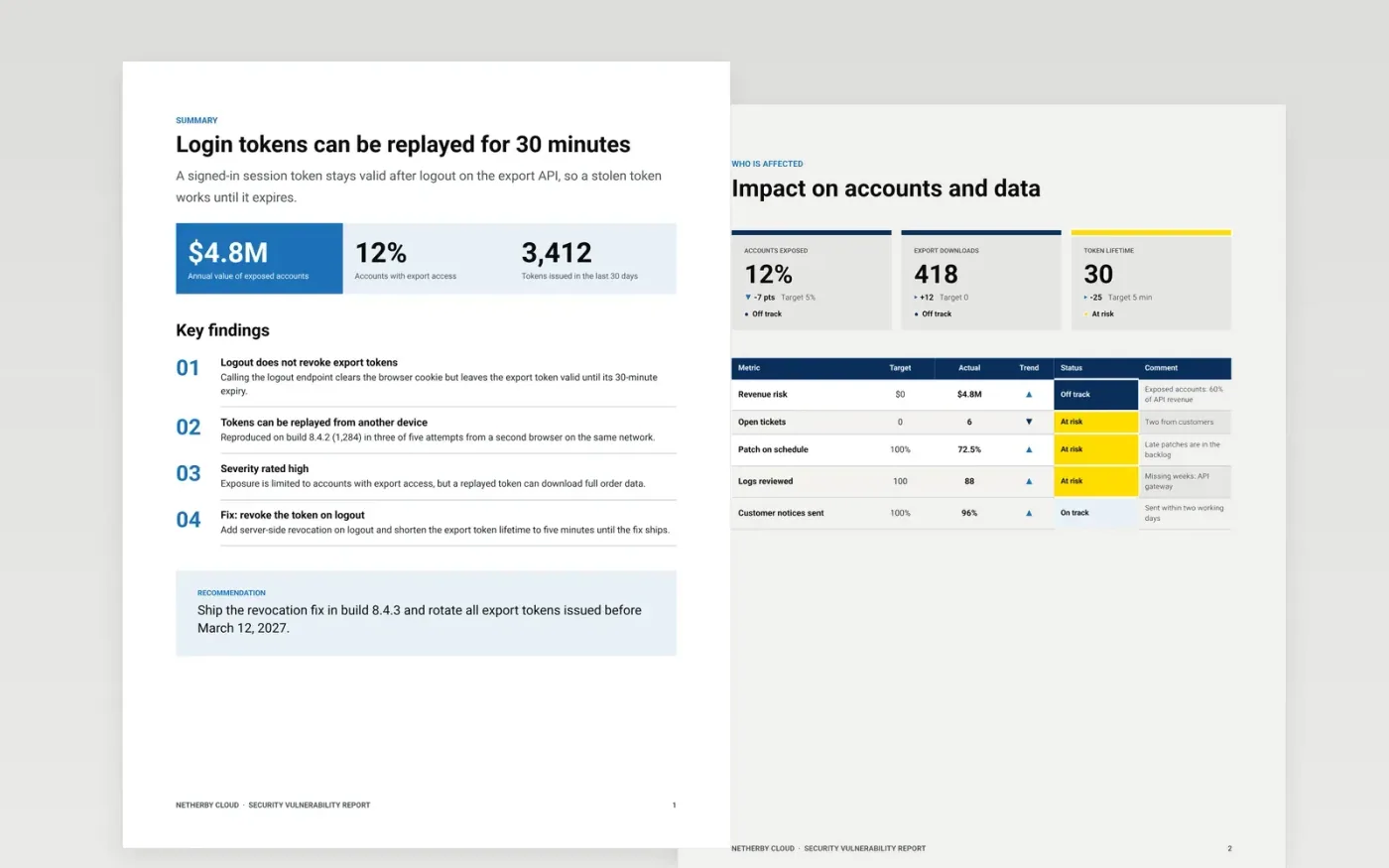
A vague security report sends developers back with questions, and a long one hides the single defect that matters. This Google Docs vulnerability report keeps one defect per document, in the order a developer and a triage lead read it: a summary of observable behaviour, the affected versions, a proof of concept with reproduction results, and a suggested fix with a timeline. The structure works for responsible disclosure as well as internal bugs.
The sample is set at Netherby Cloud, a fictional company, and describes a token that survives logout on its export API, with reproduction in three of five attempts and a hotfix plan. Replace the summary, build numbers and evidence with your own, remove personal data from every attachment, and set severity with your triage definitions rather than the volume of reports.
Click Make a copy in Google Docs, then confirm on the Google page. The copy is saved to your own Google Drive.
Replace the summary with one sentence of observable behaviour, and check it against your own reproduction.
Fill in the environment with the build number, device, OS and account type where the defect occurs.
Remove personal data, customer names and secrets from every log, screenshot and recording before sharing.
Delete the guide page, then share the report with the triage lead and set severity using your definitions.
No. Netherby Cloud, every person named, every email address ending in .example, and every build number, count and percentage in the sample are fictional and included only to show the expected detail.
No. One defect per report lets the team close it cleanly and track it on its own. If two problems share a cause, link the reports rather than merging them into one.
Rate severity by impact on users and data, not by how many people complained. Use your triage definitions for S1 to S4, and record the reason in one line so the rating can be challenged.
More Google Docs templatesMore developer workflows templates
Docs + Word9 pages
Free
Docs + Word8 pages
Free
Docs + Word9 pages
Free
Slides + PowerPoint12 slides
Free
Slides + PowerPoint11 slides
Free
Docs + Word7 pages
Free
Docs + Word7 pages
Free
Sheets + Excel3 tabs
Free










