
Defect Status Slides
Slides + PowerPoint11 slides
Free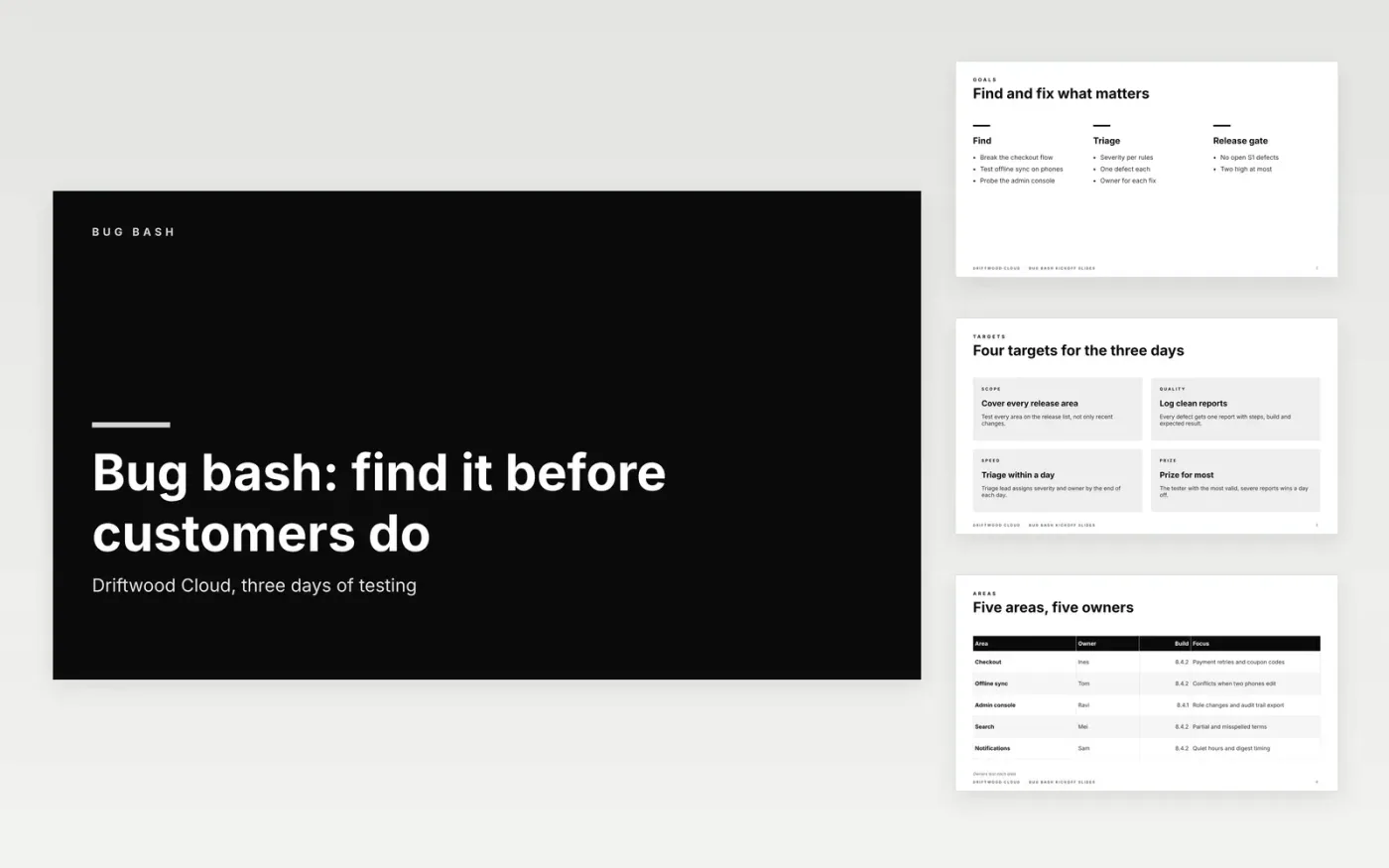
A bug bash only pays off when every defect report is specific enough to reproduce and the triage meeting can act on it. This Google Slides deck covers the goals, the areas each tester owns, the rules for a good report, the steps for logging a defect and the prizes that keep people testing. It works for a single day or a three-day push.
The sample follows Driftwood Cloud, a fictional software company running a three-day bug bash on build 8.4.2 (1,284) across five areas. Its owners, build numbers and prize are invented sample data. Replace them with your own areas, builds and triage rules, and remove any example that does not match the product you ship.
Click Make a copy in Google Slides, then confirm on the Google page. The copy is saved to your own Google Drive.
Replace the areas, owners and build number with your own test plan.
Set the rules for severity and triage using your own definitions and fix targets.
Remove any sample defect detail that does not match the product you ship.
Delete the guide slide, then share the deck with testers or present it at the kickoff.
No. Counting reports rewards volume over value. Score testers on valid, reproducible and severe reports instead, and close duplicates quickly so nobody is penalised for finding a known issue.
No. Driftwood Cloud, its testers, the areas, build numbers, owners and prizes in this deck are fictional sample data. Replace them with your own team details before the bug bash starts.
Customer data, access tokens, passwords or screenshots of private accounts. Remove them before attaching a log or recording, and tell the triage lead if one slipped through.
More Google Slides templatesMore developer workflows templates
Slides + PowerPoint11 slides
Free
Docs + Word7 pages
Free
Docs + Word9 pages
Free
Docs + Word7 pages
Free
Docs + Word7 pages
Free
Docs + Word9 pages
Free
Docs + Word8 pages
Free
Sheets + Excel3 tabs
Free










