
Admin Training Deck
Slides + PowerPoint11 slides
Free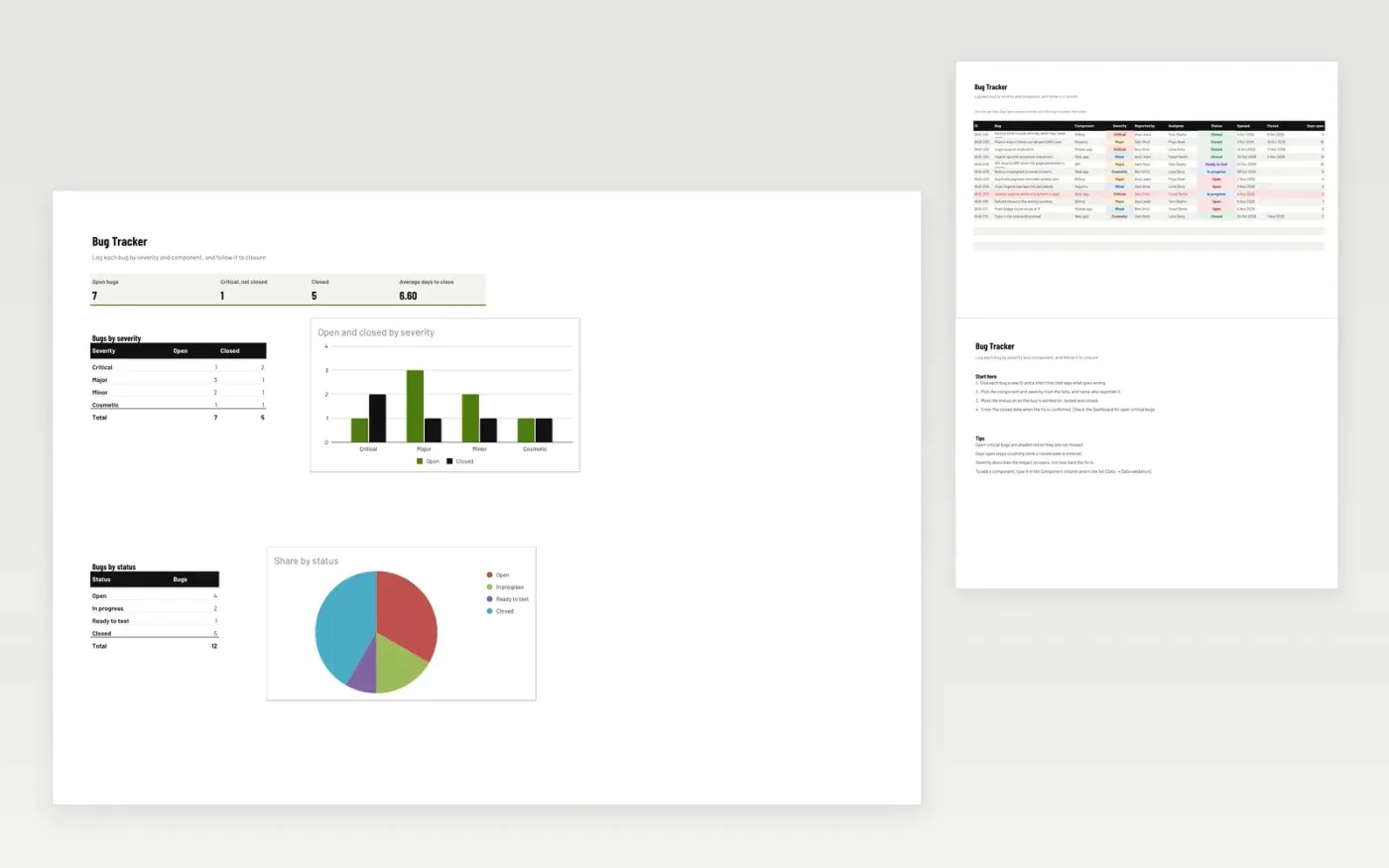
The Bug Tracker gives a development or support team one list of software bugs. Each row records the bug, its component, severity, reporter, assignee and status, along with the dates it was opened and closed. Days open shows how long a bug has been waiting. The Dashboard counts open bugs by severity and by status, so critical problems are seen first.
It comes with sample data for a web product with mobile and billing parts. Make a copy and replace the sample rows. The formulas, dropdowns and charts update on their own.
Click Make a copy in Google Sheets, then confirm on the Google page. The copy is saved to your own Google Drive.
Start on the Bugs tab: replace the sample rows with your own.
Keep the formula columns as they are; they fill in as you type.
Read the How to use tab for tips. For Excel, download the .xlsx file instead.
Yes. Make a copy in Google Sheets or download the .xlsx file for Excel. There is no charge for the template.
Yes. Download the .xlsx file and open it in Excel. The formulas, dropdowns and charts work there as well as in Google Sheets.
Severity describes the impact on users. Critical means users cannot complete an important task, Major means a significant problem with a workaround, Minor means a small problem and Cosmetic means a visual issue only.
More Google Sheets templatesMore developer workflows templates
Slides + PowerPoint11 slides
Free
Docs + Word7 pages
Free
Docs + Word7 pages
Free
Docs + Word6 pages
Free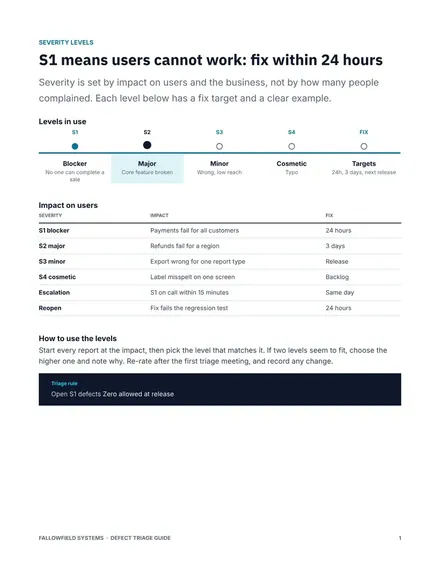
Docs + Word7 pages
Free
Docs + Word8 pages
Free
Docs + Word8 pages
Free









