Company Newsletter
Docs + Word6 pages
Free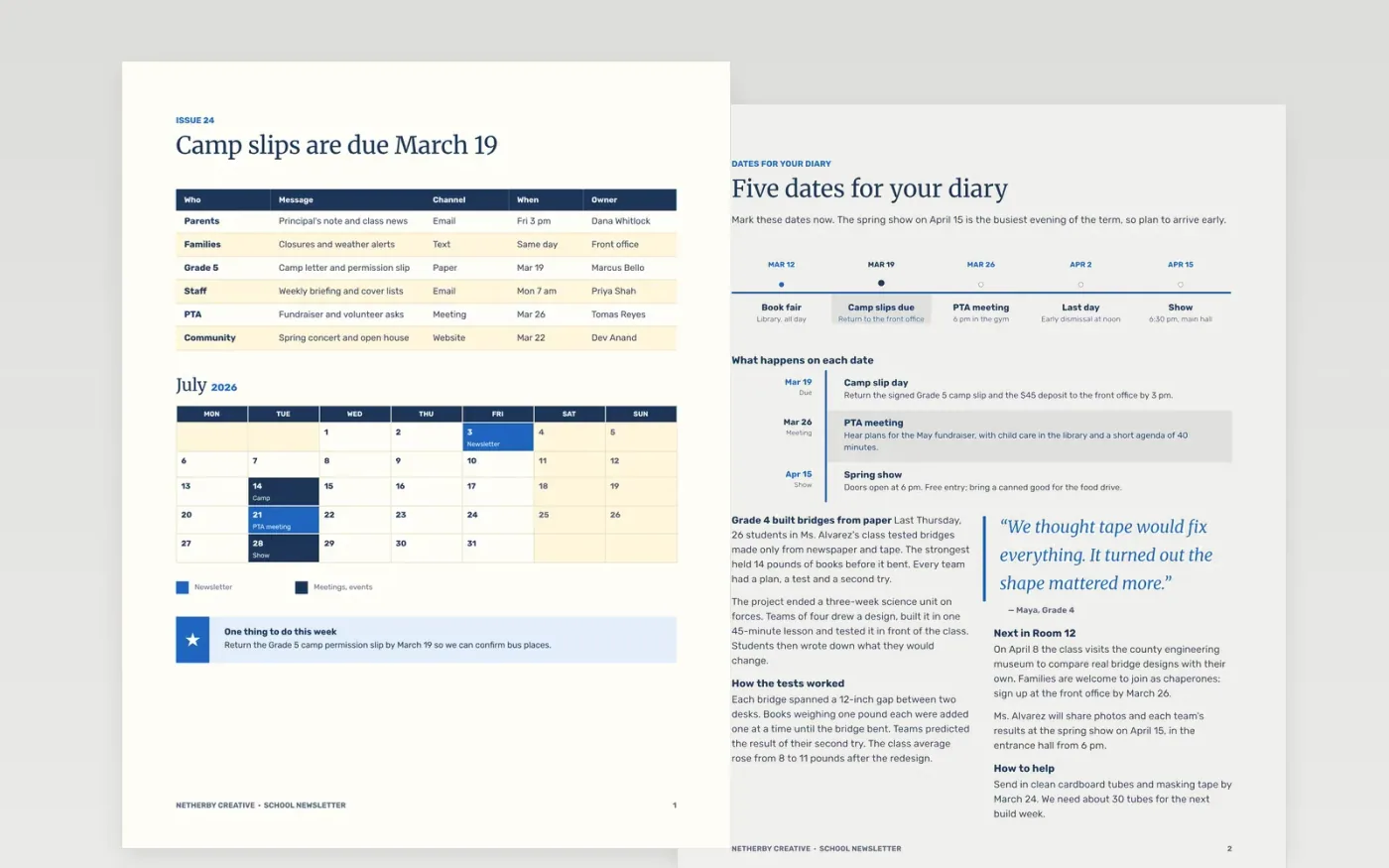
Parents read a school newsletter in under two minutes, so it needs a clear order and one thing to do. This template puts the action first, then a dated diary, a lead class story, a short list of achievements and a reminders checklist with owners. It is organized as six pages and is built to be sent on the same day every week.
The sample is Issue 24 from Netherby Creative Academy, with a Grade 4 bridge project as the lead story, six dated events and the single call to return a camp permission slip by March 19. Replace the masthead, dates, story and figures with your own, and delete any section that matters to fewer than one in five families.
Click Make a copy in Google Docs, then confirm on the Google page. The copy is saved to your own Google Drive.
Replace the school name, issue number and date, then set the one action you want families to take this week.
Write your lead class story first, then update the dates with the next six weeks of real events.
Swap the achievements and numbers for three figures your families recognize, and update the reminders and owners.
Delete the Make it yours page, add your contact and unsubscribe details, then send or share the newsletter.
Aim for 400 to 1,200 words: one lead story and four to six short briefs. Use headings and a dates table so a parent can scan it in two minutes.
Pick one day and time and keep it every week. A consistent send time helps families expect it, and schools often see open rates of 35 to 55%.
No. Netherby Creative Academy, its staff, students and every figure are fictional sample content. Replace all of it with your own news before sending.
Docs + Word6 pages
Free
Docs + Word6 pages
Free
Docs + Word12 pages
Free
Docs + Word7 pages
Free
Docs + Word7 pages
Free
Docs + Word7 pages
Free









