School Newsletter
Docs + Word5 pages
Free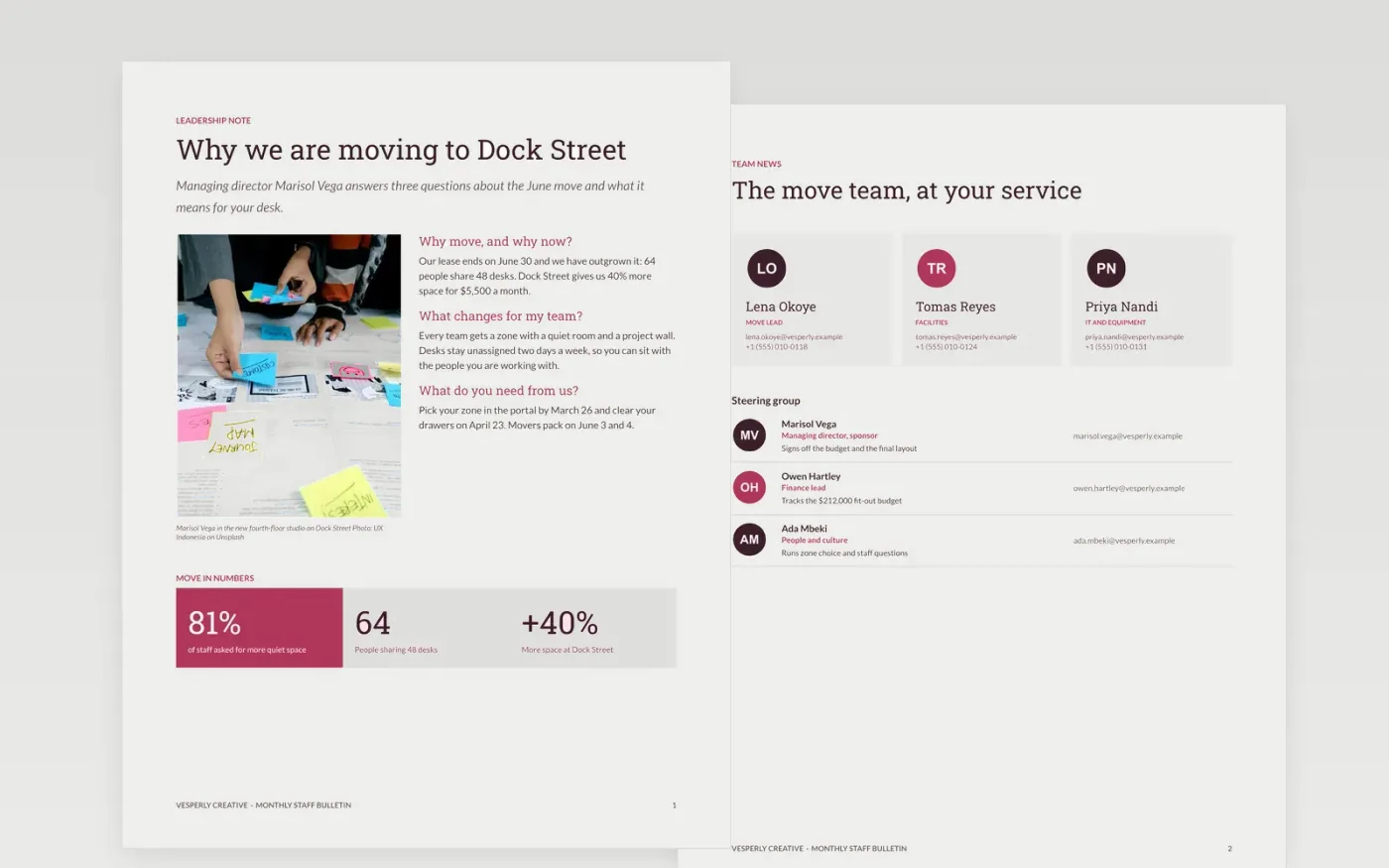
Internal newsletters fail when they open with a message from the boss, bury the dates and ask readers to do five things. This template leads with a story, then gives team news, people updates, a dates timeline, recognition and a short results page, with one call to action.
The sample is issue 38 of the Vesperly Creative bulletin, sent on March 12, 2027 to 64 staff. The lead story is the move to a new studio, with a dates table running to June 7 and a 54% open rate. Replace the masthead, the story, the dates, the three figures and the contacts with your own.
Click Make a copy in Google Docs, then confirm on the Google page. The copy is saved to your own Google Drive.
Replace the masthead name, issue number and date, then write your lead story first and cut the briefs that will not matter to one in five readers.
Update the dates table with the next six weeks of real events and replace the figures strip with three numbers your readers recognize.
Choose one call to action, delete the others, and add your contact and unsubscribe details.
Delete the guide page, then share or send the newsletter.
Between 400 and 1,200 words works well: one lead story, four to six short briefs, a dates table and one call to action. Readers should be able to scan it in two minutes.
No. The organization, the people and every figure in this bulletin are fictional sample data, written to show a complete issue. Replace them with your own.
Yes. The layout suits any regular update to a defined audience, such as parents, members or supporters. Swap the staff stories and the move dates for your own news and events.
Docs + Word5 pages
Free
Docs + Word6 pages
Free
Docs + Word6 pages
Free
Docs + Word7 pages
Free
Docs + Word7 pages
Free









