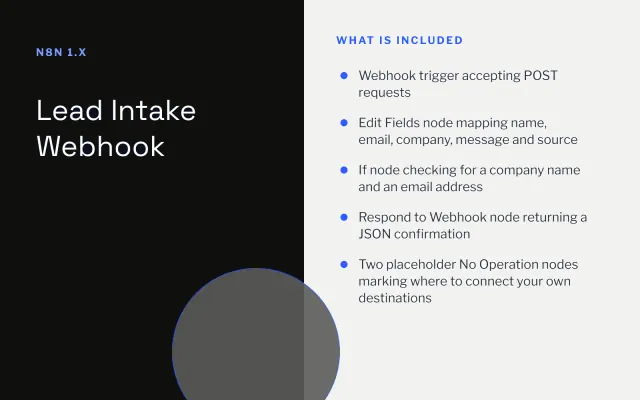
Lead Intake Webhook
n8n
FeaturedFree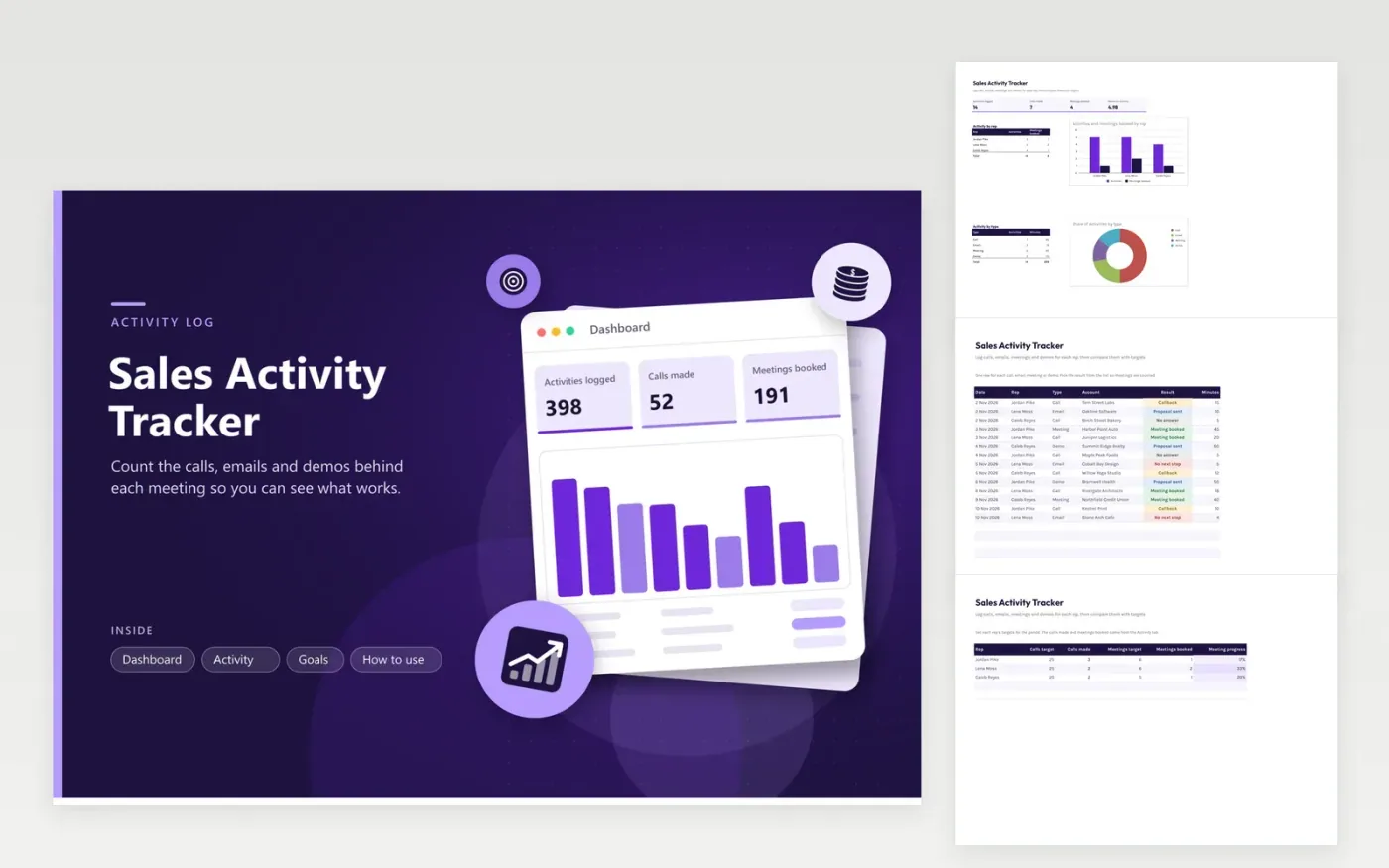
Sales managers and reps use this tracker to measure effort as well as results. On the Activity tab, each call, email, meeting and demo is logged with its date, rep, account, result and minutes spent. The Goals tab sets a call target and a meeting target for each rep and counts what has been done against them. The Dashboard totals activities, meetings booked and hours spent, with charts for activity by rep and by type.
Log each activity on the day it happens, while the result is clear. Pick the result from the list so meetings booked are counted correctly. Review the Goals tab weekly rather than daily. If calls are high but meetings booked are low, filter the Result column for No answer and Callback to see whether the account list needs work before you change how the team calls.
Click Make a copy in Google Sheets, then confirm on the Google page. The copy is saved to your own Google Drive.
Start on the Activity tab: replace the sample rows with your own.
Keep the formula columns as they are; they fill in as you type.
Read the How to use tab for tips. For Excel, download the .xlsx file instead.
Only the Meeting booked result counts toward the meetings figures. Choose it when the prospect agrees to a meeting with a date and time, even if that meeting is moved later. Use Callback or Proposal sent for the other outcomes so the figures stay honest.
Yes. Copy the file each week and keep only that week's rows on the Activity tab. The dashboard and the Goals tab count every row they can see, so the counts and targets match the same period when you change the targets to weekly figures.
The minutes column records the time spent on each activity, including notes and follow-up, so it will not match a calendar entry exactly. Time a call from dialing to hang-up and estimate an email. Using the same method for everyone matters more than precision when you compare reps.
n8n
FeaturedFree
Sheets + Excel4 tabs
Free
Sheets + Excel5 tabs
Free
Sheets + Excel5 tabs
Free
Sheets + Excel5 tabs
Free
Sheets + Excel4 tabs
Free
Sheets + Excel5 tabs
Free
Sheets + Excel4 tabs
Free
Sheets + Excel4 tabs
Free
Sheets + Excel4 tabs
Free








