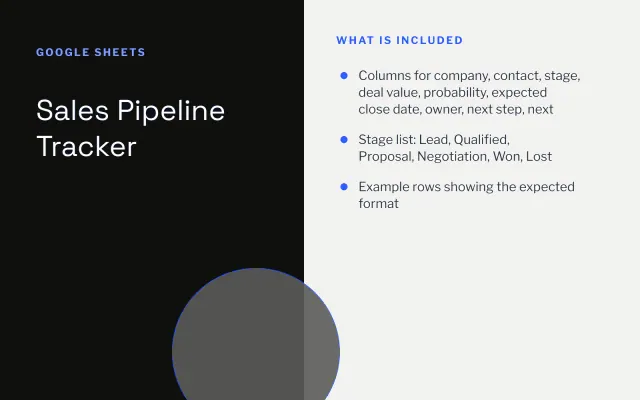
Sales Pipeline Tracker
Google Sheets
Free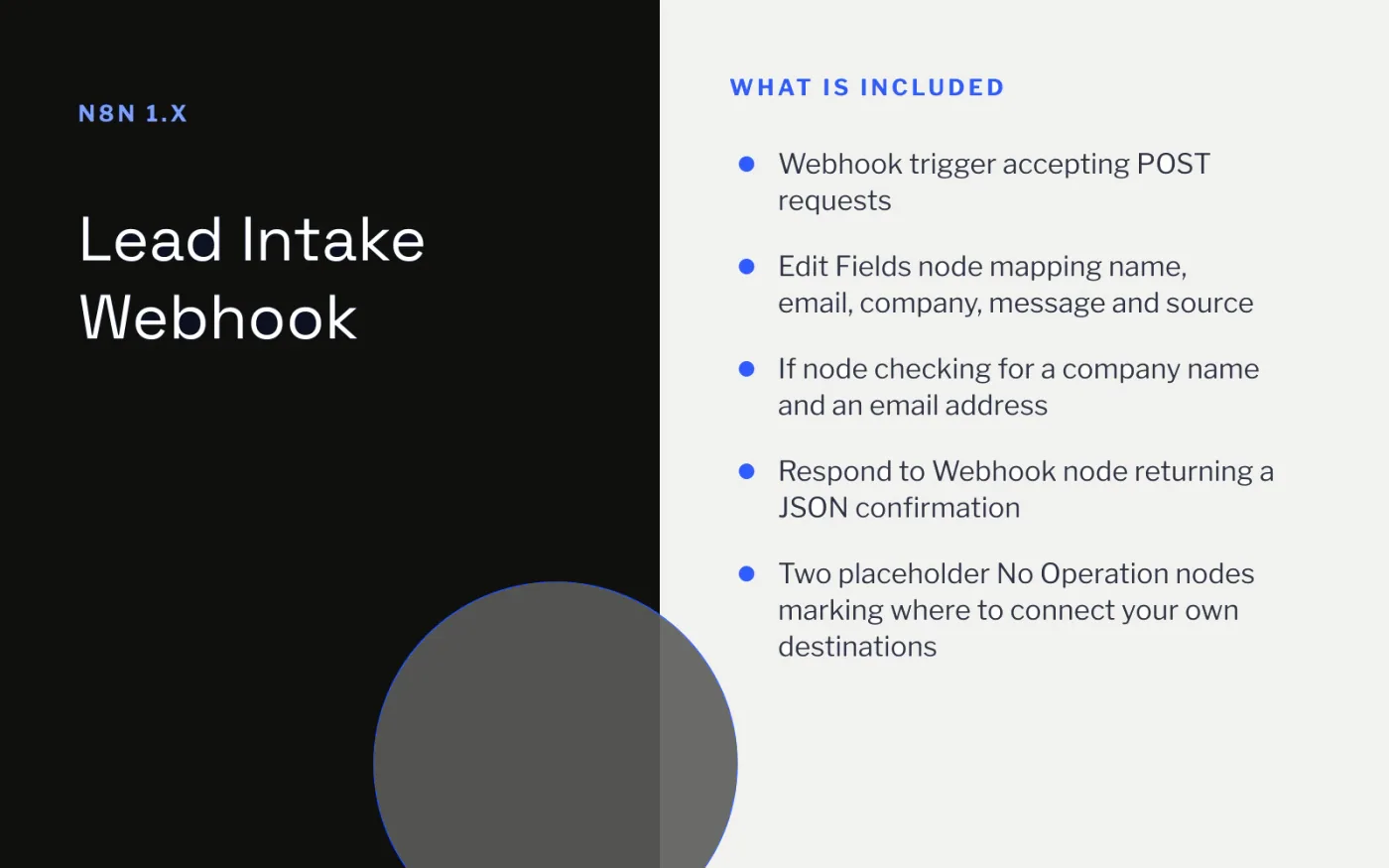
Web forms send data in slightly different shapes. This workflow gives them one entry point: a webhook that accepts a JSON or form POST, maps the fields to a consistent structure and checks whether the lead includes a company and a valid-looking email.
Qualified and unqualified leads leave the workflow on separate branches. Connect each branch to wherever your team works, such as a Google Sheet, a CRM or a chat channel.
Download the workflow JSON.
In n8n, create a new workflow, open the … menu and choose Import from File, then select the JSON.
Open the Webhook node and copy the test URL.
Send a test request, for example: curl -X POST <test-url> -H "Content-Type: application/json" -d '{"name":"Ada","email":"ada@example.com","company":"Example Ltd"}'
Check the Edit Fields output, then replace the two No Operation nodes with your destinations (Google Sheets, a CRM or Slack).
Point your form at the production webhook URL and activate the workflow.
No. n8n exports never contain credentials. You add your own when you connect the destination nodes.
Enable header authentication on the Webhook node and send the matching header from your form handler, or add a CAPTCHA to the form itself.
Google Sheets
Free
Slides + PowerPoint12 slides
Free
Docs + Word3 pages
Free
Docs + Word6 pages
Free
Docs + Word7 pages
Free
Docs + Word9 pages
Free
Docs + Word8 pages
Free
Slides + PowerPoint12 slides
Free








