
Lead Tracker
Sheets + Excel4 slides
Free3 templates
Sheets + Excel4 slides
Free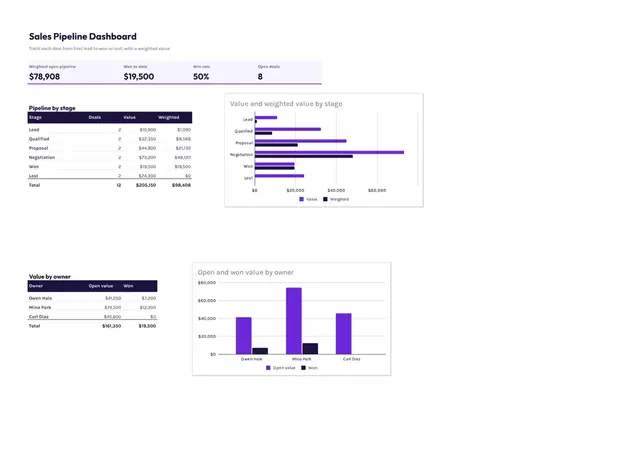
Sheets + Excel3 slides
Free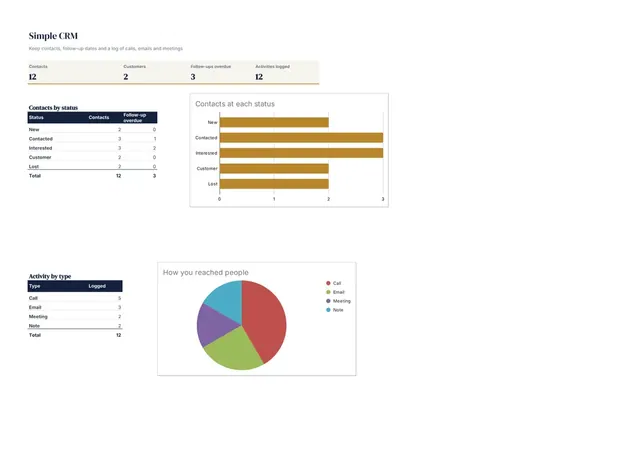
Sheets + Excel4 slides
Free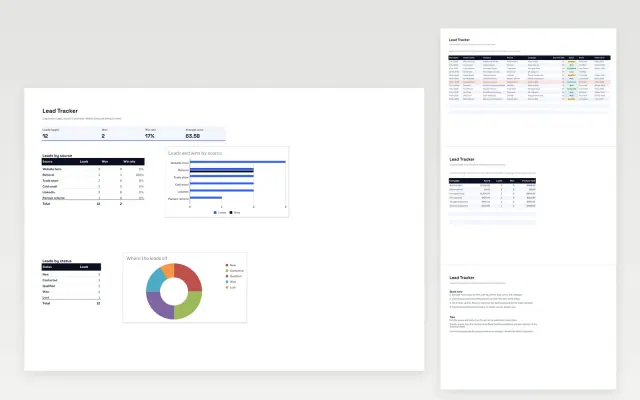 Lead Tracker | 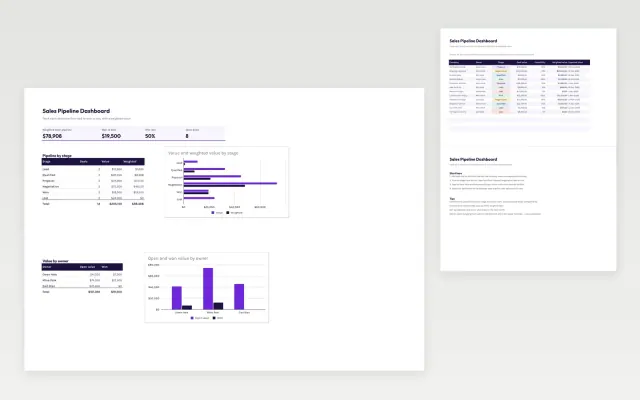 Sales Pipeline Dashboard | 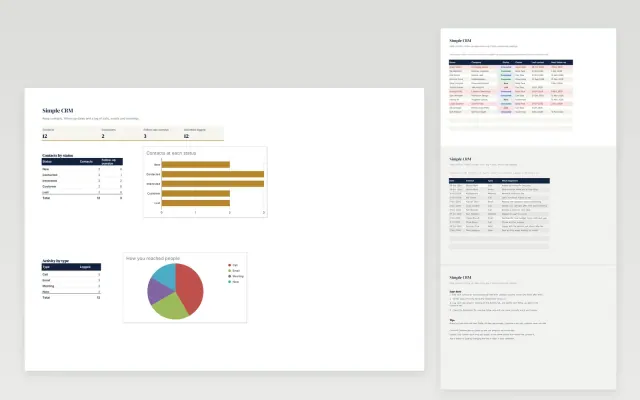 Simple CRM | |
|---|---|---|---|
| Format | Spreadsheet | Spreadsheet | Spreadsheet |
| Works in | Google Sheets and Excel | Google Sheets and Excel | Google Sheets and Excel |
| Length | 4 slides | 3 slides | 4 slides |
| Style | Modern | Modern | Corporate |
A simple CRM keeps your contacts, leads and sales stages in one place, so you know who to follow up with and when. It suits small teams that have outgrown a plain contact list.
Cover contact details, company, lead source, stage in the pipeline, expected value, next action and date, and notes.
Record a next action and a date for every open lead, because missed follow-ups are what usually lose a sale.
Compare Lead Tracker, Sales Pipeline Dashboard, and Simple CRM, all 3 to 4 pages long, then pick the closest match and replace the sample text with your own.
A simple CRM keeps your contacts, leads and sales stages in one place, so you know who to follow up with and when. It suits small teams that have outgrown a plain contact list.
Include contact details, company, lead source, stage in the pipeline, expected value, next action and date, and notes. Record a next action and a date for every open lead, because missed follow-ups are what usually lose a sale.
CRM stands for customer relationship management. It is a system or spreadsheet that tracks who your customers and prospects are, what they have bought and what happens next.
Most pipelines run from a new lead, to qualified, proposal sent, negotiation, and then won or lost. Define what must be true before a deal moves to each stage.
Give each lead its own row with the source, status, owner and next action. Filter by status each week to see which leads need attention.
Start with Lead Tracker: Log every lead, score it and see which sources and campaigns win the most business. If that is not the right fit, compare it with Sales Pipeline Dashboard.
The templates here are 3 to 4 pages long. Cut any section you do not need; each template explains what its sections are for.
Yes. These crm templates work in Google Sheets and Microsoft Excel. All 3 templates are free, with no account or email needed.