
Annual Report
Docs + Word6 pages
FeaturedFree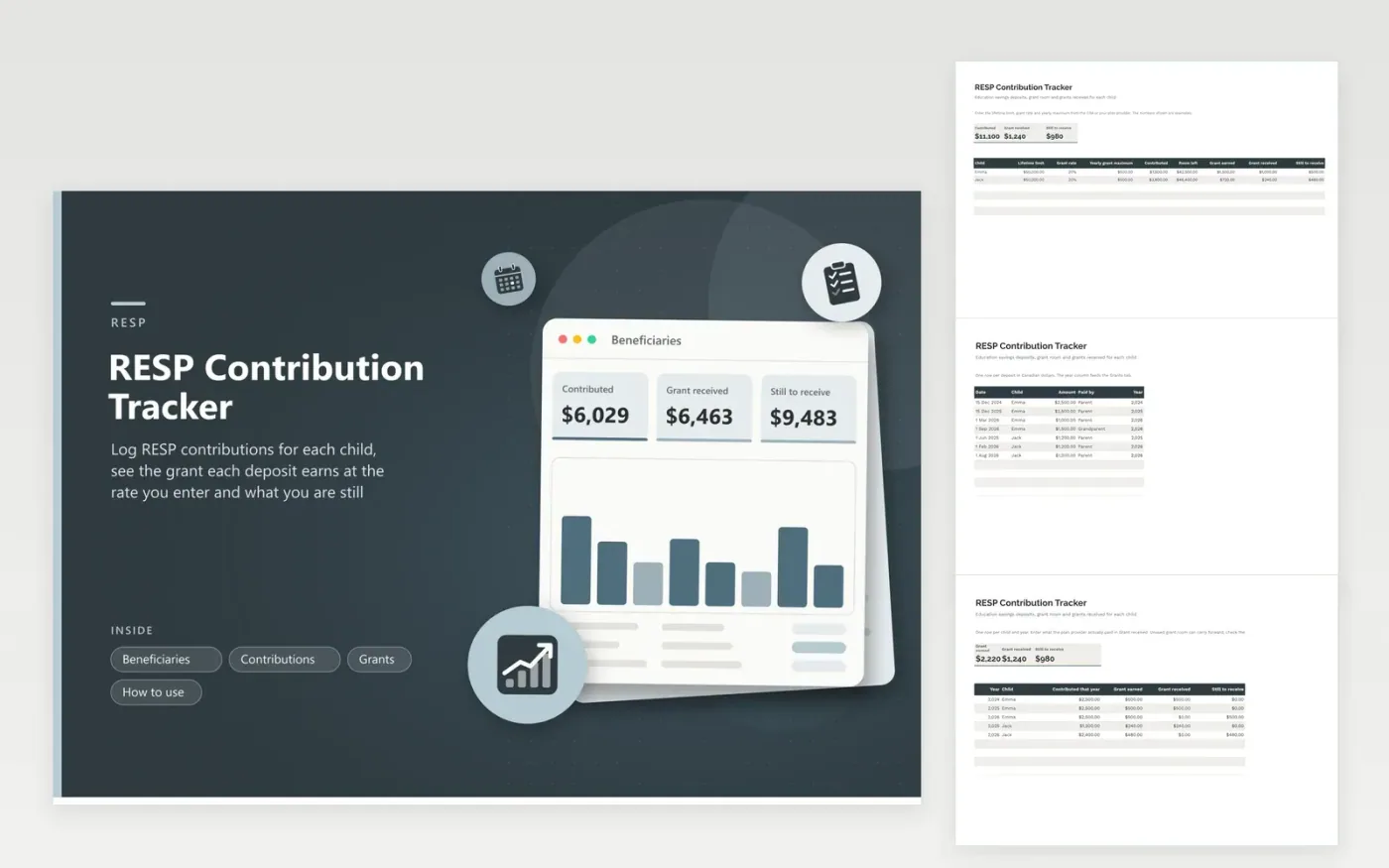
An RESP has two moving parts: your own deposits and a government grant that depends on them. Beneficiaries stores each child with a lifetime limit, a grant rate and a yearly grant maximum, all typed in from CRA or provider figures, and shows contributed, room left, grant earned and grant still to receive. Contributions logs each deposit in Canadian dollars with who paid it.
Grants needs one row per child and year. It totals what you contributed that year, works out the grant at your rate up to the yearly maximum, and compares it with the grant your provider paid. In the sample, a 2026 deposit year for each child has earned $980 in grants that has not been received. Carry-forward room is not modeled, so add it by hand if you use it.
Click Make a copy in Google Sheets, then confirm on the Google page. The copy is saved to your own Google Drive.
Start on the Beneficiaries tab: replace the sample rows with your own.
Keep the formula columns as they are; they fill in as you type.
Read the How to use tab for tips. For Excel, download the .xlsx file instead.
Record each deposit with the date and the child, then total them by year. Compare each year with the grant your provider shows to confirm the match was paid.
The government sets a grant rate and a yearly maximum, and both can change. Look up the current figures with the CRA and type them in, as the sheet does not build them in.
It is a cap on total deposits per beneficiary set by federal rules. Type the CRA figure into Beneficiaries and the remaining room appears beside each child.
Docs + Word6 pages
FeaturedFree
Excel
FeaturedFree
Sheets + Excel5 tabs
Free
Sheets + Excel6 tabs
Free
Sheets + Excel6 tabs
Free
Sheets + Excel5 tabs
Free
Sheets + Excel6 tabs
Free
Sheets + Excel6 tabs
Free
Sheets + Excel7 tabs
Free
Sheets + Excel5 tabs
Free
Sheets + Excel5 tabs
Free
Sheets + Excel5 tabs
Free
Sheets + Excel6 tabs
Free
Sheets + Excel7 tabs
Free
Sheets + Excel5 tabs
Free








