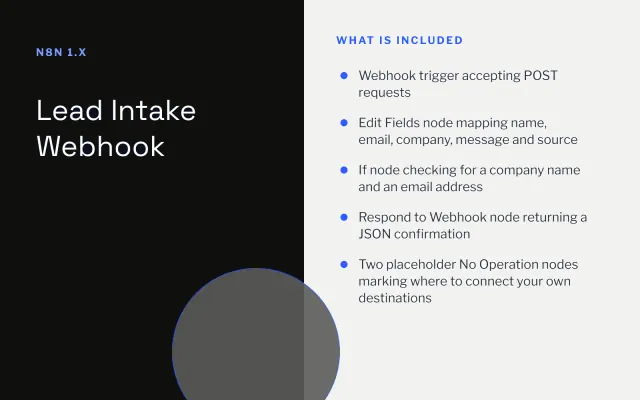
Lead Intake Webhook
n8n
FeaturedFree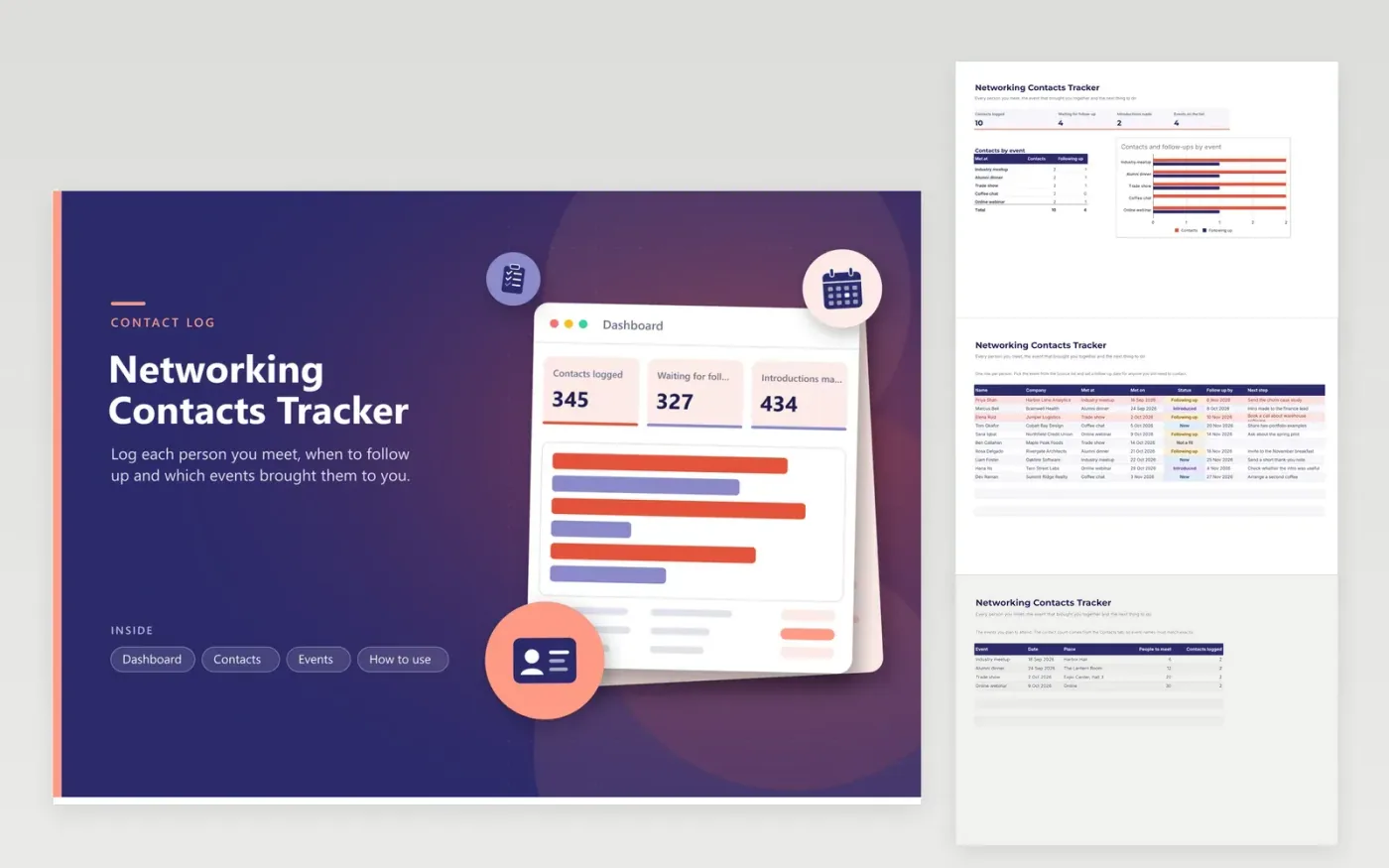
This tracker suits anyone who meets new people for work, from job seekers and founders to sales and consulting staff. The Contacts tab gives each person a row with their company, the event that brought you together, the date you met, a status, plus the next step and when it is due. The Events tab lists each event with its goal and counts the contacts logged there, and the Dashboard shows contacts by event in a bar chart.
Add the events you plan to attend first, then log each contact the same day while names are fresh. Use the status column to mark who is waiting for you and who you have introduced, and sort by the follow-up date to see what is late. Late rows turn red automatically. Keep the event names identical in the Met at column and on the Events tab, or the counts will miss contacts.
Click Make a copy in Google Sheets, then confirm on the Google page. The copy is saved to your own Google Drive.
Start on the Contacts tab: replace the sample rows with your own.
Keep the formula columns as they are; they fill in as you type.
Read the How to use tab for tips. For Excel, download the .xlsx file instead.
Fill in the Follow up by date and the next step for each contact. A row turns red once its date has passed while the status still says Following up, so overdue follow-ups catch your eye on opening the Contacts tab.
Open the Dashboard. The Contacts by event table counts every contact by its Met at event, and the bar chart puts that count beside the number still following up. The Events tab shows the same count against each event's goal.
Yes. Enter the event on the Events tab, then put the same name in the Met at list on the Contacts tab. For a new field, insert a column next to the others and copy the formatting from its neighbor.
n8n
FeaturedFree
Sheets + Excel4 tabs
Free
Sheets + Excel5 tabs
Free
Sheets + Excel4 tabs
Free
Sheets + Excel4 tabs
Free
Sheets + Excel4 tabs
Free
Sheets + Excel4 tabs
Free
Sheets + Excel4 tabs
Free
Sheets + Excel3 tabs
Free
Sheets + Excel4 tabs
Free








