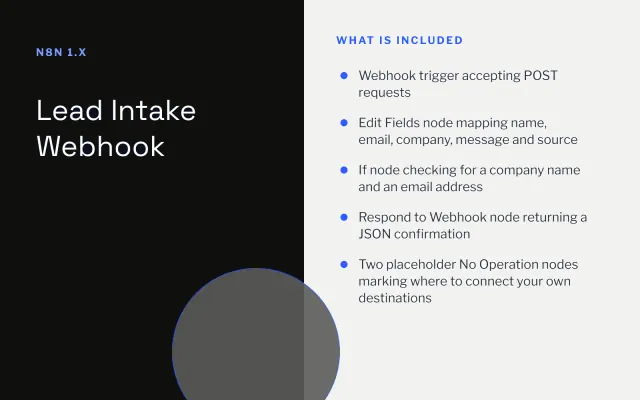
Lead Intake Webhook
n8n
FeaturedFree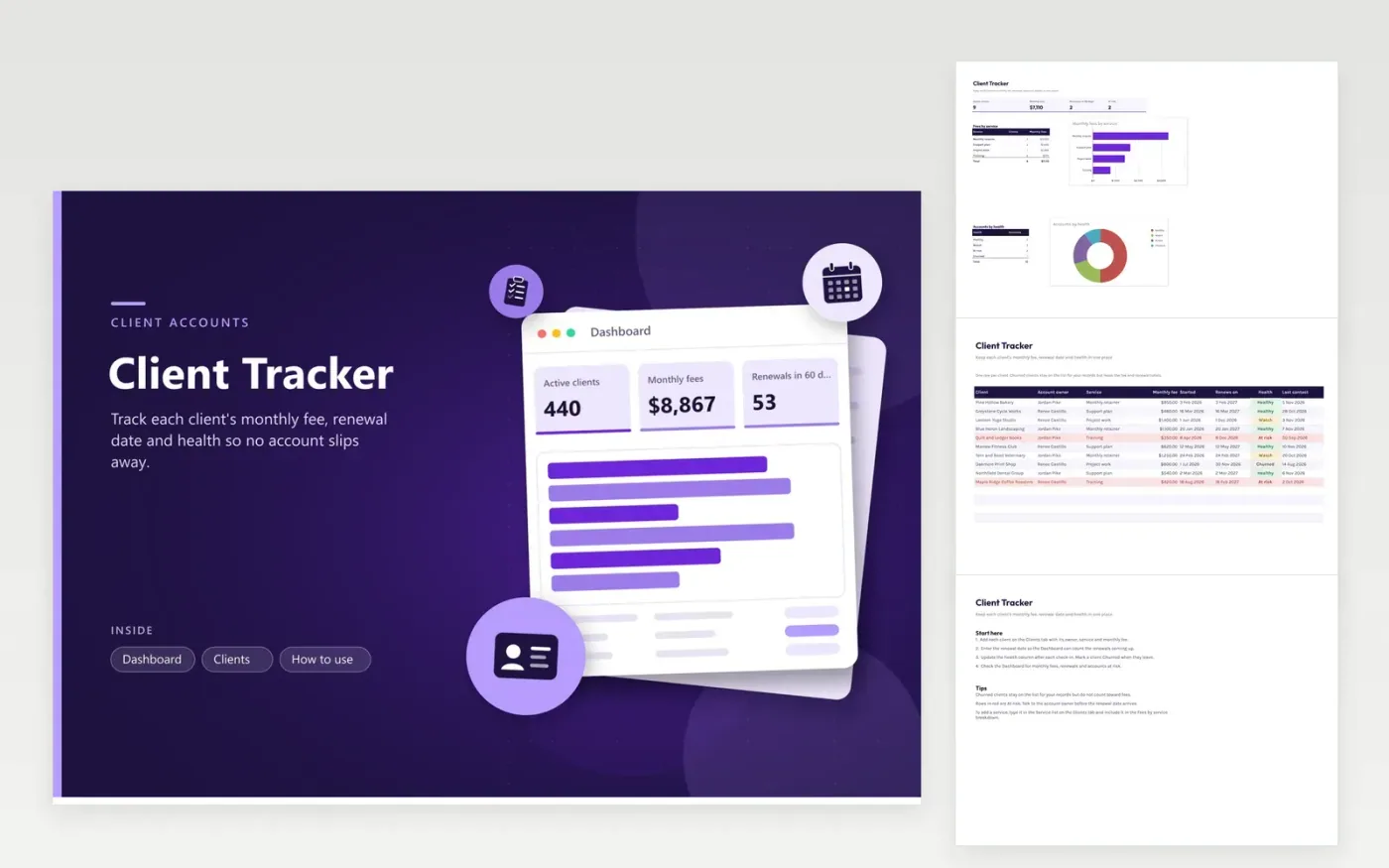
Account managers and small agencies use the Client Tracker to keep every retainer client in one place. On the Clients tab each client has an account owner, service, monthly fee, start date, renewal date, health (Healthy, Watch, At risk or Churned) and last contact date. The Dashboard totals monthly fees from clients who have not churned, counts renewals due in the next 60 days and breaks fees down by service.
Enter each client once, then update the health column after every check-in. Set renewal dates early enough that the dashboard flags them with weeks to spare. Churned clients stay on the list for your records, but they drop out of the fee totals. Review the At risk rows each week with the account owner.
Click Make a copy in Google Sheets, then confirm on the Google page. The copy is saved to your own Google Drive.
Start on the Clients tab: replace the sample rows with your own.
Keep the formula columns as they are; they fill in as you type.
Read the How to use tab for tips. For Excel, download the .xlsx file instead.
Agree a simple rule with your team. Healthy means the client is paying and engaged, Watch means an issue is open, At risk means they have raised concerns or gone quiet, and Churned means they have left. Keep the rule in your team notes so everyone uses it the same way.
Keeping them lets you review past work, spot patterns and check what happened before a client left. The fee and renewal totals skip them, so the dashboard shows only what you earn now.
Type the service name into the Service dropdown on the Clients tab, and list it in the Fees by service breakdown on the Dashboard. Without that step, its fees will not reach the chart.
n8n
FeaturedFree
Sheets + Excel4 tabs
Free
Sheets + Excel5 tabs
Free
Sheets + Excel4 tabs
Free
Sheets + Excel5 tabs
Free
Sheets + Excel4 tabs
Free
Sheets + Excel4 tabs
Free
Sheets + Excel4 tabs
Free
Sheets + Excel3 tabs
Free
Sheets + Excel4 tabs
Free








