
Market Research Presentation
Slides + PowerPoint18 slides
Free
Launches stall when sales, marketing and product each hold a different plan. This deck puts one plan on eleven slides: the market, the beachhead segment, positioning against the buyer's current alternative, pricing tiers, four channels with owners, a dated launch timeline and funnel targets set backwards from revenue.
The sample follows Junipera Media, a fictional publisher launching a media-briefing product for in-house communications teams. It shows a $210M serviceable market, 8,400 target accounts and a funnel from 20,000 visitors to 180 customers. Replace the segment, prices, channels and dates with your own, and flag any assumptions you have not tested.
Click Make a copy in Google Slides, then confirm on the Google page. The copy is saved to your own Google Drive.
Choose one beachhead segment and replace the market chart, headline numbers and scorecard with your own figures and sources.
Rewrite the positioning columns around the alternative your buyer uses today, and replace the pricing tiers with the evidence you have.
Set the funnel targets backwards from your revenue goal using real conversion rates, and give every launch milestone an owner and a date.
Delete the guide slide, then share the deck or present it to your leadership team.
Pick one beachhead segment and move the rest to a later list. A focused plan lets sales, marketing and product put the same effort in the same place, and it makes the funnel targets credible.
Start with the revenue goal and work backwards through average contract value, trial-to-customer conversion and visitor-to-trial conversion, using your real rates. Give each stage a named owner.
No. Junipera Media, the product, the people and every figure are fictional sample data. Replace them with your own market, prices and results before you present the deck.
Slides + PowerPoint18 slides
Free
Docs + Word12 pages
Free
Docs + Word6 pages
Free
Docs + Word8 pages
Free
Slides + PowerPoint11 slides
Free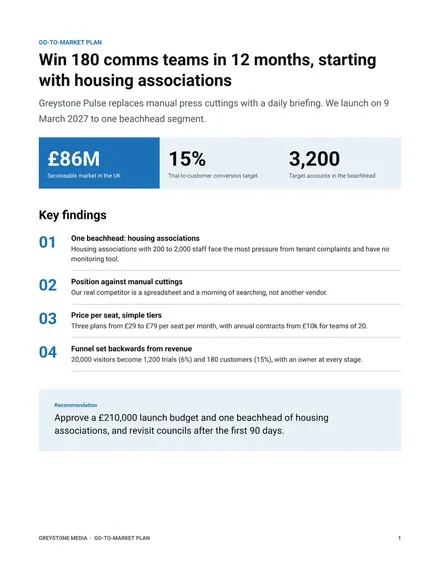
Docs + Word10 pages
Free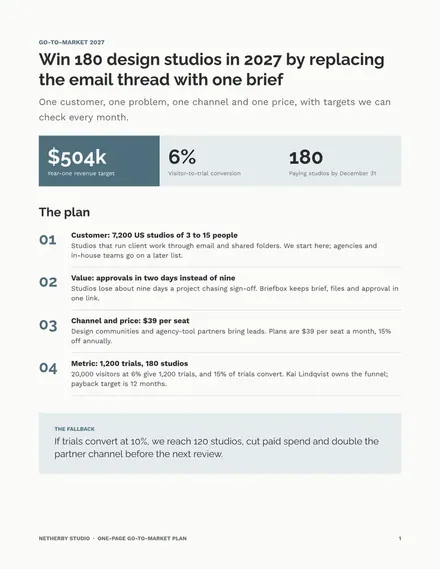
Docs + Word2 pages
Free









