Go-to-Market Strategy Deck
Slides + PowerPoint11 slides
Free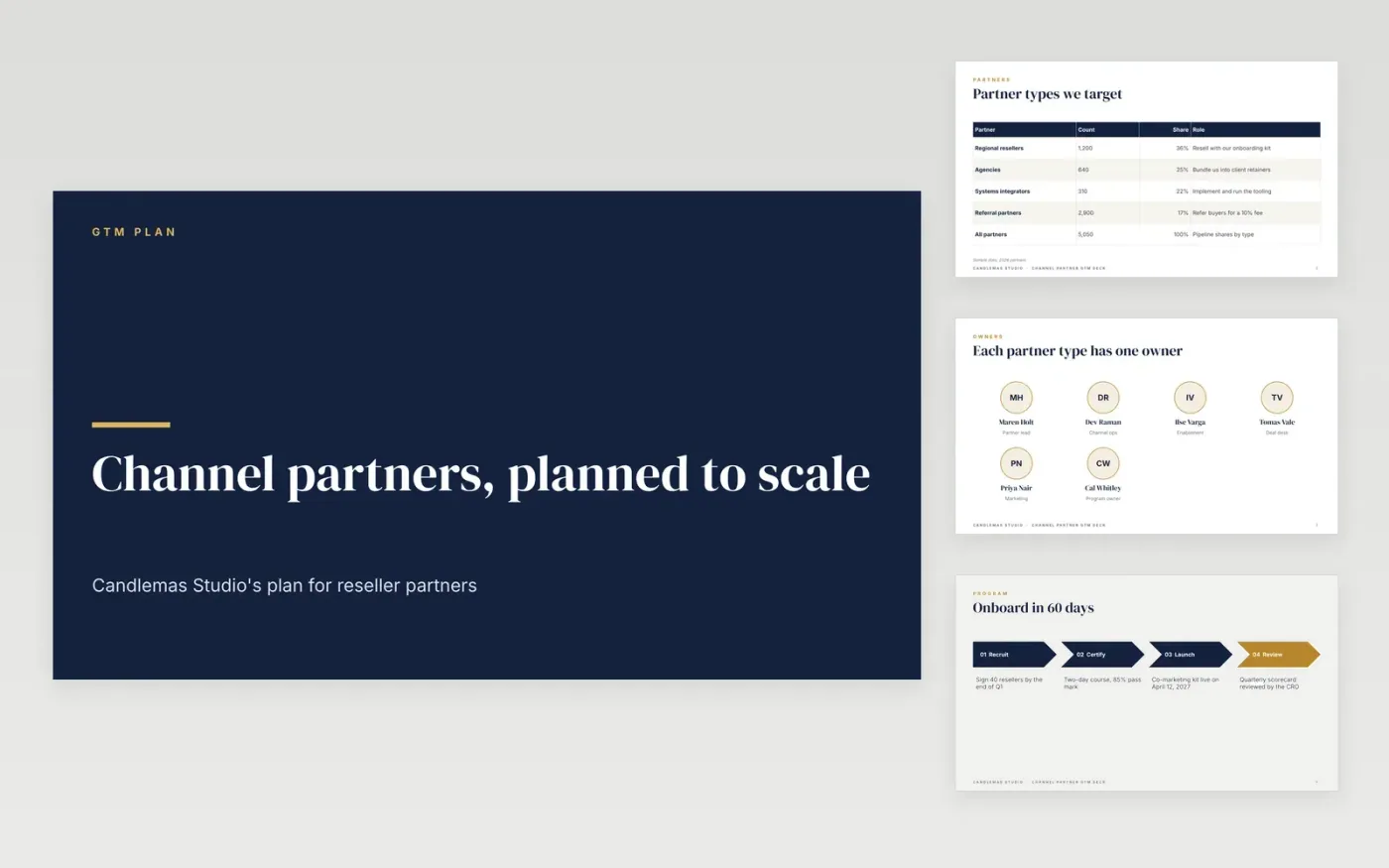
Partner-led launches stall when every reseller gets a different deal and nobody owns the funnel. This free Google Slides template gives partner managers one plan covering who the partners are, how the program runs, what enablement they need, which incentives pay and the targets each stage must hit. It runs to 11 slides in a fixed order: a cover, a partner types table, team owners, onboarding steps, terms, a knowledge check, sales resources, market targets, then a guide and a closing slide.
Every slide holds sample content for Candlemas Studio, a fictional software company, so you can see how a finished plan reads. The partner counts, names, rebates and figures are invented. Replace them with your CRM export, signed terms and pilot results, then delete the guide slide before you share the deck with leadership.
Click Make a copy in Google Slides, then confirm on the Google page. The copy is saved to your own Google Drive.
Replace the partner types, counts and shares with your own CRM figures.
Rewrite the terms and incentives so they match your signed partner agreement.
Set your targets backwards from revenue, then name an owner for each stage.
Delete the make-it-yours guide slide, then share or present the deck.
Yes. Click Make a copy in Google Slides and the file is saved to your own Google Drive, with no sign-up and no cost for the template.
Yes. The slides use standard Google Slides layouts, so you can add or remove partner tiers, change the colors and move tables as you need.
No. Candlemas Studio, its partners, owners and every figure are fictional sample data, so replace them with your own before you share the deck.
Slides + PowerPoint11 slides
Free
Docs + Word6 pages
Free
Google Sheets
Free
Docs + Word8 pages
Free
Docs + Word10 pages
Free
Docs + Word2 pages
Free








