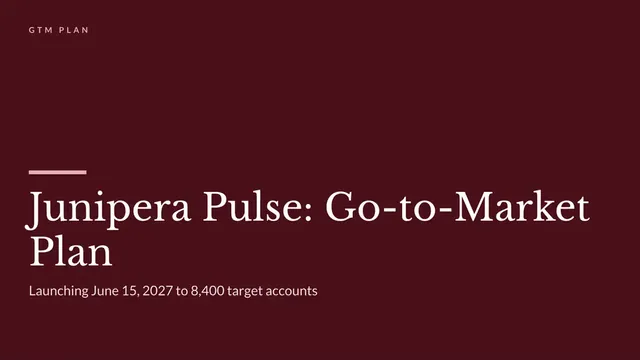
Go-to-Market Strategy Deck
Slides + PowerPoint11 slides
Free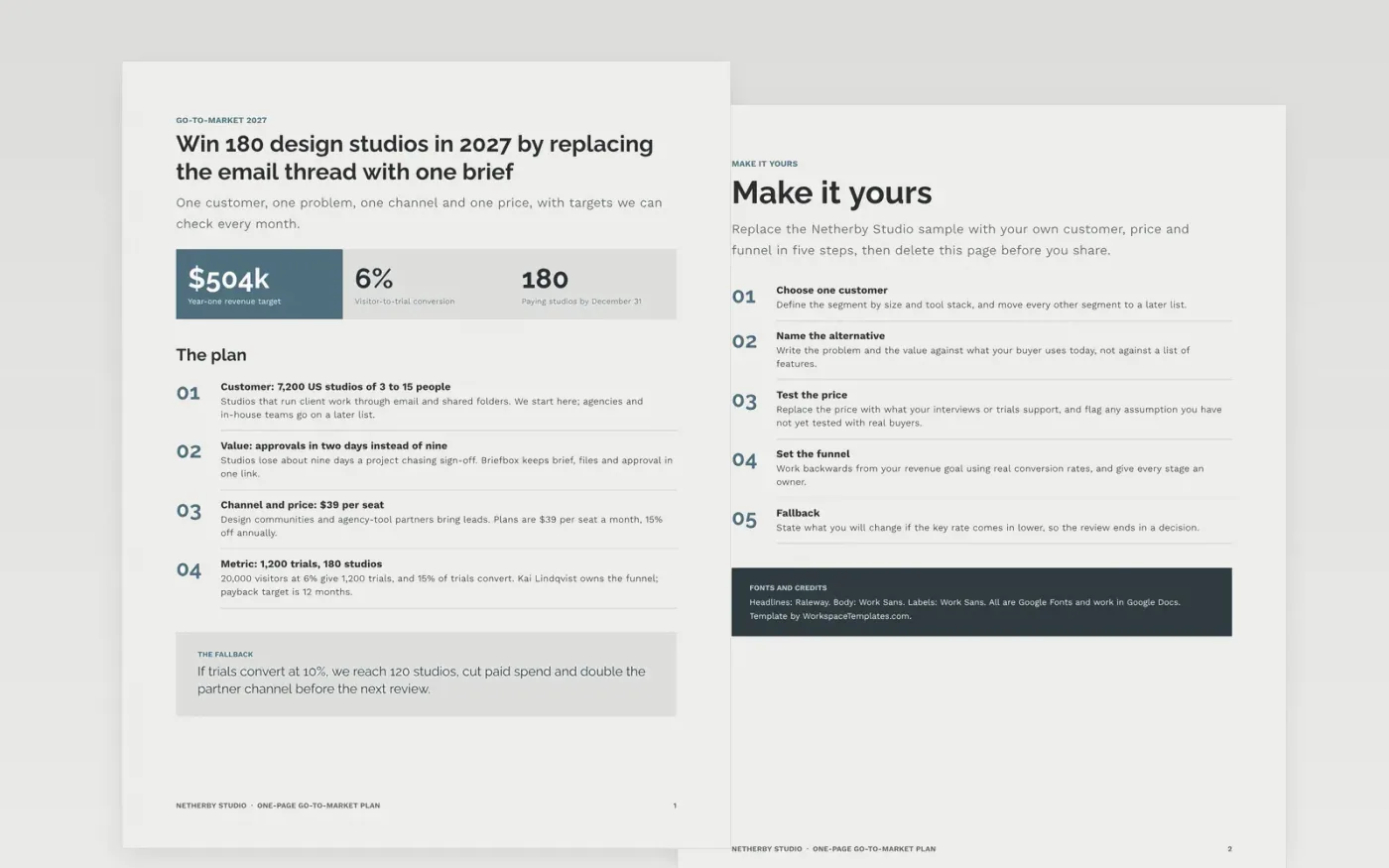
Early-stage teams rarely need a 30-page plan; they need to agree one customer, one problem and one channel. This template is a canvas on a single page: customer, problem, value, channel, price and metric, each stated as a bet with a number, followed by a short guide for replacing the sample.
The sample is a 2027 plan for Netherby Studio, selling a client-approval tool to 7,200 US design studios of 3 to 15 people. It shows a $39 per seat price, a funnel of 20,000 visitors, 1,200 trials and 180 studios, and a fallback if trials convert at 10%. Replace each line with your own evidence.
Click Make a copy in Google Docs, then confirm on the Google page. The copy is saved to your own Google Drive.
Name one customer segment by size and tool stack, and move every other segment to a later list.
Write the problem and value in your buyer's words, and replace the price with what your research supports.
Set the funnel backwards from your revenue goal, using real conversion rates and an owner for each stage.
Delete the guide page, then share the plan or present it to your team.
When you have one product, one main customer type and a team small enough to agree in a single meeting. Move to a longer plan when you add segments, partners or a sales team.
Work backwards from the revenue you need, using your real conversion rates. The sample goes from 180 customers to 1,200 trials to 20,000 visitors and names an owner for each step.
No. Netherby Studio, its people and every figure are fictional sample data, written so the revenue, funnel and price numbers agree with each other.
Slides + PowerPoint11 slides
Free
Docs + Word12 pages
Free
Docs + Word6 pages
Free
Docs + Word8 pages
Free
Slides + PowerPoint11 slides
Free
Docs + Word10 pages
Free









