Annual Marketing Plan
Docs + Word12 pages
Free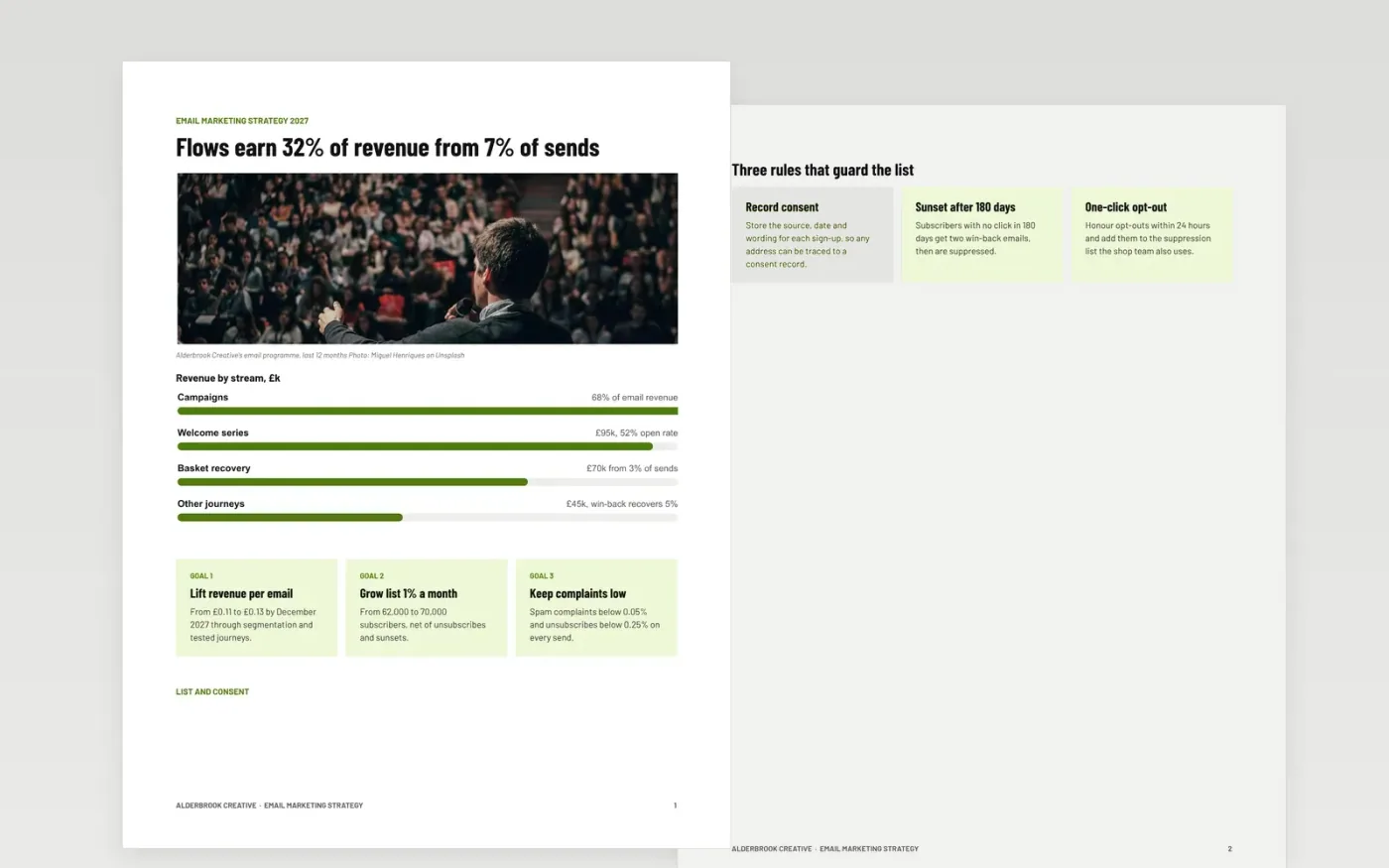
Many email programmes drift into batch-and-blast sends, with no clear segments, no sunset policy and no link between opens and revenue. This document gives a CRM lead one place to set goals, record consent, define segments, map automated journeys, schedule campaigns and agree the limits that protect sender reputation. Pages run from goals through to measures and service levels.
The sample follows Alderbrook Creative, a fictional design studio and print shop with 62,000 subscribers and £660k of annual email revenue, a third of it from journeys. Replace the list size, open and click baselines with your last 90 days of data, redefine inactive for your send frequency, and move the calendar to your real promotions.
Click Make a copy in Google Docs, then confirm on the Google page. The copy is saved to your own Google Drive.
Replace the list size, open rate, click rate and revenue baselines with your last 90 days of data from your email platform.
Redefine inactive for your send frequency, set the suppression date, and update the consent rules to match your sign-up forms.
Rewrite the journeys and move the campaign calendar to your real promotions, then set your revenue-per-email target.
Delete the guide page, then share the document with marketing and data protection colleagues.
Apple Mail Privacy Protection inflates open rates, so opens no longer prove a person read the email. Clicks and orders are the safer signals for sunsetting.
Yes. Swap revenue per email for donations or sign-ups per email, and rename the journeys to match your supporter stages. The consent and deliverability pages apply unchanged.
No. The organisation, people and figures are fictional sample data. Replace every name, email address and number with your own before sharing the plan.
Docs + Word12 pages
Free
Docs + Word6 pages
Free
Google Sheets
Free
Slides + PowerPoint12 slides
Free
Docs + Word7 pages
Free








