
Annual Report
Docs + Word6 pages
FeaturedFree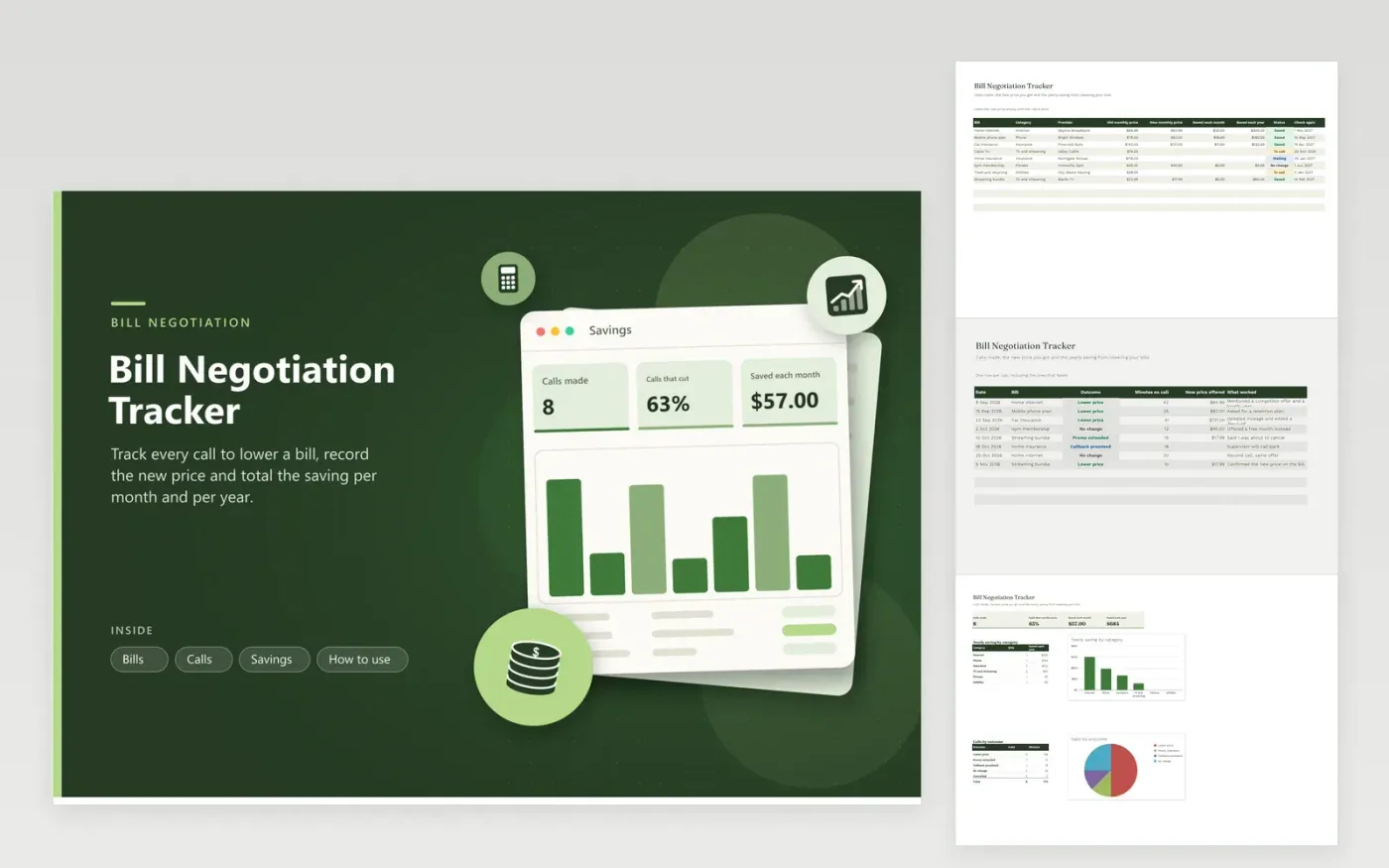
Lowering a bill is a small project with several calls. The Bills tab holds every bill along with its category, provider, old price, new price and status. When you enter a new price, the sheet works out the saving per month and per year, and a date column reminds you when to check again. The Calls tab logs each call with the outcome, minutes on the phone, the price offered and what worked.
The Savings tab shows the number of calls made, the share that cut the price, the total saved per month and per year and a chart of yearly saving by category. A second chart shows calls by outcome. Sample bills cover internet, a phone plan, insurance and a streaming bundle, which shows what a mix of wins and misses looks like.
Click Make a copy in Google Sheets, then confirm on the Google page. The copy is saved to your own Google Drive.
Start on the Bills tab: replace the sample rows with your own.
Keep the formula columns as they are; they fill in as you type.
Read the How to use tab for tips. For Excel, download the .xlsx file instead.
Call the provider, ask for the retention or loyalty team and mention competing offers. Log the outcome here and the sheet shows the saving per month and per year.
Set the bill status to Waiting and log the call as Callback promised. Change it to Saved or No change when you get an answer.
Check the next statement. Type the new monthly price from the bill into the New monthly price column to see the confirmed saving.
Docs + Word6 pages
FeaturedFree
Excel
FeaturedFree
Sheets + Excel5 tabs
Free
Sheets + Excel6 tabs
Free
Sheets + Excel5 tabs
Free
Sheets + Excel6 tabs
Free
Sheets + Excel5 tabs
Free
Sheets + Excel5 tabs
Free
Sheets + Excel5 tabs
Free
Sheets + Excel5 tabs
Free
Sheets + Excel4 tabs
Free
Sheets + Excel4 tabs
Free
Sheets + Excel4 tabs
Free
Sheets + Excel4 tabs
Free
Sheets + Excel3 tabs
Free








