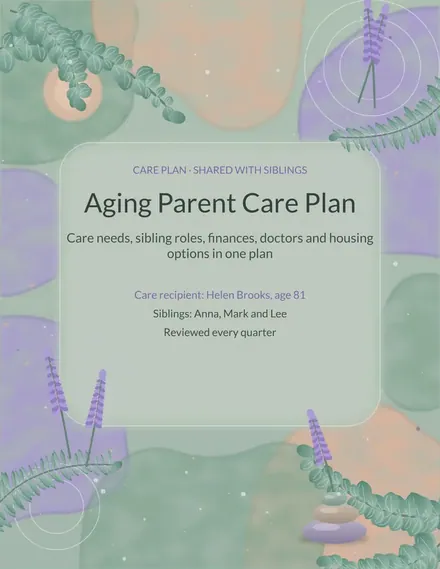
Aging Parent Care Plan
Docs + Word3 pages
Free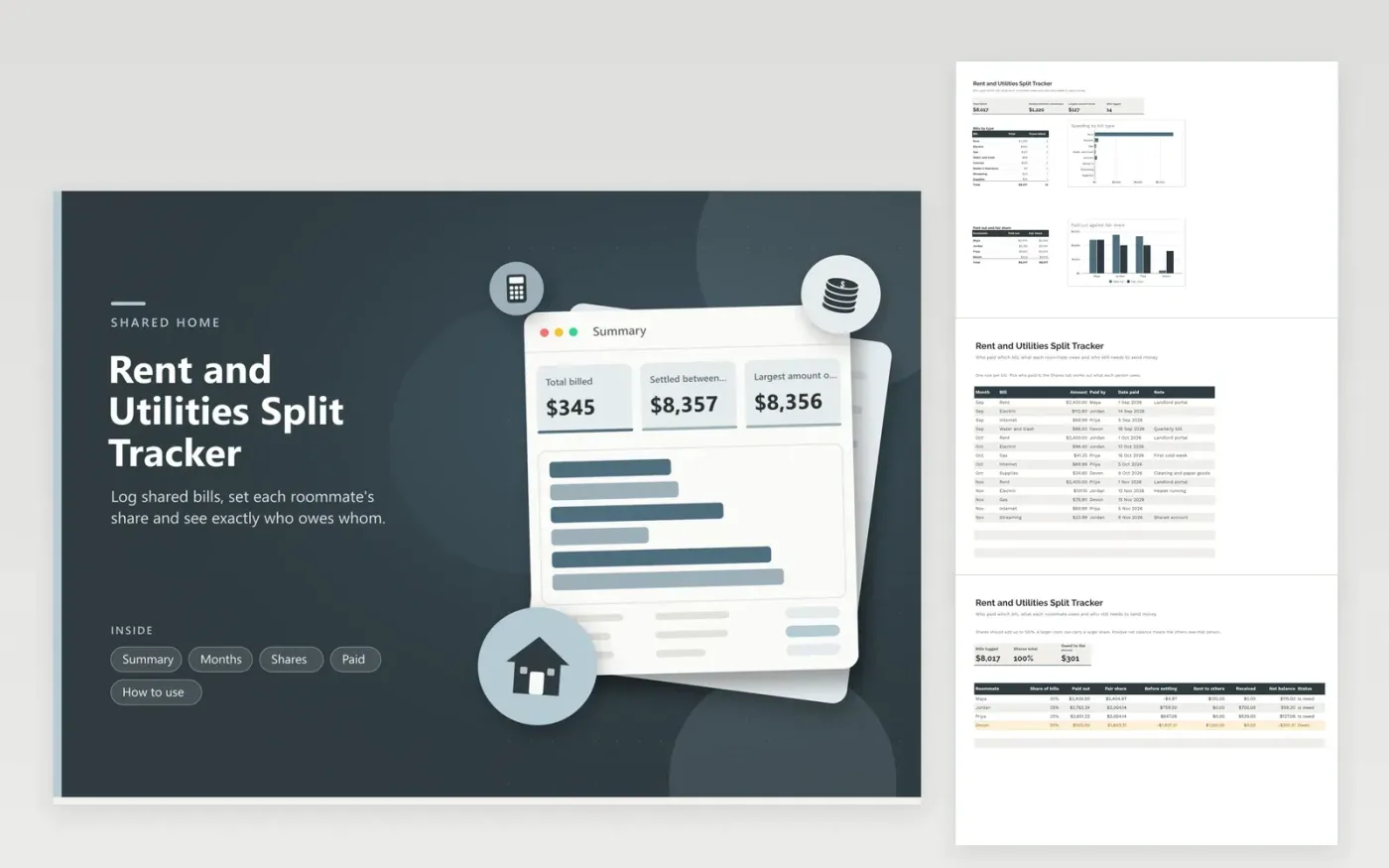
Four people, one lease, one electric bill and a group chat full of screenshots: shared housing makes small money questions pile up. This tracker keeps the record in one place. The Months tab records every bill and who covered it. The Shares tab gives every roommate a percentage, so a bigger room can pay a bigger part, and compares what each person paid with what they owe. The Paid tab records money sent between roommates.
The Summary tab shows total spending by bill type and, for each roommate, the amount paid beside the fair share. Net balance is the number that ends the argument: a positive figure means the others owe that person, a negative one shows a debt to the group. Sample rows cover three months of rent, power, gas and internet; replace them with your own bills and names.
Click Make a copy in Google Sheets, then confirm on the Google page. The copy is saved to your own Google Drive.
Start on the Months tab: replace the sample rows with your own.
Keep the formula columns as they are; they fill in as you type.
Read the How to use tab for tips. For Excel, download the .xlsx file instead.
Many households split utilities equally and rent by room size or income. Set whatever shares the group agrees on in the Shares tab, and the sheet applies them to every bill.
The roommate has paid more than their share, so the others owe them money. A negative number means they still owe the group. Log payments on the Paid tab to bring each balance toward zero.
This sheet applies one share to all bills. If utilities are equal but rent is not, keep two copies of the workbook or enter rent under one name and utilities under another.
Docs + Word3 pages
Free
Docs + Word3 pages
Free
Docs + Word3 pages
Free
Sheets + Excel5 tabs
Free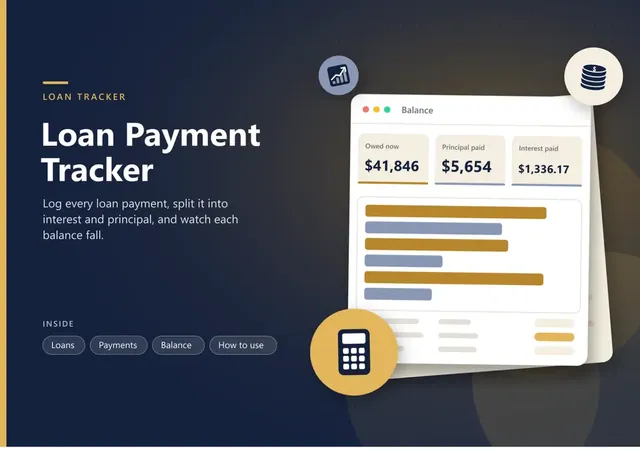
Sheets + Excel6 tabs
Free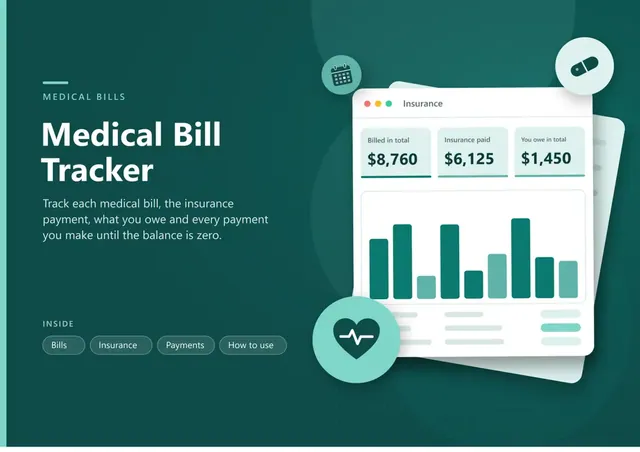
Sheets + Excel5 tabs
Free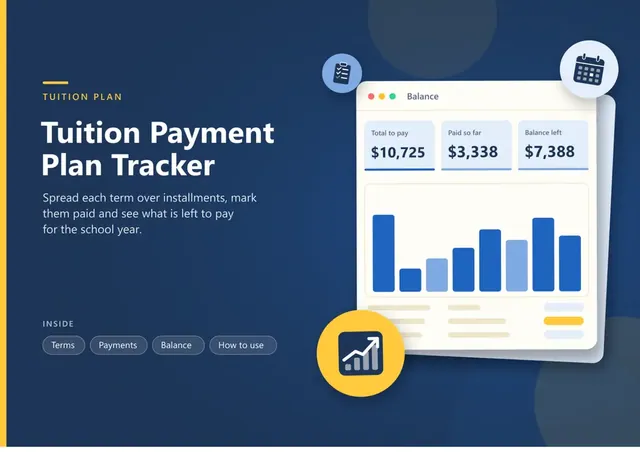
Sheets + Excel5 tabs
Free
Sheets + Excel5 tabs
Free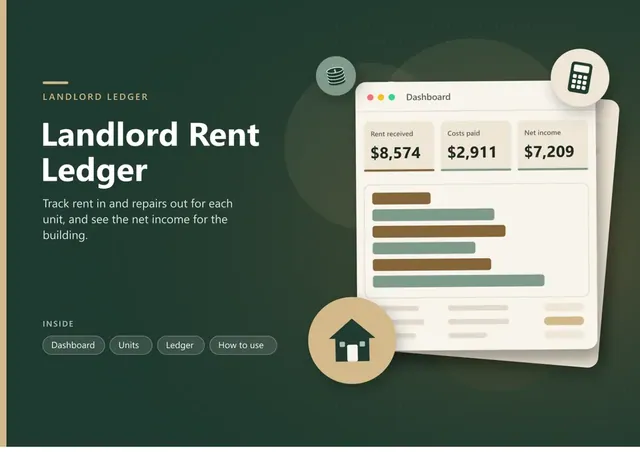
Sheets + Excel5 tabs
Free
Sheets + Excel5 tabs
Free
Sheets + Excel4 tabs
Free
Sheets + Excel4 tabs
Free
Sheets + Excel4 tabs
Free
Sheets + Excel4 tabs
Free
Sheets + Excel3 tabs
Free