Annual Report
Docs + Word6 pages
FeaturedFree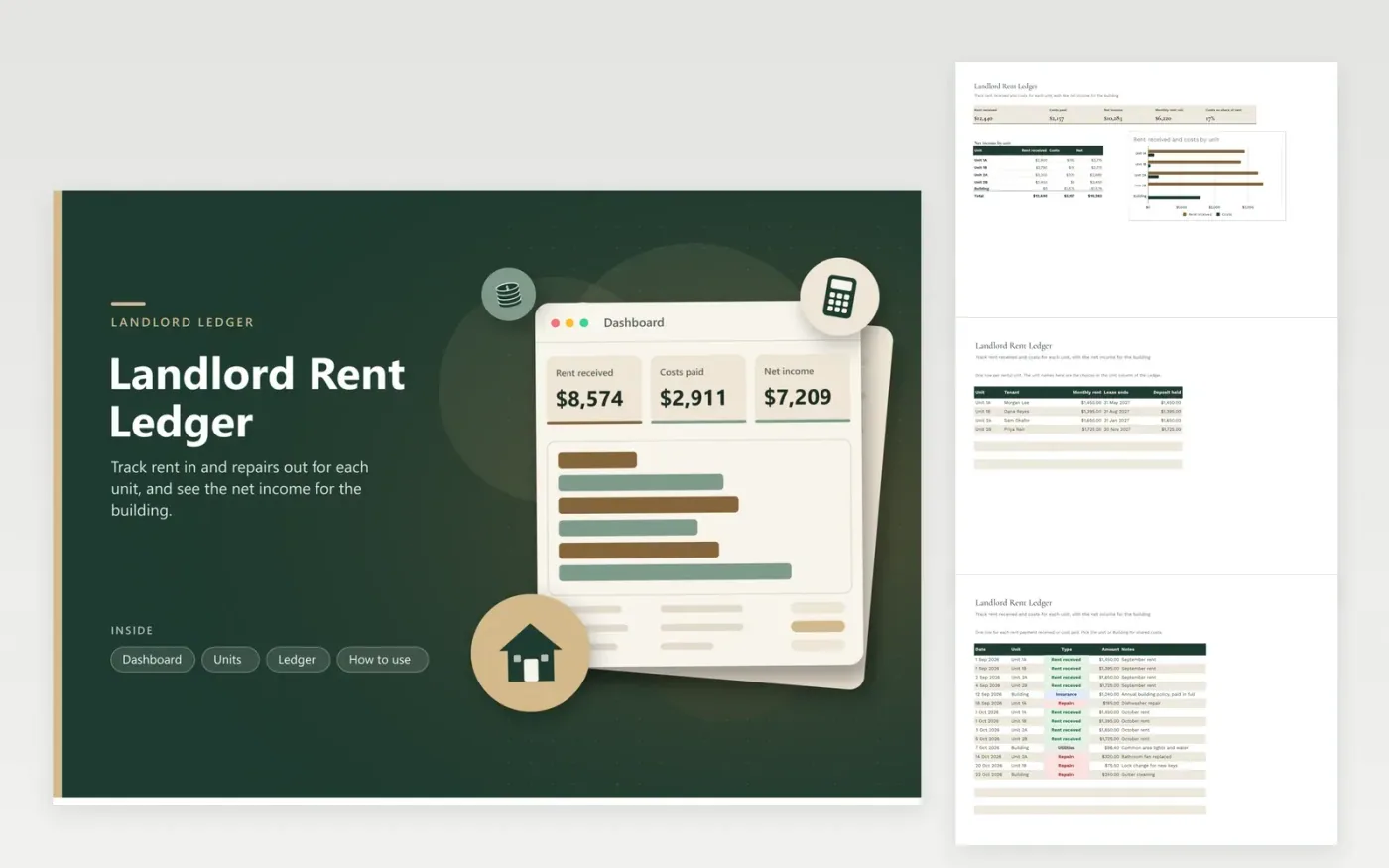
The Landlord Rent Ledger is for a landlord who rents out a few units in one building and wants each unit's income and costs side by side. The Units tab lists each unit with its tenant, monthly rent, lease end date and deposit. The Ledger tab records every rent payment and cost with its unit, type and amount, and the Dashboard shows rent received, costs, net income, the monthly rent roll and a breakdown by unit.
The sample covers September and October 2026 for four units and the building, including a shared insurance payment and a few repairs, so the building line shows a negative net. Replace the units and tenants with your own. Record each cost as soon as you pay it, and keep the receipt with the ledger for each one.
Click Make a copy in Google Sheets, then confirm on the Google page. The copy is saved to your own Google Drive.
Start on the Units tab: replace the sample rows with your own.
Keep the formula columns as they are; they fill in as you type.
Read the How to use tab for tips. For Excel, download the .xlsx file instead.
Choose Building in the Unit column. Shared costs such as insurance, common-area utilities and gutter cleaning go there, and the Dashboard shows them as their own line, separate from the individual units.
The ledger keeps dates and amounts by unit, which helps when you prepare a return. It does not decide what is deductible or how repairs and improvements are treated. Ask a tax adviser, and keep the receipts.
Record the amount actually received as Rent received on the day it arrives, and add a note saying the balance is owed. The Dashboard then shows the income you really have, while the Units tab still shows the full monthly rent.
Docs + Word6 pages
FeaturedFree
Excel
FeaturedFree
Sheets + Excel9 tabs
Free
Sheets + Excel5 tabs
Free
Sheets + Excel5 tabs
Free
Sheets + Excel4 tabs
Free
Sheets + Excel4 tabs
Free
Sheets + Excel4 tabs
Free
Sheets + Excel4 tabs
Free
Sheets + Excel3 tabs
Free