
Annual Marketing Plan
Docs + Word12 pages
Free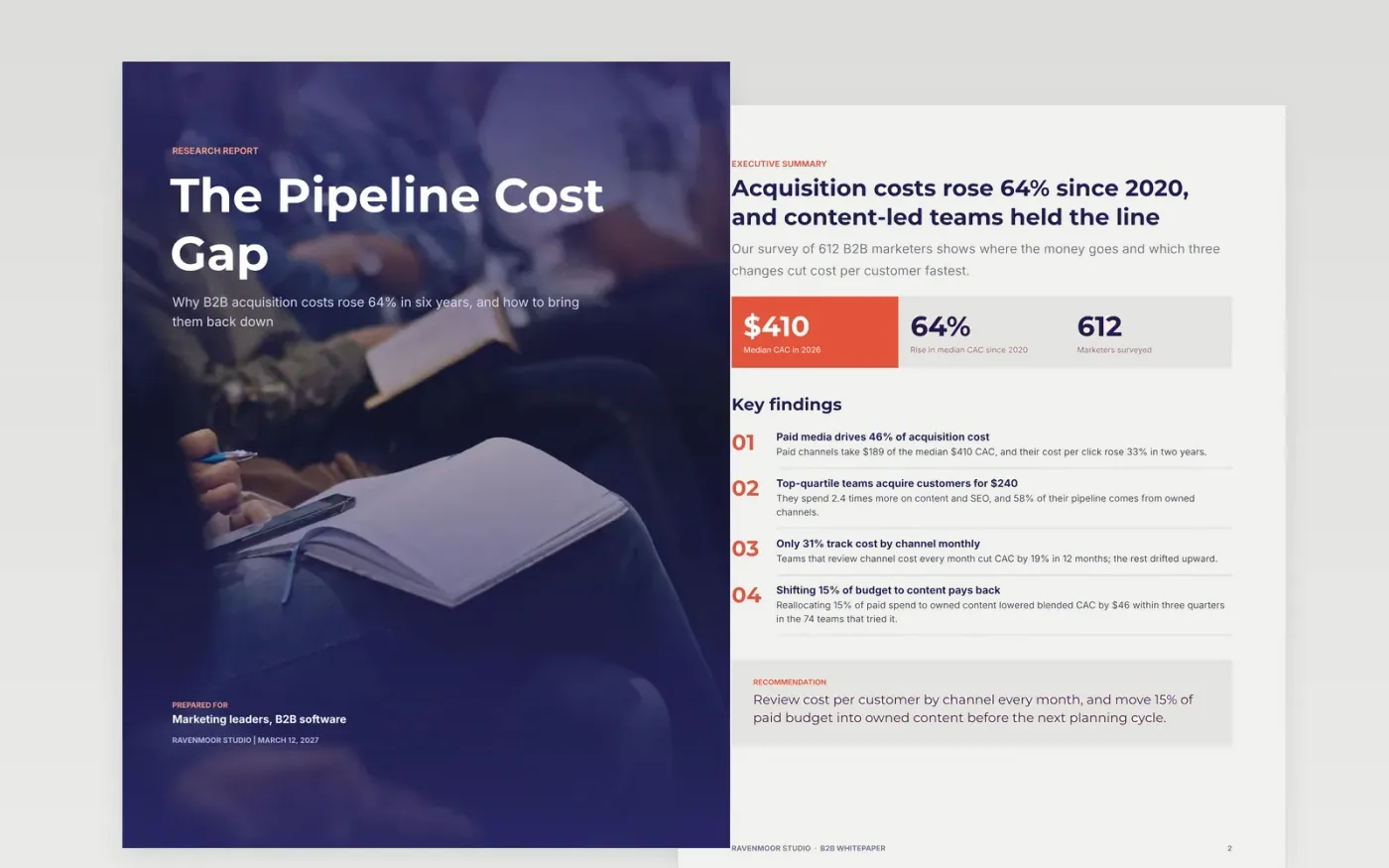
Long-form papers fail when they read like adverts or bury the answer. This template fixes that with a structure senior buyers trust: an answer-first summary, a problem backed by charts, a named framework, survey evidence, a decision page and a short about page.
The sample is a research report from a fictional studio, Ravenmoor Studio, on why B2B customer acquisition cost rose 64% in six years. Replace the survey sample, charts and findings with your own, source every statistic, and swap the closing call to action for the one step you want readers to take.
Click Make a copy in Google Docs, then confirm on the Google page. The copy is saved to your own Google Drive.
Replace the survey method, sample size, field dates and margin of error with your own, then update the headline figures on the summary page.
Click each chart, choose Open source, and type your numbers into the linked Google Sheet. Add a source and date under every statistic.
Turn each finding into a recommendation with an owner and a due date, and replace the closing call to action with your single next step.
Delete the Make it yours guide page, then share the paper as a link or export it as a PDF for download.
Yes. Each page is built around one finding or decision, so the headings, charts and callouts copy straight into a slide deck as one slide per section.
This layout runs to seven content pages plus a guide. That is long enough to show method and evidence, and short enough that a senior buyer will finish it.
No. Ravenmoor Studio, the people named and every figure and chart are fictional sample data. Replace them with your own research before you publish anything.
Docs + Word12 pages
Free
Docs + Word6 pages
Free
Google Sheets
Free
Docs + Word6 pages
Free
Docs + Word7 pages
Free








