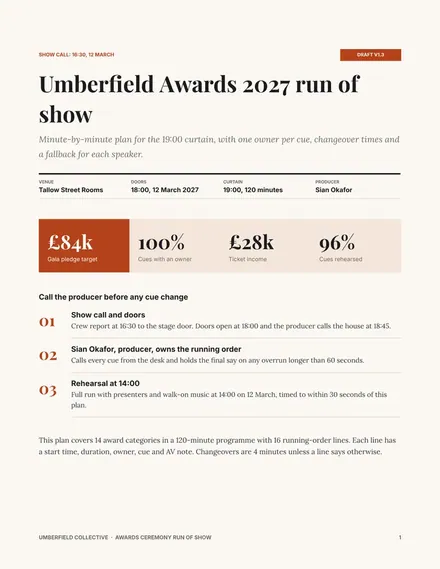
Awards Ceremony Run of Show
Docs + Word7 pages
Free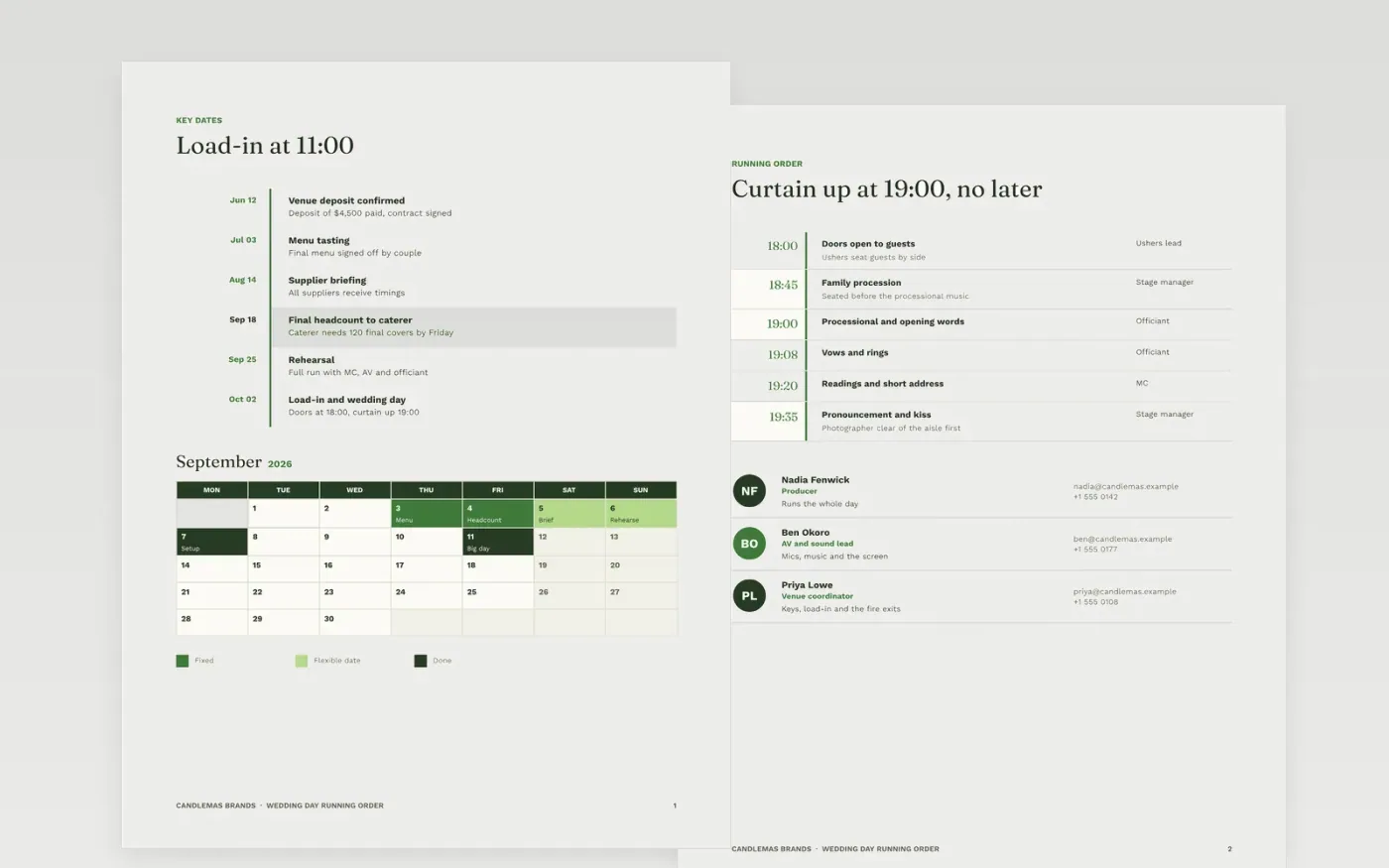
A wedding day runs on cues, and a cue with no owner is the one that gets missed. This template lays out the day from preparations to the final dance as a running order, with start times, durations, owners and a backup for each item. Key dates, a gate checklist for the bar, a month-by-month plan and a scored supplier shortlist sit alongside, so the planner can see the day and its lead-up in one document.
The sample describes a fictional wedding for Candlemas Brands, with doors at 18:00, curtain up at 19:00, a three-person crew and three competing caterers. Its names, times and prices are invented. Replace the running order with your own timings, assign one owner to every cue, and fill in the mobile numbers on the contacts page before the crew receives the document.
Click Make a copy in Google Docs, then confirm on the Google page. The copy is saved to your own Google Drive.
Set the event name, date, venue and doors time, then replace each running-order row with real timings.
Give every cue one owner and a backup, and write a contingency for the three riskiest moments.
Delete the guide page at the end, then share the running order with the crew or present it at the run-through.
Yes, after you replace the names, times, prices and contacts. The organization, people and figures in this sample are fictional, so none of them should reach the crew unchanged.
One named person owns each cue, and that person names a backup who can take it over. Crew members should never share a cue, because a shared cue has no clear decision-maker when a speaker runs late.
Send the final version to every supplier and the crew at least a week before the day, then hold a 30-minute run-through with the producer. Any change after that should be marked and resent the same day.
Docs + Word7 pages
Free
Docs + Word8 pages
Free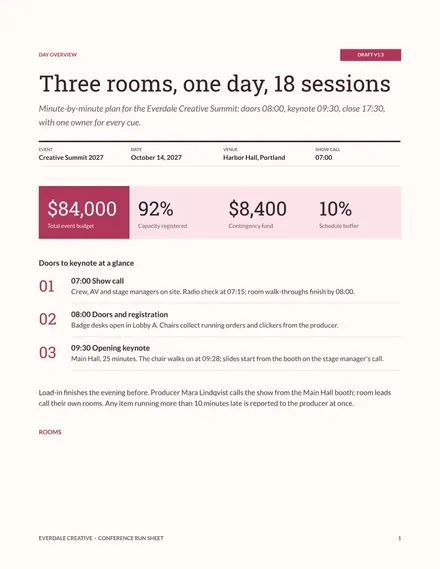
Docs + Word7 pages
Free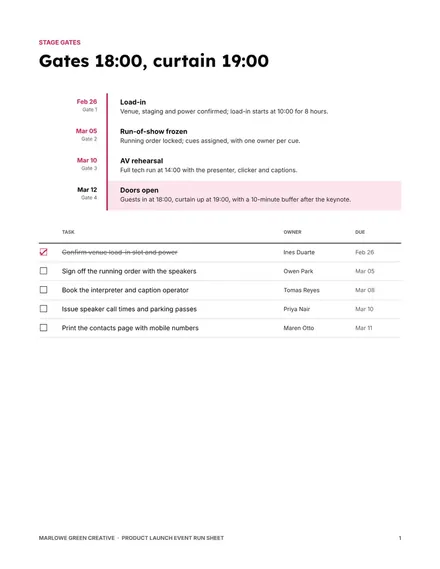
Docs + Word8 pages
Free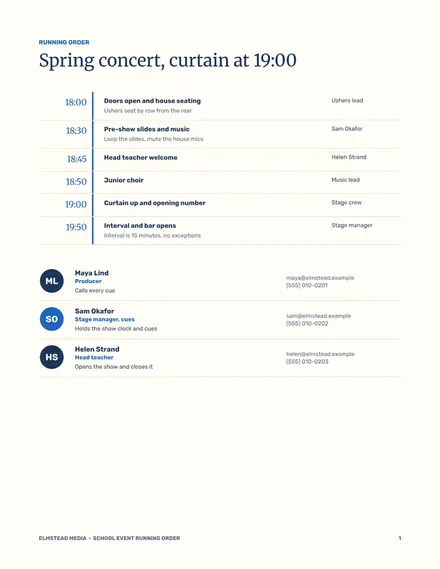
Docs + Word7 pages
Free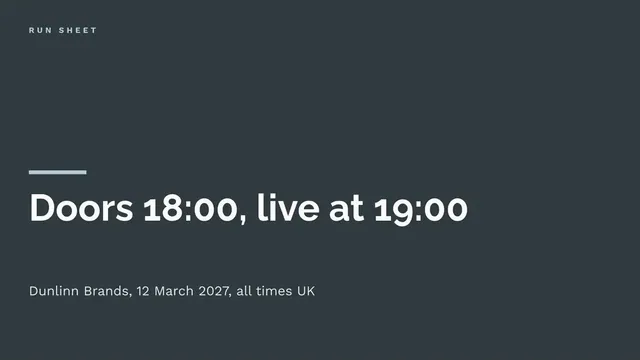
Slides + PowerPoint11 slides
Free
Docs + Word6 pages
Free
Docs + Word8 pages
Free
Slides + PowerPoint12 slides
Free
Slides + PowerPoint12 slides
Free