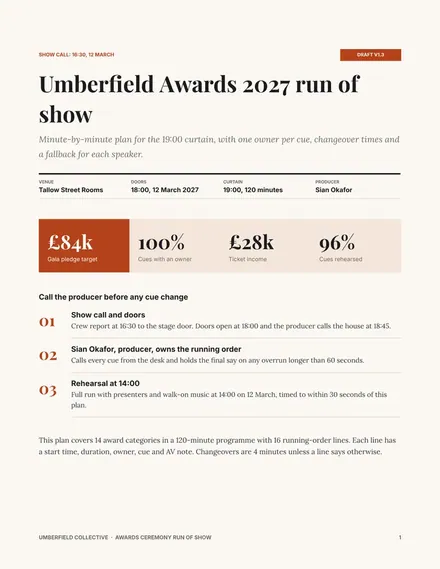
Awards Ceremony Run of Show
Docs + Word7 pages
Free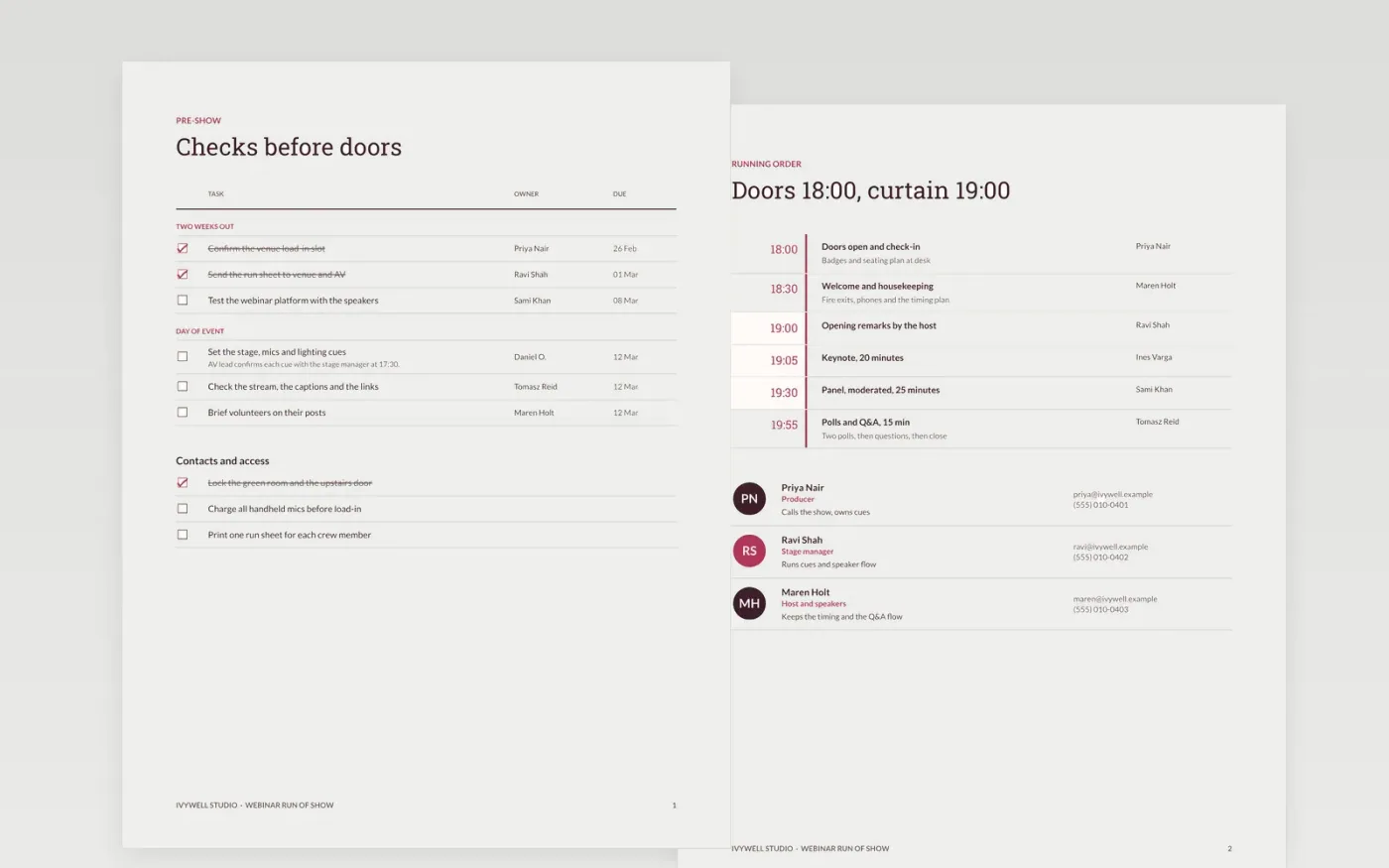
This six-page Google Docs run of show gives a marketing team one plan for a live webinar or event, from the pre-show checks to the close. It starts with the jobs that must be done two weeks out and on the day, then sets out the running order with times, durations and owners, the poll and Q&A flow, the crew glossary and the close. Every row names one owner and one cue, so the stage manager can call the show without asking who does what.
The sample describes Ivywell Studio, a fictional production studio, with fictional crew, a sample timetable from doors at 18:00 to the close, poll results and a glossary of crew terms. Replace the times, names, cues and contacts with your own event plan, add a mobile number for every contact, and write a contingency for each high-risk moment before the rehearsal.
Click Make a copy in Google Docs, then confirm on the Google page. The copy is saved to your own Google Drive.
Set the event name, date, venue and show-call time at the top, then replace the running order rows with your real timings.
Assign one owner to every cue, remove any line with two owners, and add a mobile number for each contact.
Write three contingencies for your highest-risk moments, with the decision-maker named for each one.
Delete the guide page, then share the run of show with the crew or print it for the stage manager.
Yes. Start times alone hide overruns, and a late item pushes everything after it. Show the duration of each item, and keep a buffer of about 10 percent of the programme for recovery.
Yes. Ivywell Studio, the named crew, phone numbers, email addresses, poll results and timings in this sample are fictional and use the .example domain, so replace them with your own before the event.
The stage manager or producer should hold the master copy, with printed copies for the AV lead, the host and the venue. Everyone should check the cue times at the crew briefing.
Docs + Word7 pages
Free
Docs + Word7 pages
Free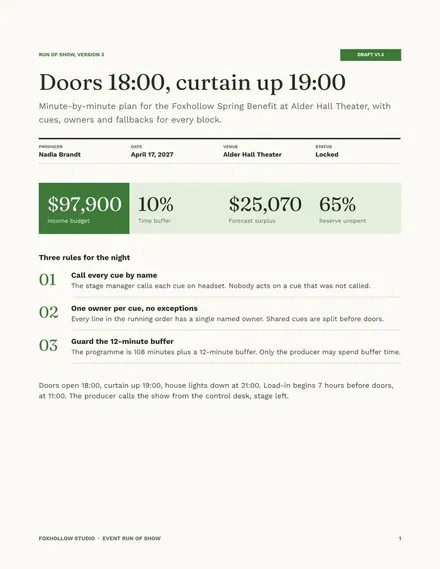
Docs + Word8 pages
Free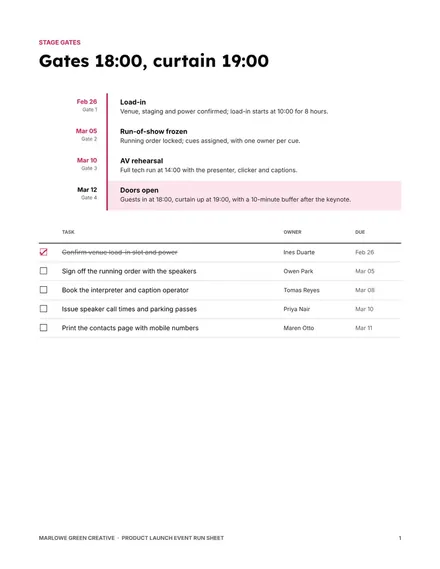
Docs + Word8 pages
Free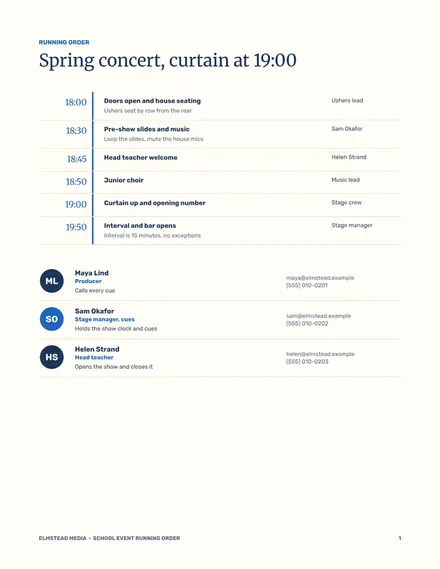
Docs + Word7 pages
Free
Slides + PowerPoint11 slides
Free
Docs + Word8 pages
Free
Docs + Word8 pages
Free
Slides + PowerPoint12 slides
Free
Slides + PowerPoint12 slides
Free