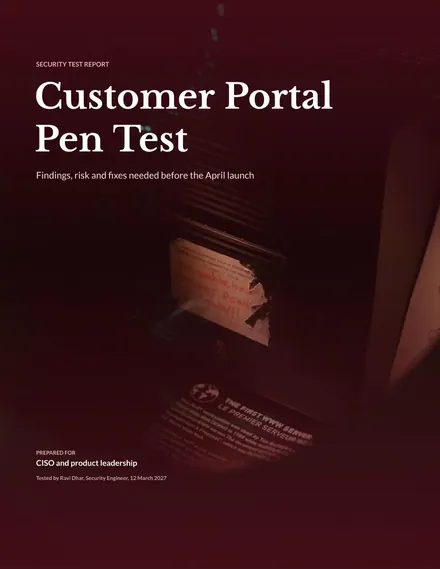
Penetration Test Report
Docs + Word8 pages
Free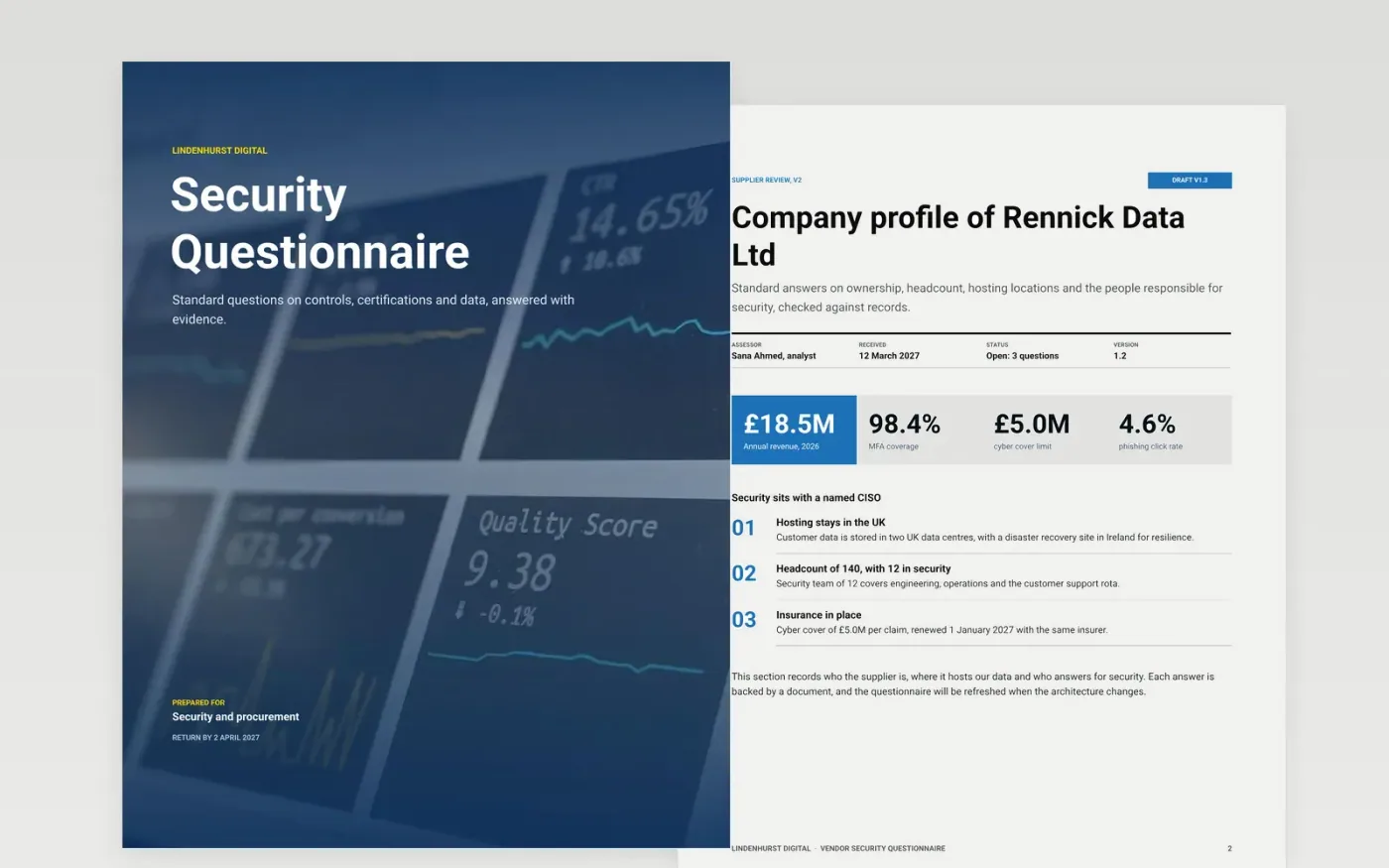
Security reviews stall when answers arrive as unsupported claims, and procurement cannot tell a strong control from a promise. This questionnaire asks suppliers the same standard questions on company, certifications, data handling, access control and incident response, then records each answer with its evidence. Each page follows the order a security reviewer works through a supplier.
The sample describes Lindenhurst Digital, a fictional company, with invented staff such as Sana Ahmed and Priya Ramanathan, and figures such as £18.5M revenue, 98.4% MFA coverage and one phishing incident caught in 40 minutes. To adapt it, send the questionnaire to your own supplier, replace each answer with the document you hold, and rate every gap by its effect on your data.
Click Make a copy in Google Docs, then confirm on the Google page. The copy is saved to your own Google Drive.
Replace the sample hosting, certification and staff details with the supplier's own answers.
Attach a document for each control and note its expiry date beside the answer.
Rate each finding by its effect on your data, then set owners and fix dates for high risks.
Delete the Make it yours guide page, then share the findings with the security team or present them.
No. Lindenhurst Digital, its staff, the certificates and every figure in this questionnaire are fictional sample data, provided to show a finished security review.
Use it as a starting point, not as evidence. Ask for the audit report or certificate behind each claim, and record the date it covers, because a summary without a source cannot be checked later.
Most standards are audited once a year, so a certificate older than 12 months should prompt a request for the latest report. Note the expiry date beside each answer.
More Google Docs templatesMore developer workflows templates
Docs + Word8 pages
Free
Docs + Word8 pages
Free
Docs + Word9 pages
Free
Docs + Word7 pages
Free
Slides + PowerPoint12 slides
Free
Slides + PowerPoint12 slides
Free
Docs + Word7 pages
Free
Slides + PowerPoint11 slides
Free










