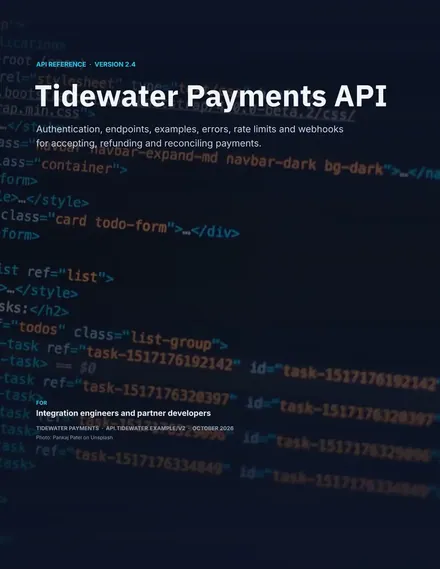
API Documentation
Docs + Word14 pages
Free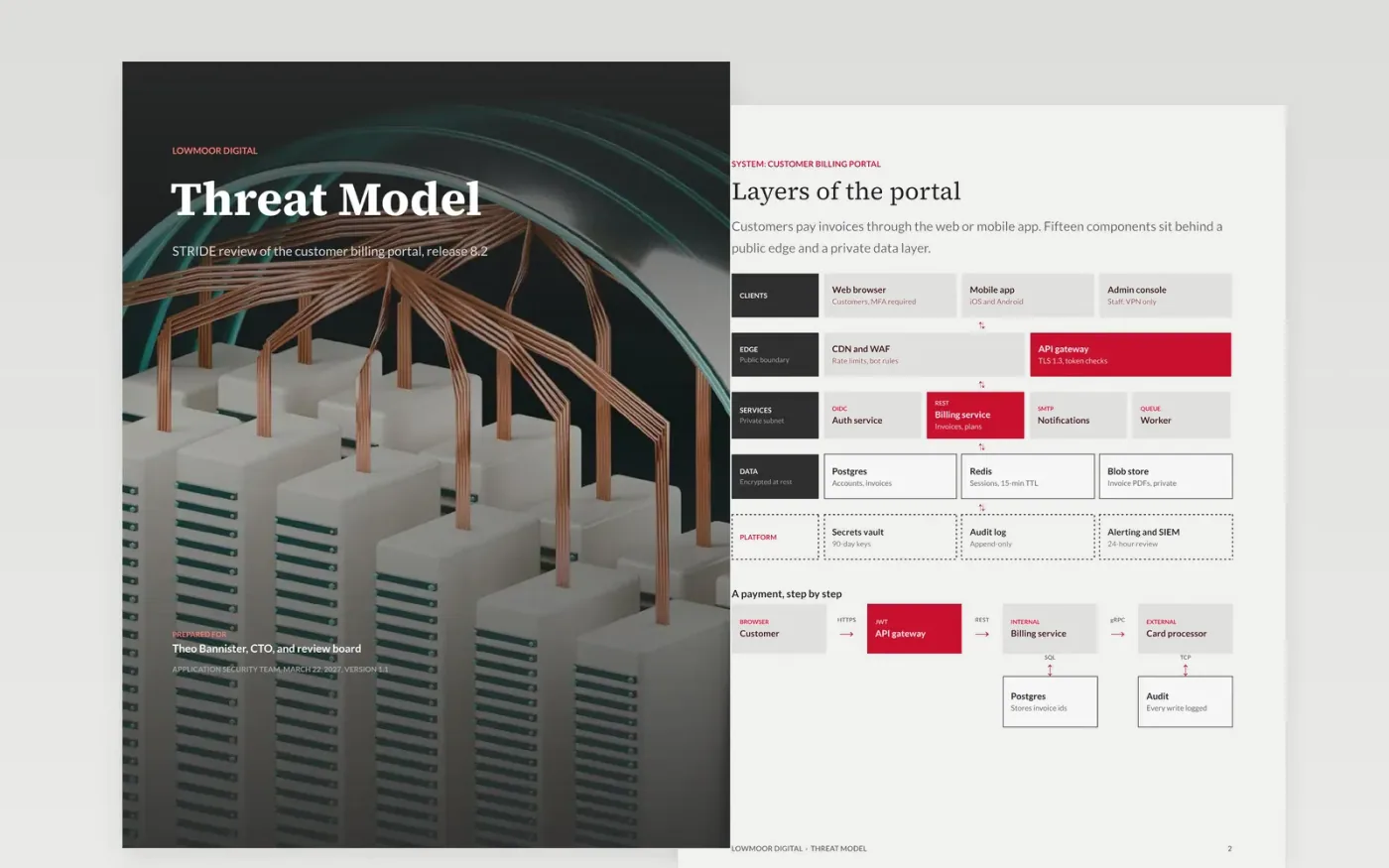
A threat model without a data flow diagram floats free of the system, and a list of scanner findings says little about business impact. This template anchors the review in the architecture: the system and its layers, the data flows that cross trust boundaries, STRIDE threats ranked by likelihood and impact, mitigations with owners and dates, and residual risk with a named approver.
The sample reviews the customer billing portal of Lowmoor Digital, a fictional software company: 4 data flows, 3 trust boundaries, 5 ranked threats and 5 accepted residual risks. Replace the diagram with your components first, then the threats for each boundary, the severity ratings and the owners and due dates.
Click Make a copy in Google Docs, then confirm on the Google page. The copy is saved to your own Google Drive.
Redraw the system and data flow pages with your components, data stores and trust boundaries.
Replace the threats with those you identified using STRIDE on each boundary, and re-rate each finding on your own severity scale with evidence.
Assign an owner and an SLA date to every high and critical finding, and fill in the residual risk page with the approver and risks formally accepted.
Delete the Make it yours page, then share the model with your review board or present it.
STRIDE gives you six threat types to check against each data flow: spoofing, tampering, repudiation, information disclosure, denial of service and elevation of privilege. It keeps a review systematic rather than ad hoc.
Whenever the architecture changes, and at least once a year. A model that describes last year's system hides risk. Update the diagram first, then the threats it affects.
No. Lowmoor Digital, the billing portal, the people named and every figure are fictional sample data. Replace them with your own system and findings before you share the model.
More Google Docs templatesMore developer workflows templates
Docs + Word14 pages
Free
Slides + PowerPoint12 slides
Free
Docs + Word7 pages
Free
Docs + Word9 pages
Free
Docs + Word8 pages
Free










