
Company Brochure
Docs + Word5 pages
Free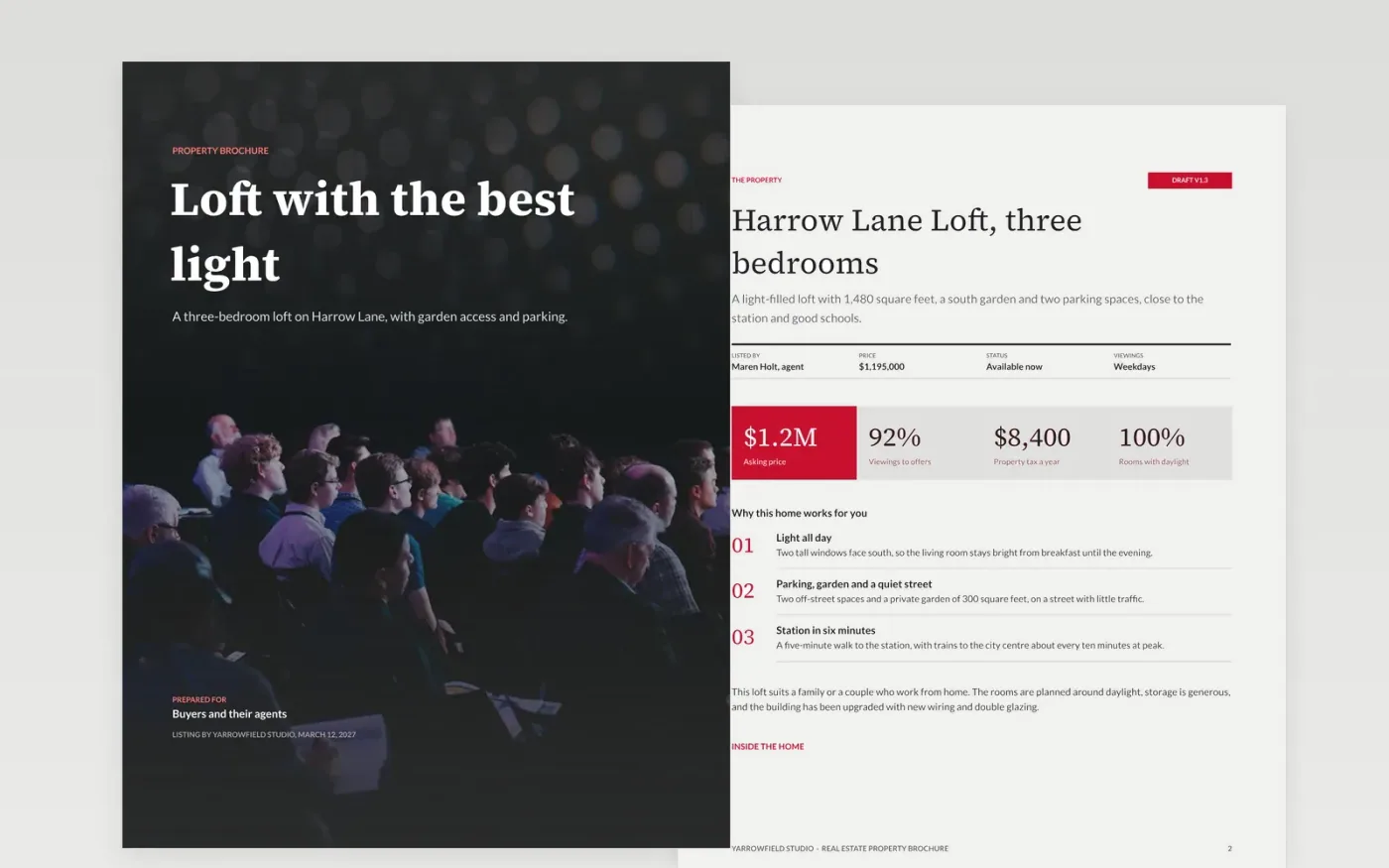
A buyer deciding whether to visit a home reads a brochure once, quickly, and often shares it with a partner. This template turns a listing into a six-page brochure: a cover that names the benefit, a description with price and key facts, the rooms, a floor plan and timeline, the location and a contact page. Each page starts with the reader's benefit rather than the building's history.
The sample is for the fictional Yarrowfield Studio, listing Harrow Lane Loft: three bedrooms, 1,480 square feet, an asking price of $1,195,000 and viewings that lead to offers within three weeks. Replace the photos, facts, prices and testimonials with your own, and put the phone, email and booking link on both the back cover and the inside page.
Click Make a copy in Google Docs, then confirm on the Google page. The copy is saved to your own Google Drive.
Replace the Yarrowfield Studio name, the property facts and the price with your own listing details.
Swap the rooms list for your top three to five, each with one proof point, and name real customers in testimonials.
Delete the guide page, put your phone, email and booking link on the back cover, then print or share the brochure.
Yes. Click Make a copy in Google Docs and the file is saved to your own Google Drive, with no sign-up and no charge.
Yes. Replace the property sections with your programmes or products, keep the benefit-led headline, and make sure prices and contact details are easy to find.
No. Yarrowfield Studio, Harrow Lane Loft, the agent, prices and every figure are fictional sample data. Replace them with your own before you print.
Docs + Word5 pages
Free
Docs + Word7 pages
Free
Docs + Word6 pages
Free
Docs + Word6 pages
Free
Docs + Word2 slides
Free
Docs + Word2 slides
Free
Docs + Word2 slides
Free









