
Annual Report
Docs + Word6 pages
FeaturedFree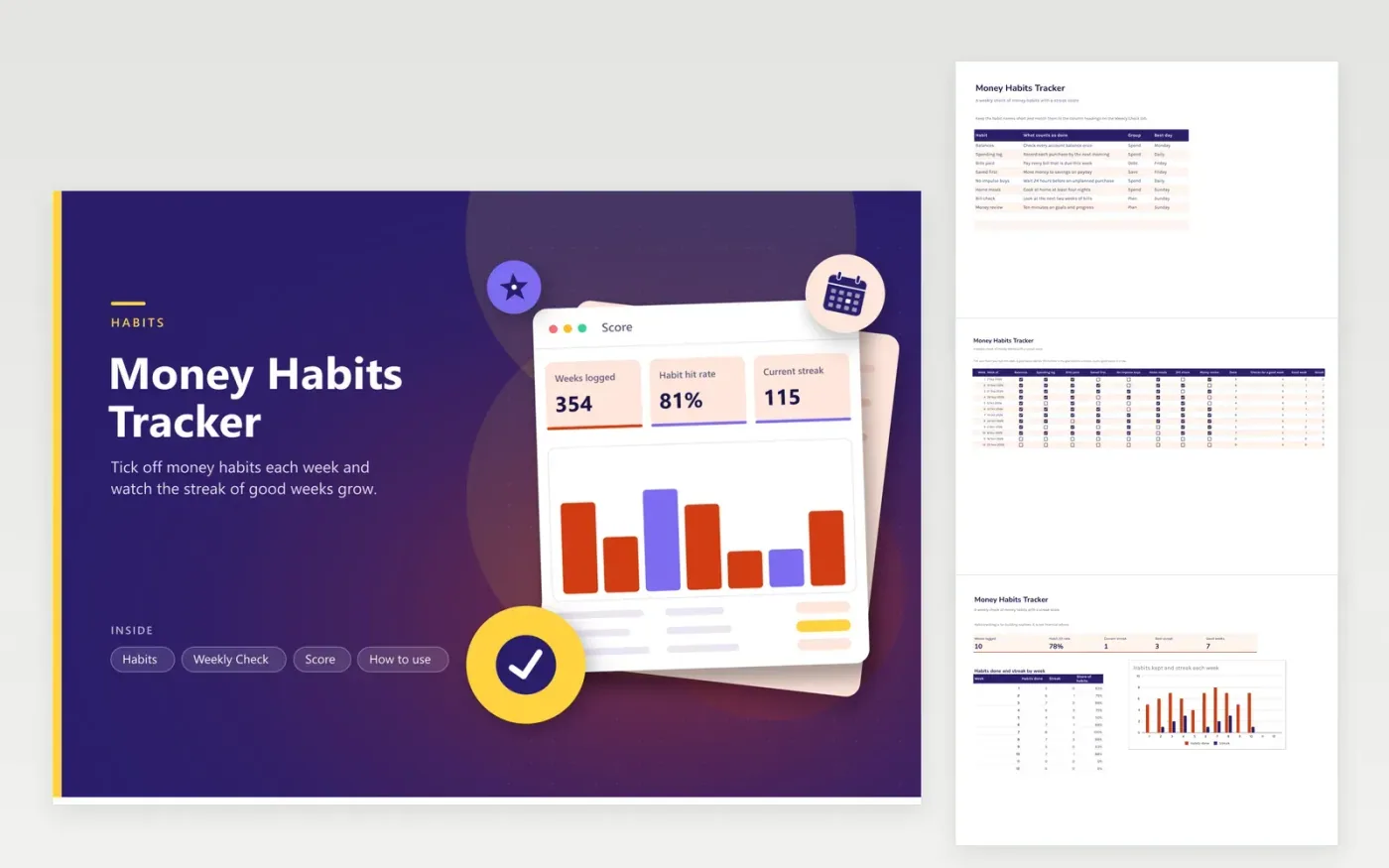
Money improves through small routines more than through big plans, and routines need a way to show whether they stick. This tracker keeps eight habits on one screen. The Habits tab lists each one with what counts as done, a group and the day you will do it. The Weekly Check tab gives each habit a checkbox column for twelve weeks. A goal column sets how many checks make a good week, and the sheet counts good weeks and the streak of consecutive ones.
The Score tab shows weeks logged, the share of habits kept, your current streak, your best streak and the number of good weeks, with a column chart of habits done and streak week by week. The sample has ten weeks of ticks with one slip in week five and another in week nine, to show how a streak resets and rebuilds. Change the habit names to match your own routines.
Click Make a copy in Google Sheets, then confirm on the Google page. The copy is saved to your own Google Drive.
Start on the Habits tab: replace the sample rows with your own.
Keep the formula columns as they are; they fill in as you type.
Read the How to use tab for tips. For Excel, download the .xlsx file instead.
Common ones are checking balances, logging spending, paying bills on time, saving on payday and reviewing goals. Pick a few that fit your life and tick them each week.
A week counts as good when you reach the goal number of checks. The streak is the number of good weeks in a row, and it resets to zero after a week that falls short.
Yes. Rename them on the Habits tab and in the column headings of the Weekly Check tab. The count and the score follow the checkboxes, not the names.
Docs + Word6 pages
FeaturedFree
Excel
FeaturedFree
Sheets + Excel5 tabs
Free
Sheets + Excel4 tabs
Free
Sheets + Excel5 tabs
Free
Sheets + Excel5 tabs
Free
Sheets + Excel4 tabs
Free
Sheets + Excel4 tabs
Free
Sheets + Excel5 tabs
Free
Sheets + Excel4 tabs
Free
Sheets + Excel4 tabs
Free
Sheets + Excel5 tabs
Free
Sheets + Excel5 tabs
Free
Sheets + Excel5 tabs
Free
Sheets + Excel5 tabs
Free








