
Annual Report
Docs + Word6 pages
FeaturedFree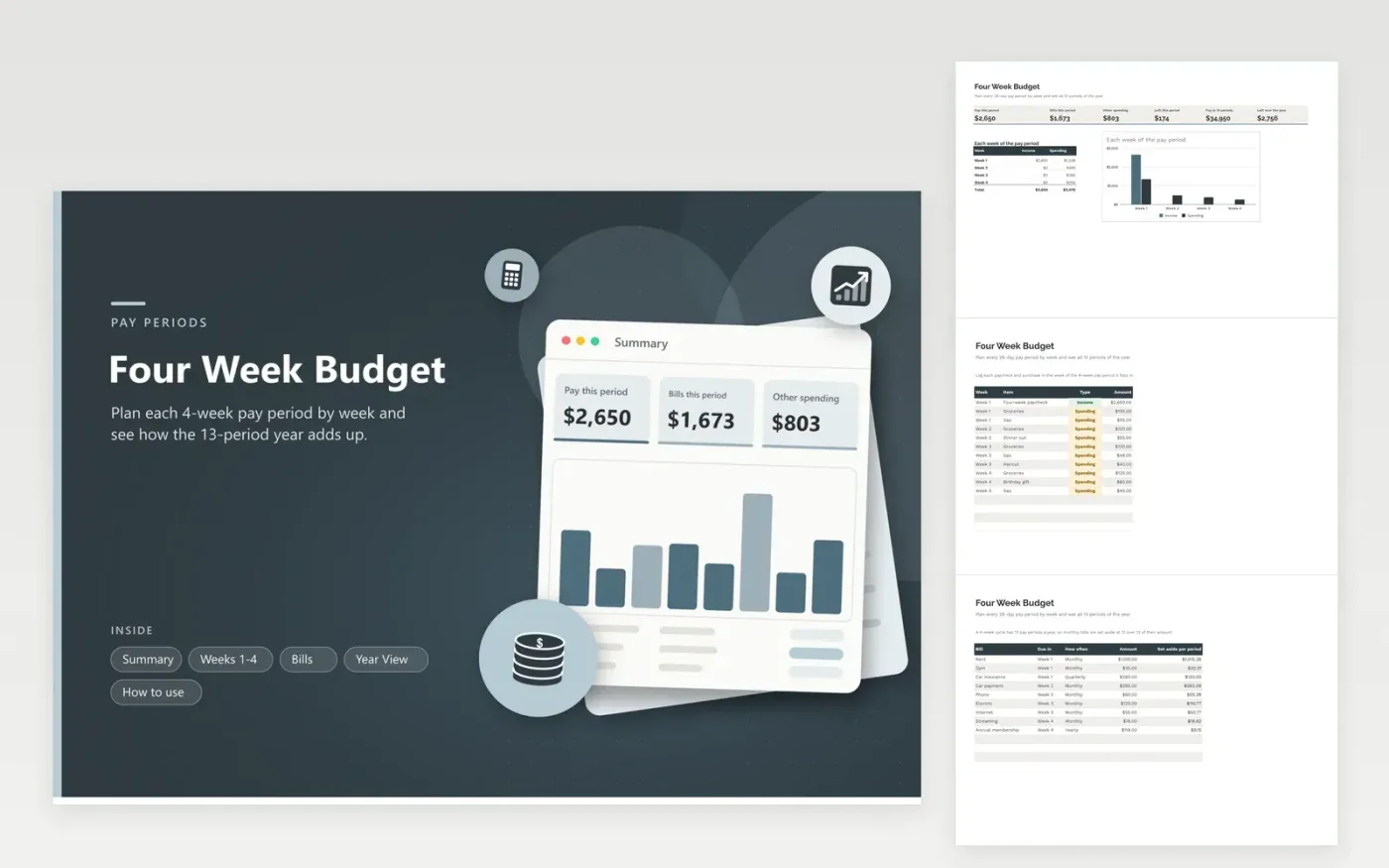
If you are paid every four weeks, your year has thirteen pay periods, not twelve, and a monthly budget drifts out of step. This sheet plans one 28-day period at a time. Each item belongs to a week, income and spending are totaled separately, and the Summary reports the balance for the period along with a column chart of each week.
Bills are entered with how often they come due. The sheet converts monthly bills to a per-period amount, so rent is set aside at twelve thirteenths and the extra pay period in the year is a real surplus. The Year View tab lists all thirteen periods with their start dates, pay, bills and a running total. Sample rows describe a $2,650 paycheck; enter your own pay and bills over the samples.
Click Make a copy in Google Sheets, then confirm on the Google page. The copy is saved to your own Google Drive.
Start on the Weeks 1-4 tab: replace the sample rows with your own.
Keep the formula columns as they are; they fill in as you type.
Read the How to use tab for tips. For Excel, download the .xlsx file instead.
A 28-day cycle gives 13 pay periods a year instead of 12. Monthly bills must be spread over 13 periods to avoid a shortfall; this sheet does that for you.
A monthly bill times 12 divided by 13 is the amount set aside each period. Quarterly bills use 4 over 13 and yearly bills 1 over 13.
It is built for 28-day periods. For two-week pay, a biweekly layout with 26 periods fits better.
Docs + Word6 pages
FeaturedFree
Excel
FeaturedFree
Sheets + Excel5 tabs
Free
Sheets + Excel6 tabs
Free
Sheets + Excel6 tabs
Free
Sheets + Excel6 tabs
Free
Sheets + Excel5 tabs
Free
Sheets + Excel6 tabs
Free
Sheets + Excel6 tabs
Free
Sheets + Excel6 tabs
Free
Sheets + Excel7 tabs
Free
Sheets + Excel7 tabs
Free
Sheets + Excel6 tabs
Free
Sheets + Excel5 tabs
Free
Sheets + Excel6 tabs
Free








