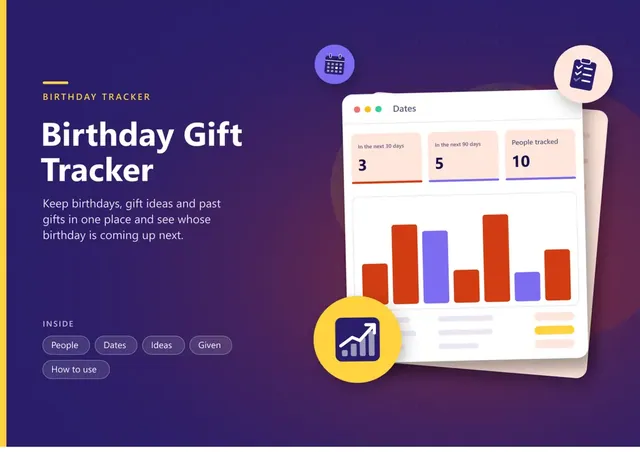
Birthday Gift Tracker
Sheets + Excel6 tabs
Free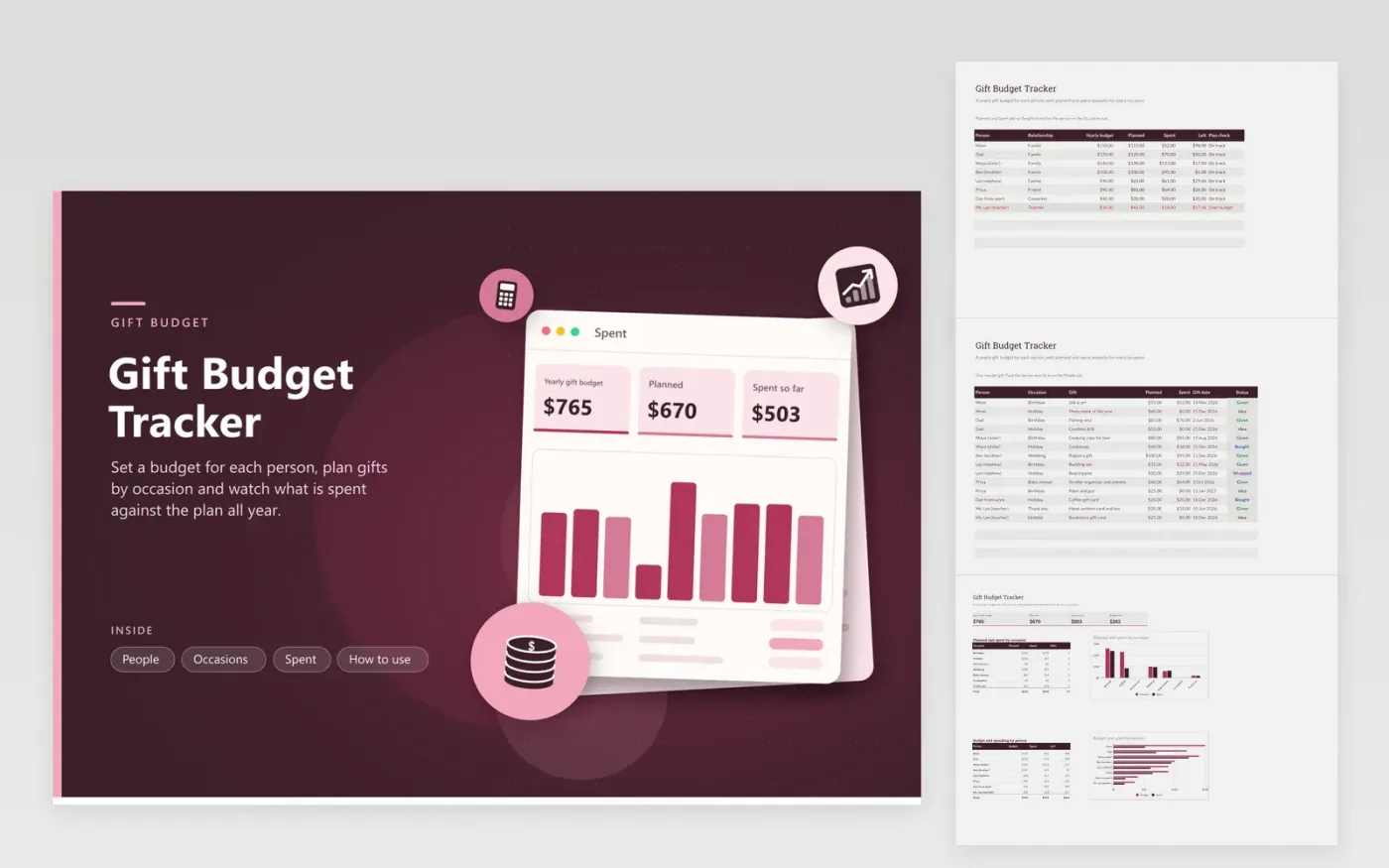
Gift spending is easy to lose across birthdays, holidays and weddings. The People tab lists everyone you buy for with a yearly budget; it adds up the planned and spent gifts and shows what is left, flagging anyone whose plan is over budget. The Occasions tab is the gift list itself: person, occasion, gift idea, planned and spent amounts, the gift date and a status from Idea to Given.
The Spent tab totals the budget, plan, spending and the amount left, then compares planned and spent by occasion and budget against spent by person in two charts. Sample entries include a wedding registry gift, a teacher thank-you and holiday ideas, one of which shows an over-budget flag to show the flag in action.
Click Make a copy in Google Sheets, then confirm on the Google page. The copy is saved to your own Google Drive.
Start on the People tab: replace the sample rows with your own.
Keep the formula columns as they are; they fill in as you type.
Read the How to use tab for tips. For Excel, download the .xlsx file instead.
Decide a total for the year, then divide it among the people you buy for. Enter the amount for each on the People tab and watch the left column as you spend.
Count the gift, wrapping, shipping and cards. The sheet adds whatever you enter in the Spent column of each gift.
Yes. Add rows with dates for birthdays and holidays through the year, and the Spent tab groups them by occasion.
Sheets + Excel6 tabs
Free
Docs + Word1 page
Free
Sheets + Excel5 tabs
Free
Sheets + Excel6 tabs
Free
Sheets + Excel6 tabs
Free
Sheets + Excel6 tabs
Free
Sheets + Excel5 tabs
Free
Sheets + Excel6 tabs
Free
Sheets + Excel6 tabs
Free
Sheets + Excel6 tabs
Free
Sheets + Excel7 tabs
Free
Sheets + Excel7 tabs
Free
Sheets + Excel6 tabs
Free
Sheets + Excel6 tabs
Free
Sheets + Excel6 tabs
Free