
Annual Report
Docs + Word6 pages
FeaturedFree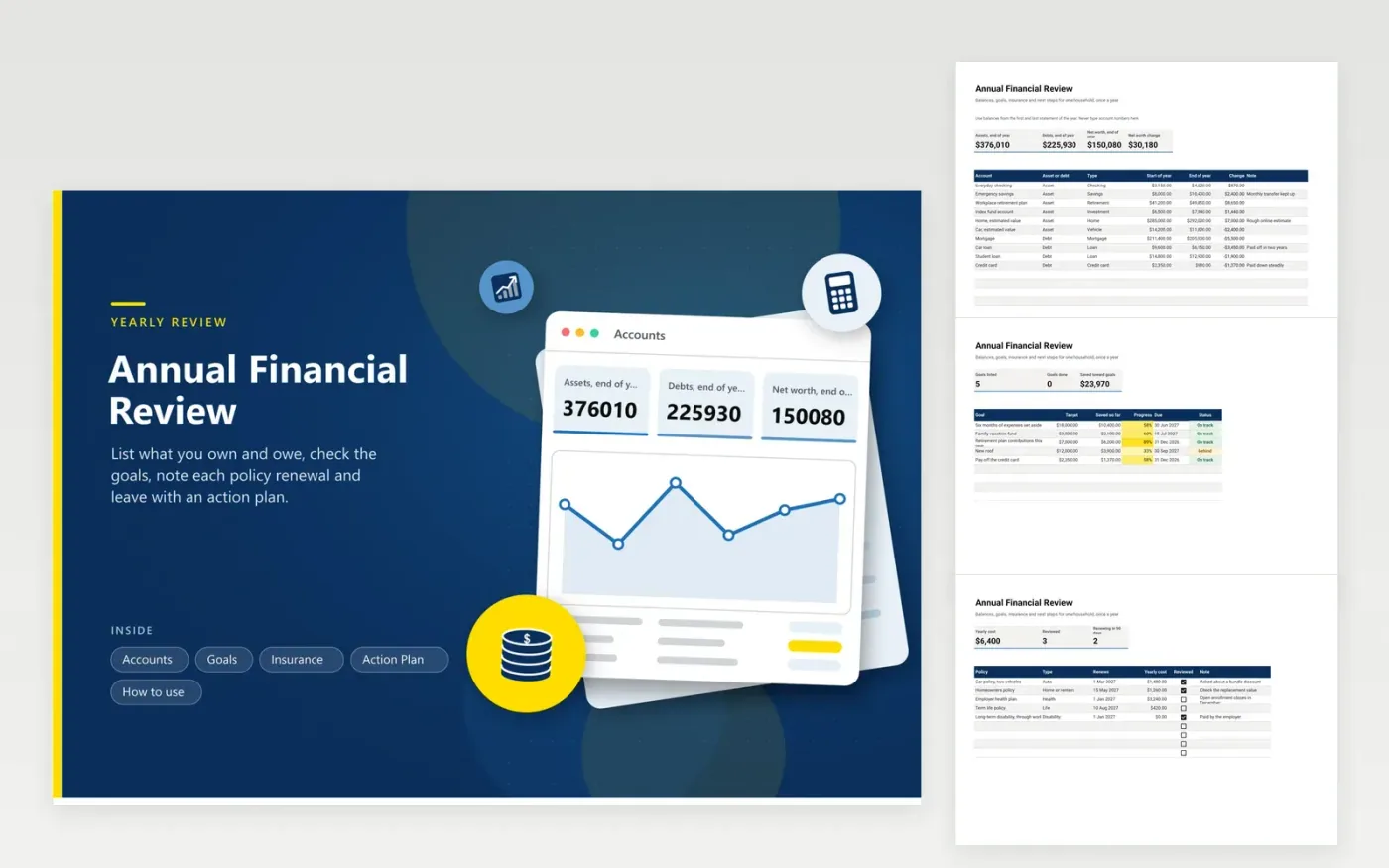
Once a year, most households benefit from looking at everything together instead of one account at a time. The Accounts tab lists assets and debts with a start-of-year and end-of-year balance, then shows net worth and how much it moved. Goals tracks each target with progress as a percent. Insurance lists each policy, its yearly cost and renewal date and counts how many renew in the next ninety days. Action Plan collects what you decide: who does it, by when and whether it is finished.
Pick a quiet evening in December or January and pull the first and last statement for each account. Estimates are fine for a home or a car. The action list turns red when something is past due, so the review does not end as a page of good intentions. Keep one copy per year to see the trend.
Click Make a copy in Google Sheets, then confirm on the Google page. The copy is saved to your own Google Drive.
Start on the Accounts tab: replace the sample rows with your own.
Keep the formula columns as they are; they fill in as you type.
Read the How to use tab for tips. For Excel, download the .xlsx file instead.
Balances for what you own and owe, progress on your goals, a check of every insurance policy and a brief set of next steps. This workbook gives each of those its own tab so nothing is skipped.
Add up everything you own, subtract everything you owe and compare the result with the same figure a year earlier. The Accounts tab does the sums from the balances you enter.
Many people choose December or January, when year-end statements are ready and insurance and tax deadlines are near. Any fixed date you will actually keep works as well.
Docs + Word6 pages
FeaturedFree
Excel
FeaturedFree
Sheets + Excel5 tabs
Free
Sheets + Excel6 tabs
Free
Sheets + Excel6 tabs
Free
Sheets + Excel5 tabs
Free
Sheets + Excel6 tabs
Free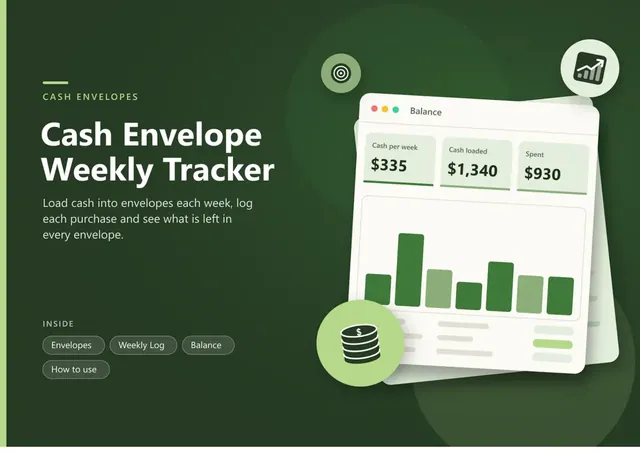
Sheets + Excel6 tabs
Free
Sheets + Excel6 tabs
Free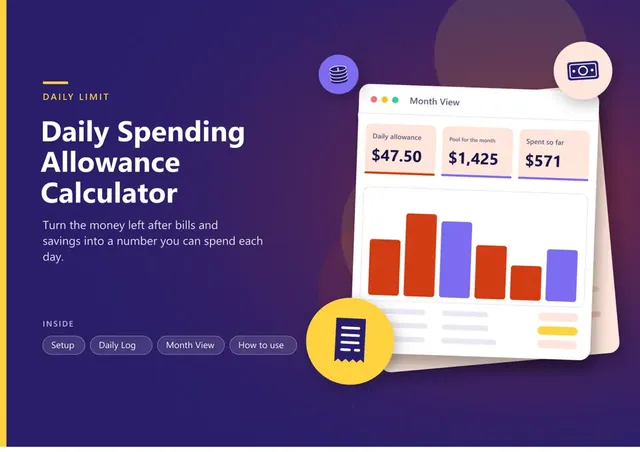
Sheets + Excel7 tabs
Free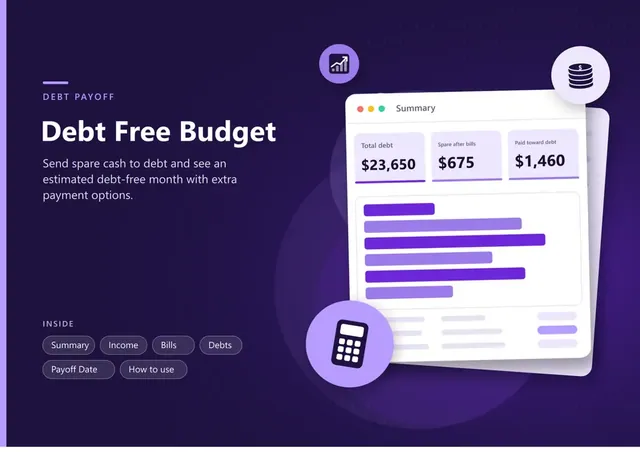
Sheets + Excel7 tabs
Free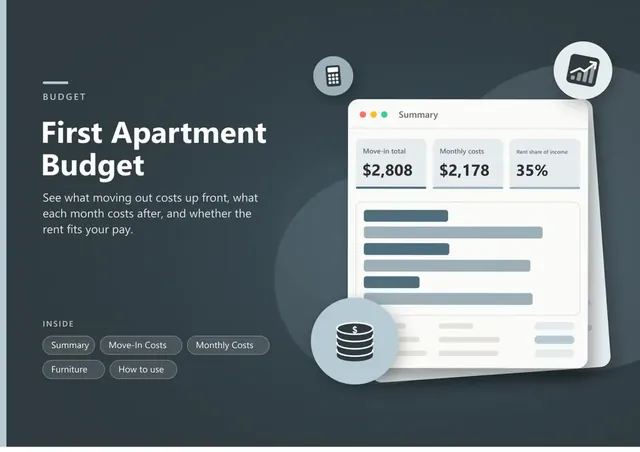
Sheets + Excel6 tabs
Free
Sheets + Excel6 tabs
Free
Sheets + Excel5 tabs
Free
Sheets + Excel6 tabs
Free








