
Annual Report
Docs + Word6 pages
FeaturedFree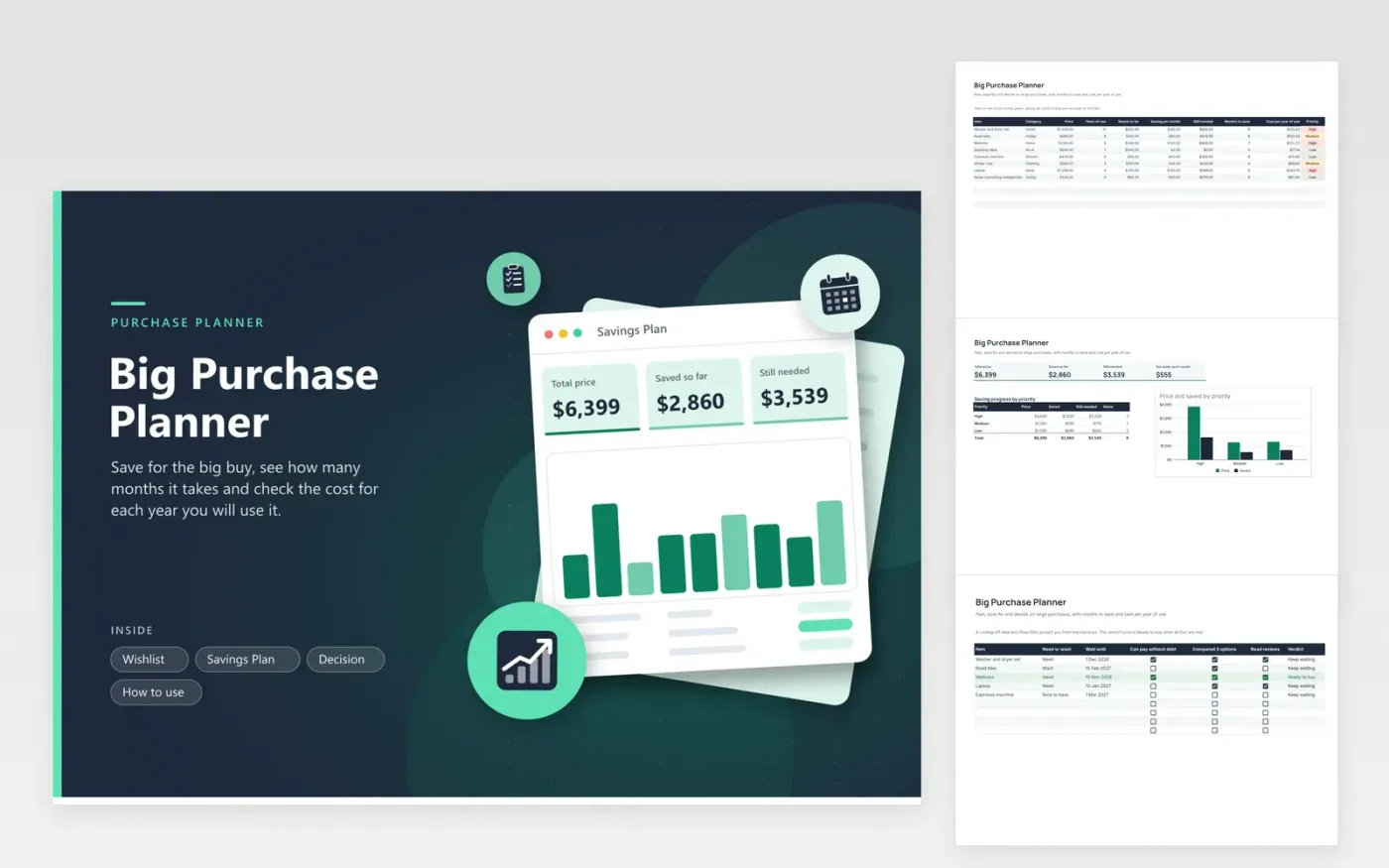
A big purchase goes better with a plan than with a sale banner. The Wishlist tab holds every item along with a price, how many years you expect to use it, the amount saved and what you set aside each month. From those it calculates the amount still needed, the months until you can pay in cash and the cost for each year of use, which helps when a pricey item outlasts a cheap one.
The Savings Plan tab totals the price, savings and monthly contributions by priority with a chart. The Decision tab adds a cooling-off date and three ticks: you can pay without debt, you compared three options and you read reviews. The verdict reads Ready to buy only when all four are true. Sample items include a washer and dryer, a mattress and a laptop.
Click Make a copy in Google Sheets, then confirm on the Google page. The copy is saved to your own Google Drive.
Start on the Wishlist tab: replace the sample rows with your own.
Keep the formula columns as they are; they fill in as you type.
Read the How to use tab for tips. For Excel, download the .xlsx file instead.
Take the price, remove the amount already saved, divide the remainder by your monthly contribution and round up. The Months to save column does this for every item.
It is the price divided by the number of years you expect to use the item. It makes it easier to compare a costly item that lasts with a cheap one you would replace.
Many people wait a few days for small buys and a few weeks for large ones. Set your own date on the Decision tab; the verdict stays on Keep waiting until it passes.
Docs + Word6 pages
FeaturedFree
Excel
FeaturedFree
Sheets + Excel5 tabs
Free
Sheets + Excel6 tabs
Free
Sheets + Excel6 tabs
Free
Sheets + Excel6 tabs
Free
Sheets + Excel6 tabs
Free
Sheets + Excel6 tabs
Free
Sheets + Excel6 tabs
Free
Sheets + Excel7 tabs
Free
Sheets + Excel7 tabs
Free
Sheets + Excel6 tabs
Free
Sheets + Excel6 tabs
Free
Sheets + Excel5 tabs
Free
Sheets + Excel6 tabs
Free








