
Company Magazine
Docs + Word7 pages
FeaturedFree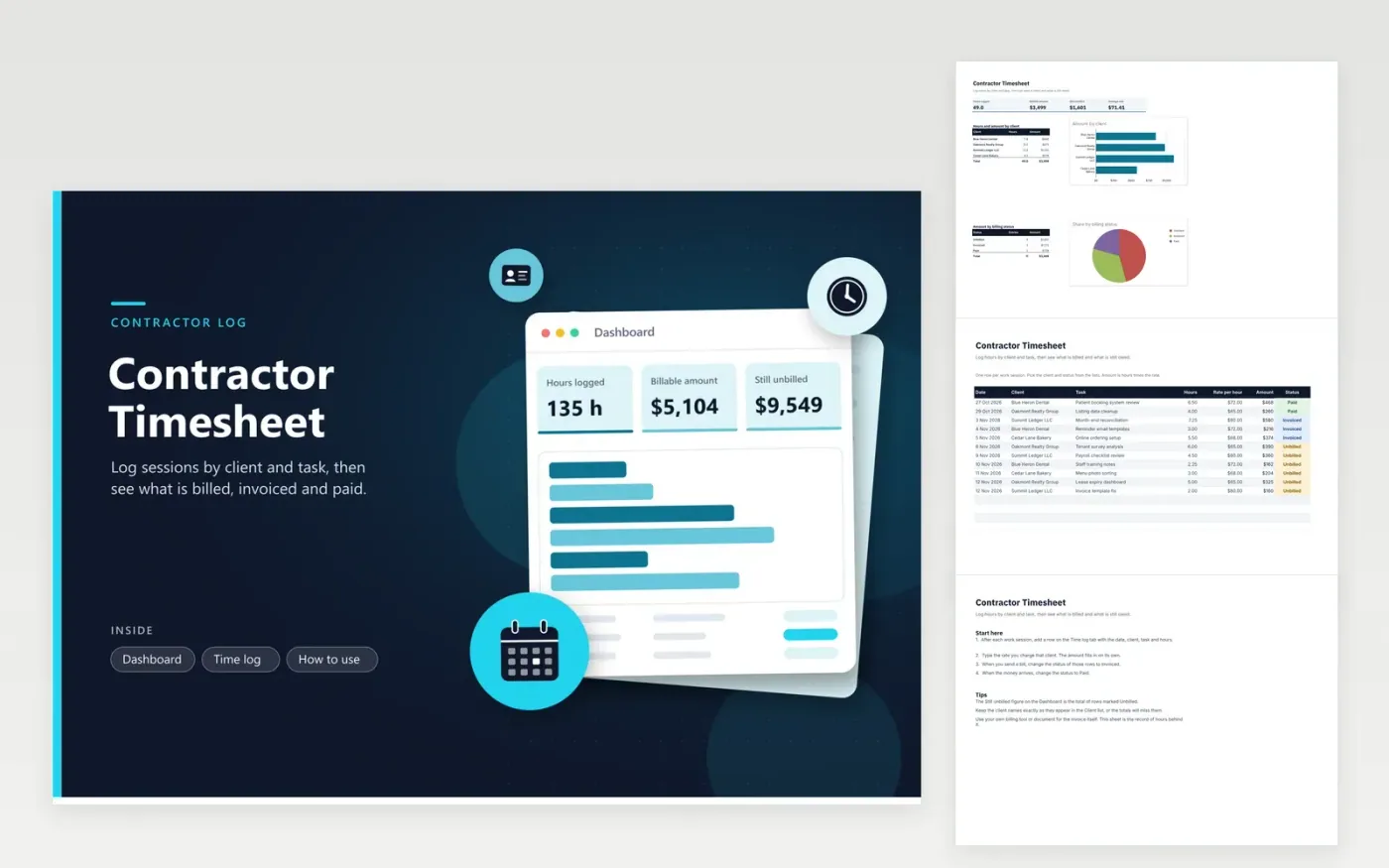
Freelancers and contract staff use the Contractor Timesheet to keep one record of every session they bill for. The Time log tab devotes a row to every session, listing the date, client, task, hours, rate and status. The amount column is hours times rate. The Dashboard totals hours and billable amount by client and by status, with a pie chart of unbilled, invoiced and paid work.
Before you invoice, filter the Time log by client and check the hours against your own notes. Mark rows Invoiced once the bill goes out and Paid when the money arrives, so the dashboard makes clear what you are still owed. Rates often differ by client, so type the rate on each row. Keep a separate copy per client if a contract asks for its own record.
Click Make a copy in Google Sheets, then confirm on the Google page. The copy is saved to your own Google Drive.
Start on the Time log tab: replace the sample rows with your own.
Keep the formula columns as they are; they fill in as you type.
Read the How to use tab for tips. For Excel, download the .xlsx file instead.
Type the hourly rate on each row of the Time log. The amount is worked out from that row, so one client can pay more than another in the same month. The dashboard adds the amounts up by client, so you can check what every client has brought in for the period.
The sheet records the hours and amounts but does not create an invoice. Use the totals on the Dashboard as the basis for an invoice in your billing tool or a separate document, and note the invoice number against the rows it covers.
Yes. The phone apps for both programs let you add a row. Enter the date, client and hours, and leave the status as Unbilled. Later, on a computer, check the day's rows and fix any typing mistakes before you invoice.
Docs + Word7 pages
FeaturedFree
Docs + Word21 pages
FeaturedFree
Slides + PowerPoint16 slides
FeaturedFree
Sheets + Excel5 tabs
Free
Sheets + Excel5 tabs
Free
Sheets + Excel5 tabs
Free
Sheets + Excel4 tabs
Free
Sheets + Excel5 tabs
Free
Sheets + Excel4 tabs
Free
Sheets + Excel3 tabs
Free
Sheets + Excel3 tabs
Free
Sheets + Excel3 tabs
Free