
Company Magazine
Docs + Word7 pages
FeaturedFree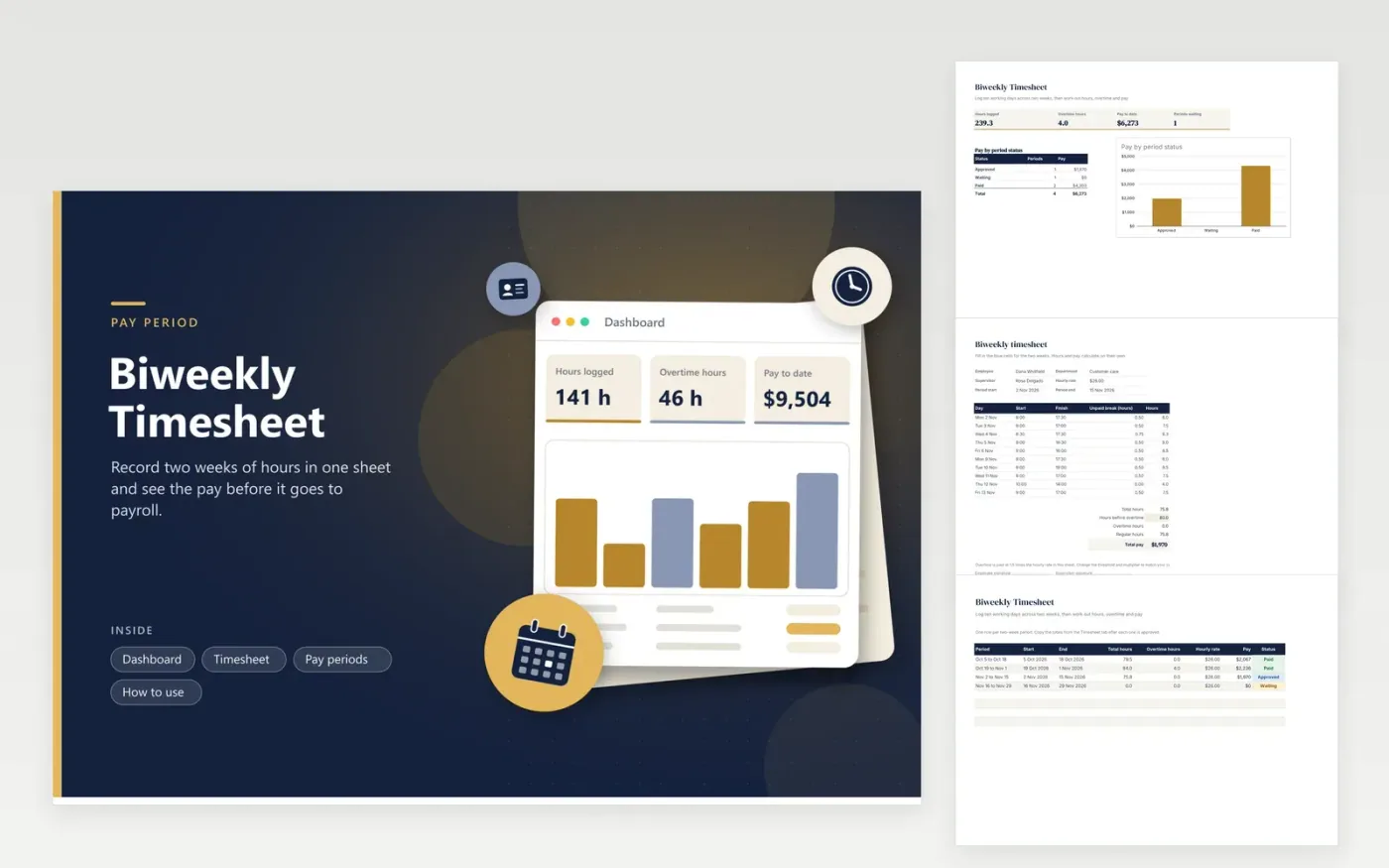
The Biweekly Timesheet is for employees and supervisors whose pay runs every two weeks. The Timesheet tab is a print-ready form headed by name, department, supervisor, hourly rate and period dates at the top, a grid for ten working days with start, finish and unpaid break times, and totals for hours, overtime and pay. The Pay periods tab keeps a running record of each period with its hours, overtime, pay and whether it is Waiting, Approved or Paid.
Fill in the period dates before any times, so the sheet and the payroll calendar match. Enter your overtime threshold in the Hours before overtime line, after comparing it with your own contract, since rules differ by employer and location. Once a supervisor signs, copy the totals across to the Pay periods tab, so the dashboard can total the pay that has cleared approval but still awaits payment.
Click Make a copy in Google Sheets, then confirm on the Google page. The copy is saved to your own Google Drive.
Start on the Timesheet tab: replace the sample rows with your own.
Keep the formula columns as they are; they fill in as you type.
Read the How to use tab for tips. For Excel, download the .xlsx file instead.
Leave both time cells blank for that day, and the hours column stays empty. If you were paid for the day anyway, enter the hours in the start and finish cells instead. The totals only add up the hours that are actually filled in.
A negative figure usually means the finish time is earlier than the start time, such as a shift that runs past midnight. Enter the finish time as the following day's time, or split the shift into two rows so the total is correct.
Yes. Edit the Hours before overtime cell and the 1.5 multiplier in the Total pay formula. The Pay periods tab uses the same multiplier, so change it there as well if your rule is different.
Docs + Word7 pages
FeaturedFree
Docs + Word21 pages
FeaturedFree
Slides + PowerPoint16 slides
FeaturedFree
Sheets + Excel4 tabs
Free
Sheets + Excel5 tabs
Free
Sheets + Excel5 tabs
Free
Sheets + Excel4 tabs
Free
Sheets + Excel5 tabs
Free
Sheets + Excel4 tabs
Free
Sheets + Excel3 tabs
Free
Sheets + Excel3 tabs
Free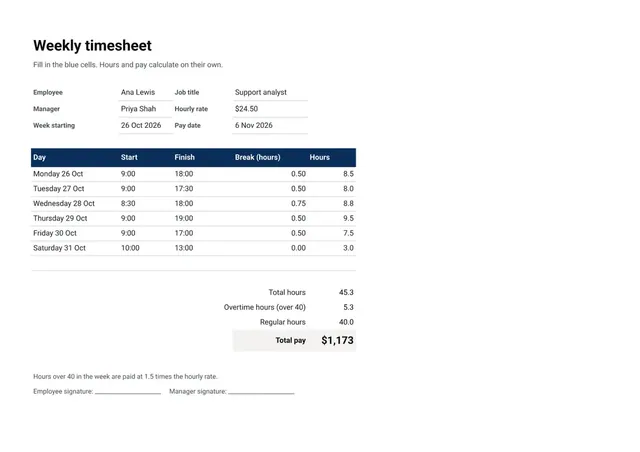
Sheets + Excel3 tabs
Free