
Company Magazine
Docs + Word7 pages
Free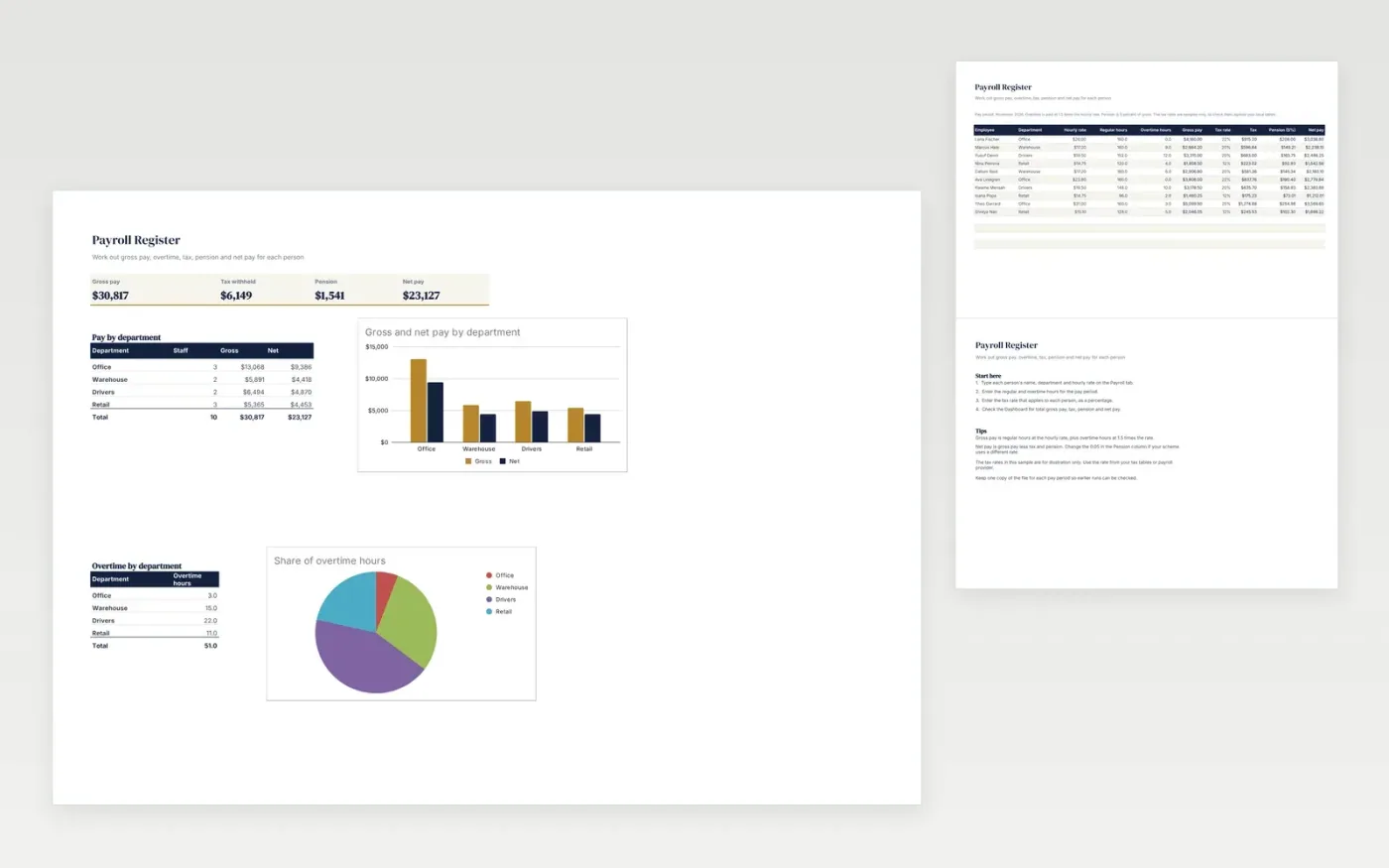
The Payroll Register is a monthly pay sheet for small businesses. The Payroll tab takes each employee's department, hourly rate, regular and overtime hours and tax rate. Gross pay, tax, pension and net pay are worked out from those figures, with overtime paid at 1.5 times the hourly rate. The Dashboard totals the run and breaks down gross and net pay by department.
The file comes with sample data for ten employees, so you can see how the sums fit together. Make a copy, replace the sample rows with your own staff, and the pay figures, dashboard totals and charts update on their own.
Click Make a copy in Google Sheets, then confirm on the Google page. The copy is saved to your own Google Drive.
Start on the Payroll tab: replace the sample rows with your own.
Keep the formula columns as they are; they fill in as you type.
Read the How to use tab for tips. For Excel, download the .xlsx file instead.
Yes. The Payroll Register template is free to download, copy and use for your own business.
Yes. Download the .xlsx file and open it in Microsoft Excel. The formulas, dropdowns and charts work in Excel as well as in Google Sheets.
The tax rates are sample figures. The sheet multiplies gross pay by the rate you enter, so use the rate from your own tax tables or payroll provider. It does not replace payroll software or professional advice.
Docs + Word7 pages
Free
Docs + Word21 pages
Free
Slides + PowerPoint16 slides
Free
Sheets + Excel3 slides
Free
Sheets + Excel3 slides
Free








