
Market Research Presentation
Slides + PowerPoint18 slides
Free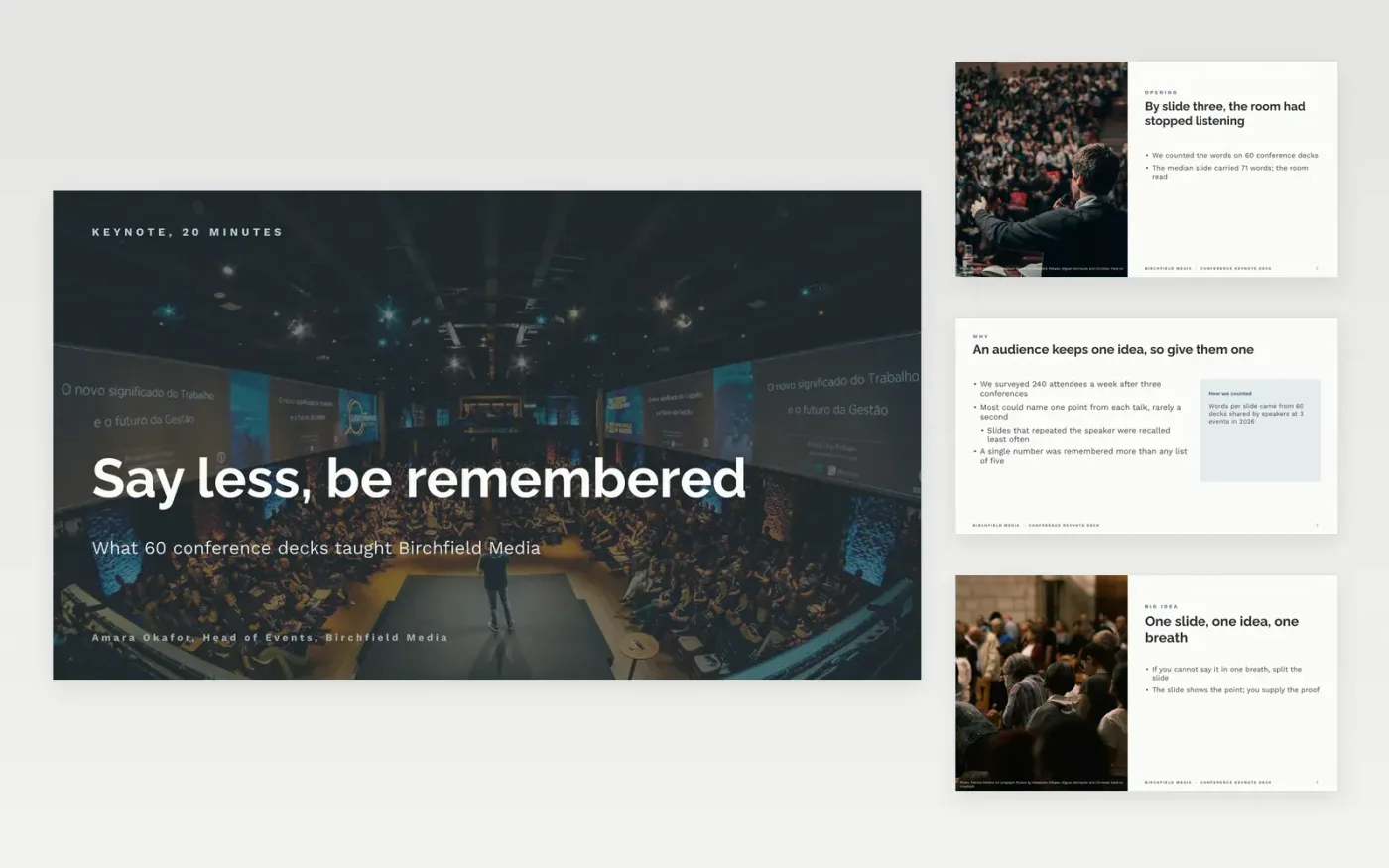
Most conference slides fail because they carry the whole talk instead of supporting it. This keynote deck keeps to one idea per slide: a photo opening, a big idea, a story, a chart the back row can read and a closing slide that asks the audience to do one thing.
The sample is a 20-minute talk by Birchfield Media's head of events, built on a count of words per slide across 60 conference decks. Replace the hook with your own story or most surprising number, swap in your evidence, one point per slide, and cut until you have no more than one slide a minute.
Click Make a copy in Google Slides, then confirm on the Google page. The copy is saved to your own Google Drive.
Replace the opening hook with your story or most surprising number, then count your slides against your minutes and cut to one a minute.
Replace the sample evidence with your own data, one point per slide, and enlarge any chart or code until it reads at 28 pt or more.
Rewrite the closing process as the single thing you want the audience to do, and put your own photos on the picture slides.
Delete the guide slide, then share the deck with the organisers or present it.
Aim for no more than one slide a minute, and fewer if you tell stories. This deck has eight talk slides, which leaves time for pauses and questions.
Yes. The cover and the two half-photo slides take any image: replace the sample picture, then crop it to fill the frame so it stays sharp on a large screen.
No. Birchfield Media, its people and every figure are fictional sample data, written so you can see how a finished keynote reads before you replace it.
Slides + PowerPoint18 slides
Free
Google Sheets
Free
Docs + Word12 pages
Free
Slides + PowerPoint10 slides
Free
Slides + PowerPoint12 slides
Free
Slides + PowerPoint11 slides
Free









