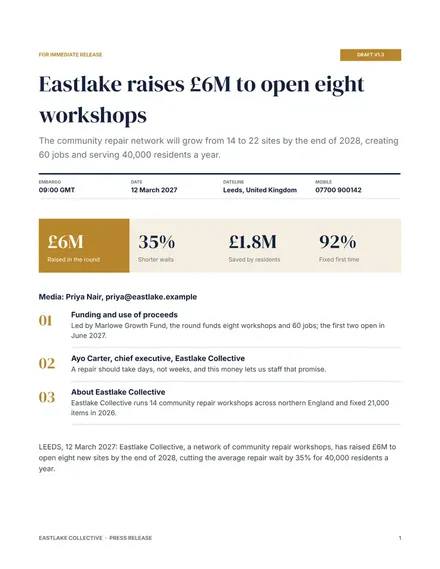
Press Release
Docs + Word2 pages
Free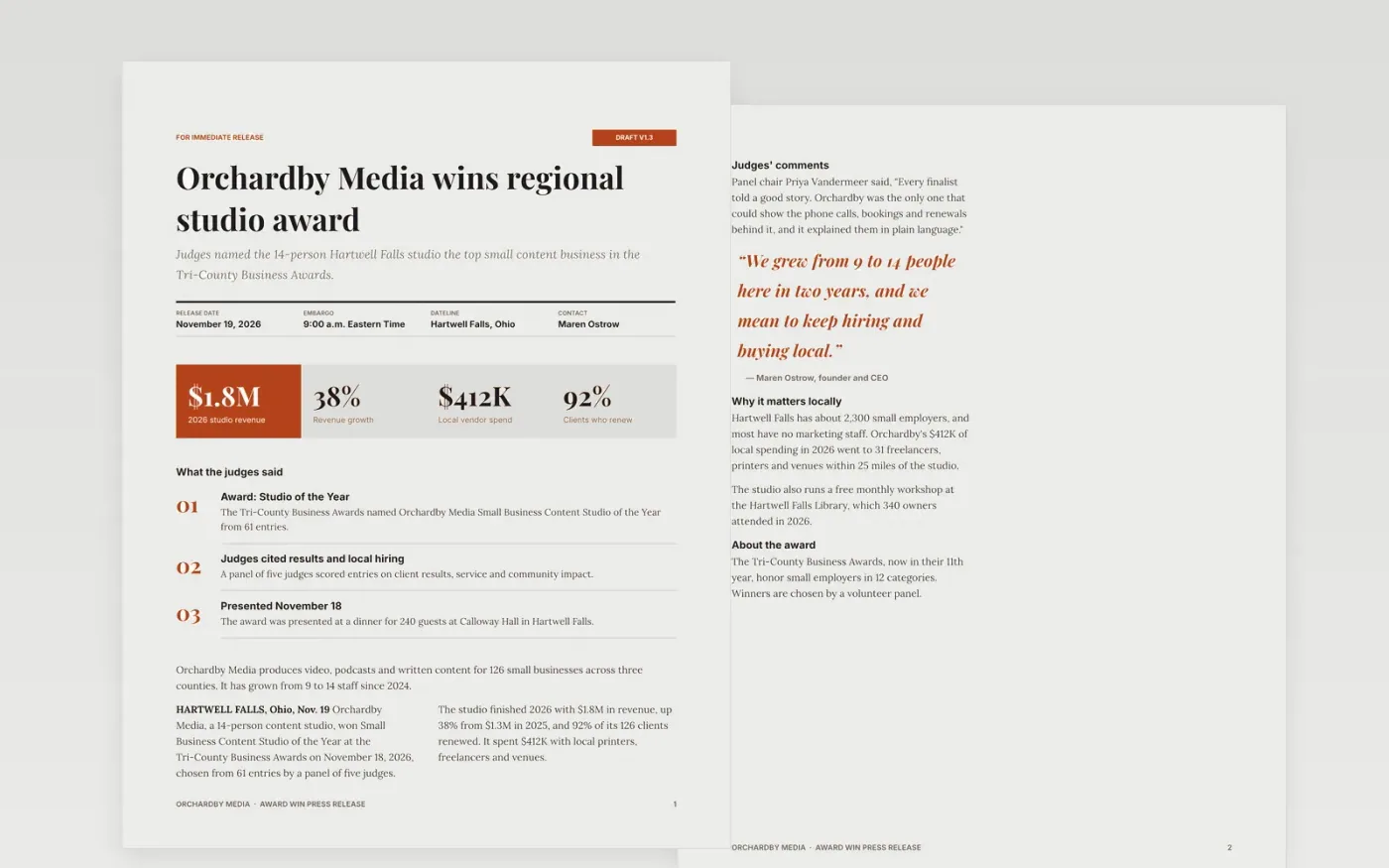
Small businesses win awards and then struggle to turn them into coverage. This template puts the news first and follows it with the facts an editor needs: who won, who judged, what was said and who to call. It runs three pages, with a title block, a two-column article and a short guide.
The sample announces that a fictional 14-person studio, Orchardby Media, won a regional award from 61 entries. It shows how to attribute claims, keep two quotes short and tie the story to the town. Replace the headline, dateline, figures, quotes and contact line with your own before sending.
Click Make a copy in Google Docs, then confirm on the Google page. The copy is saved to your own Google Drive.
Rewrite the headline and subtitle so they state your news, then set the release date, dateline and any embargo time with a time zone.
Replace the figures, judges' comments and quotes with real, approved ones, and check each number against your records.
Update the local angle and notes about the award, then add a mobile number and email you will answer.
Delete the Make it yours page, then share the document or export it as a PDF for editors.
Aim for 300 to 500 words. Put the win in the first paragraph, then add the judges' comments, one or two quotes, a local angle and a contact line.
No. Orchardby Media, its people, the award and every figure are fictional sample content. Replace all of it with your own approved facts before you send.
Yes, if you are sending ahead of the announcement. State the time and time zone in the title block, for example 9:00 a.m. Eastern Time.
Docs + Word2 pages
Free
Docs + Word2 pages
Free
Docs + Word2 pages
Free










