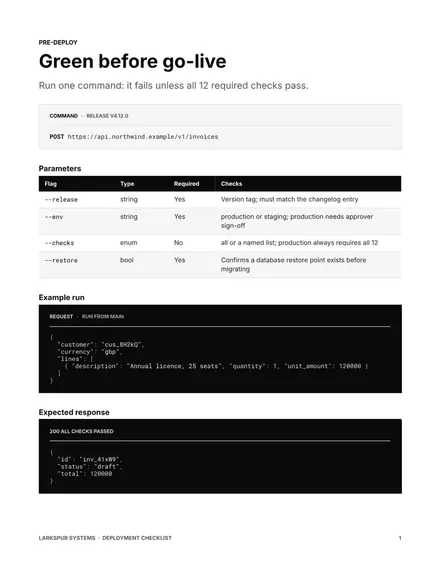
Deployment Checklist
Docs + Word8 pages
Free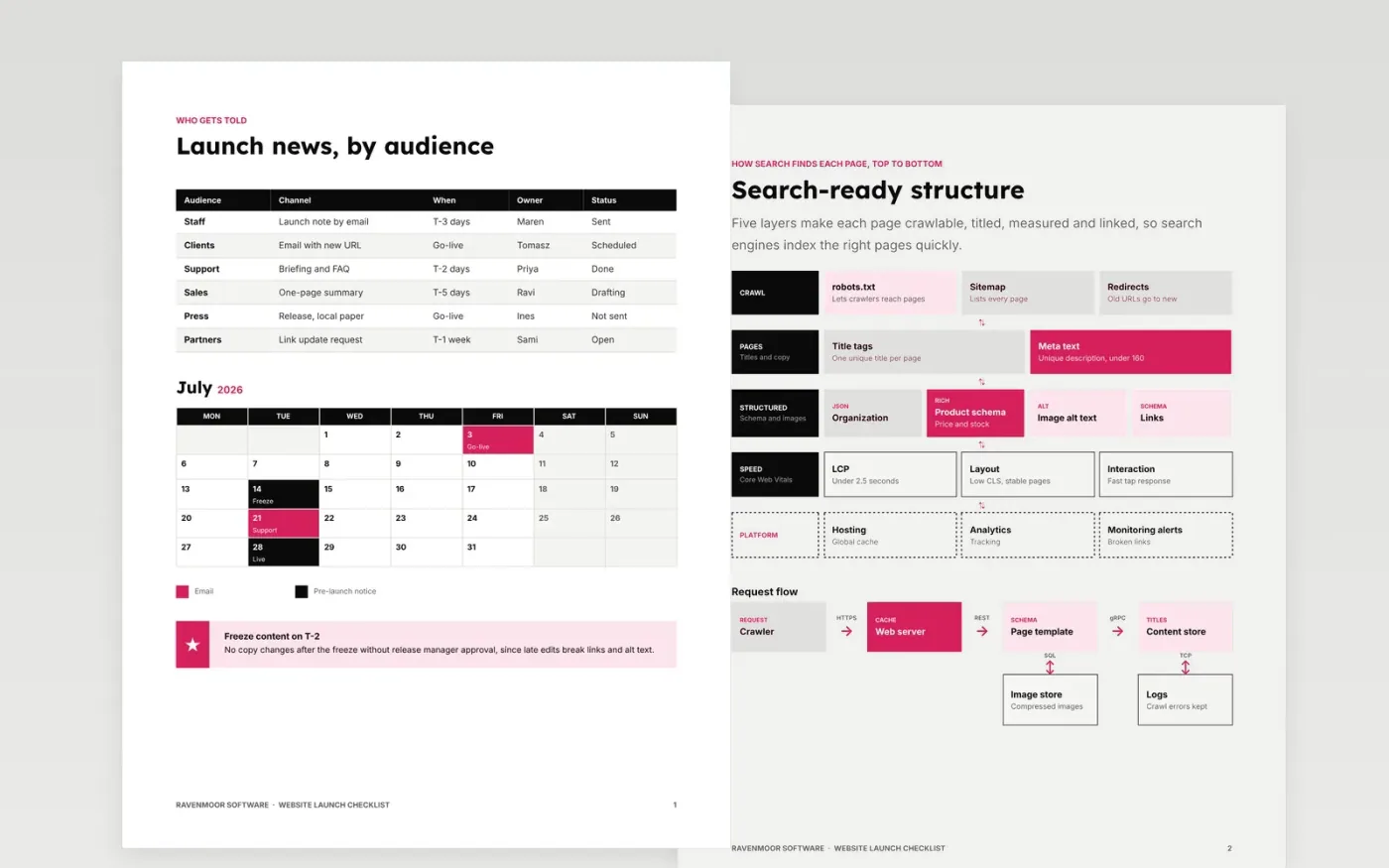
This eight-page Google Docs template gives a web agency a release checklist for a site launch. It covers the content freeze and launch messages, the SEO structure, analytics coverage, form tests, performance targets and the legal review that must be complete before the site goes live. Every line is a yes-or-no item with an owner, so the release manager can sign the launch off on evidence rather than memory.
The sample describes Ravenmoor Software, a fictional agency, with fictional people, a sample communication schedule, a set of service levels, a form test record, a performance scorecard and a legal policy. Replace the checks, owners and thresholds with the ones in your own release process, and add the exact tests and dates for your stack before the first launch you run from it.
Click Make a copy in Google Docs, then confirm on the Google page. The copy is saved to your own Google Drive.
Set the release version, date, deployer and approver at the top, then delete any checklist item that does not apply to your stack.
Replace the sample thresholds with the guard metrics and rollback trigger from your own service objectives.
Add the exact deploy and rollback commands or pipeline links, and name the people on hypercare and for how long.
Delete the guide page, then share the checklist with the release approvers or print it for the launch call.
A number ends the argument during an incident. Stating that you roll back when errors exceed twice baseline for five minutes means the decision is made in advance and nobody has to debate it under pressure.
Yes. Ravenmoor Software, the named staff, test dates, performance figures and every threshold in this sample are fictional and use the .example domain, so replace them with your own before use.
Avoid it unless a named owner is on hypercare for at least 24 to 72 hours. Without that cover, a fault found on Saturday has no one watching it, and recovery takes longer.
More Google Docs templatesMore developer workflows templates
Docs + Word8 pages
Free
Docs + Word8 pages
Free
Docs + Word8 pages
Free
Docs + Word7 pages
Free
Docs + Word8 pages
Free
Slides + PowerPoint10 slides
Free










