Go-Live Checklist for Enterprise Systems
Docs + Word8 pages
Free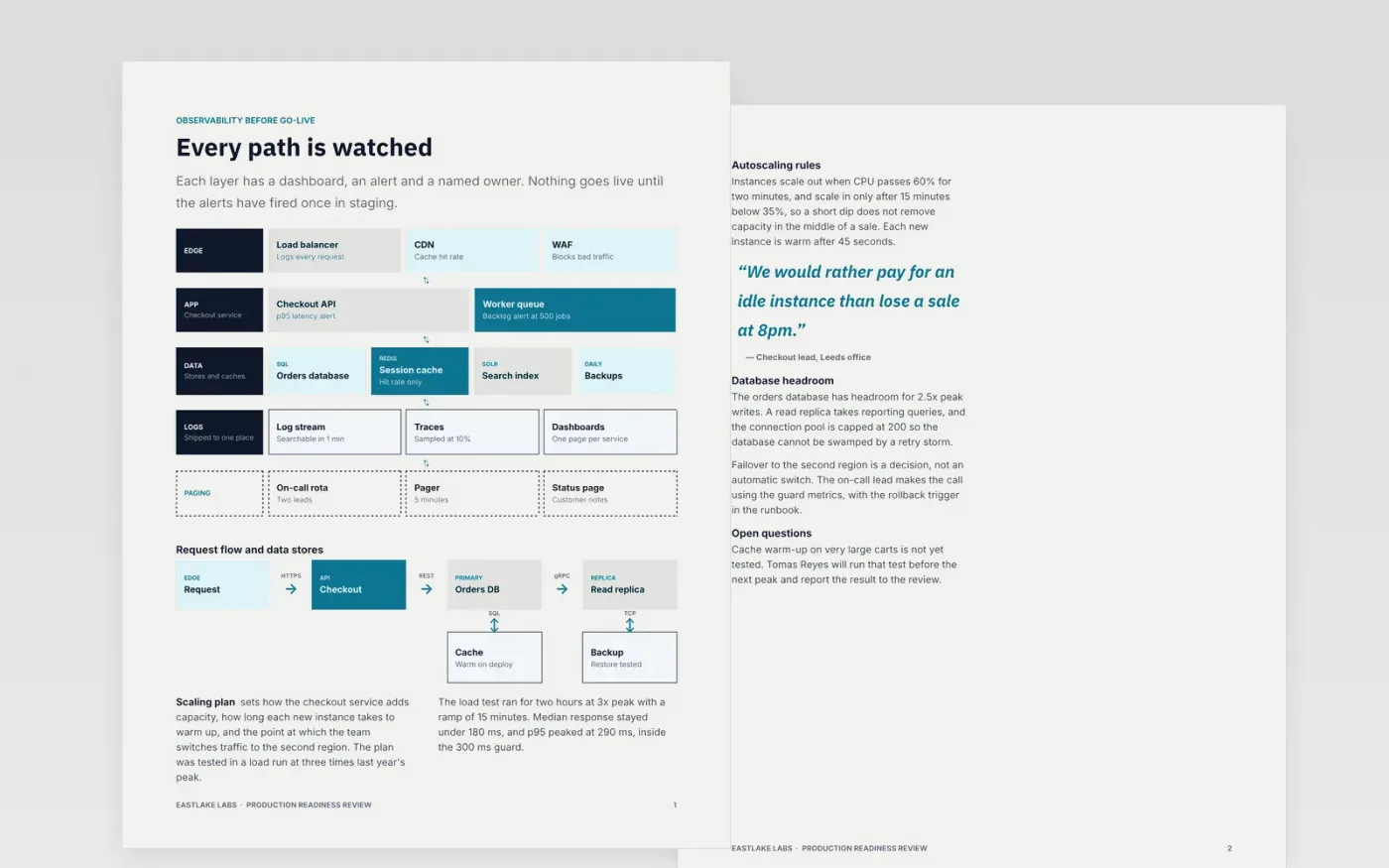
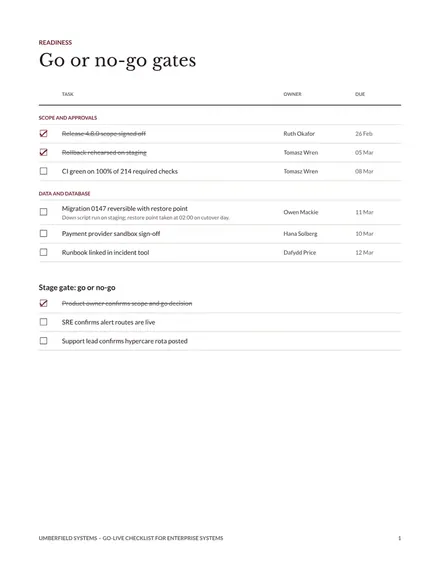
A release that goes wrong is usually one that depended on someone's memory. This checklist turns go-live into a set of yes-or-no items: what the service must show on its dashboards, how it scales, which security checks must pass, how the runbook rolls it back, who is on call and who signs off. The rollback trigger is a number, so nobody argues it during an incident.
The sample covers a fictional checkout service at Eastlake Labs, with a staged rollout, guard metrics and a rollback runbook that was timed in staging. Replace the release details, thresholds and owners with your own, add your exact commands, and record hypercare owners before the deploy window opens.
Click Make a copy in Google Docs, then confirm on the Google page. The copy is saved to your own Google Drive.
Set the release version, date, deployer and approver on the first page.
Set the guard metrics and rollback threshold from your own service objectives.
Add the exact deploy and rollback commands or pipeline links to the runbook.
Delete the guide page, then share the review with approvers before the deploy window.
No. Eastlake Labs, the checkout service, the load test figures, the people named and the on-call rota are fictional. They show how a finished readiness review can look.
No. Each item has an owner who answers yes or no on the day, and the record should show who did it. A checklist ticked in bulk after the release records nothing useful.
Most services need 24 to 72 hours of hypercare with a named owner on watch. Extend it when the release changed a dependency, and keep the rollback trigger in force for the whole period.
More Google Docs templatesMore developer workflows templates
Docs + Word8 pages
Free
Docs + Word8 pages
Free
Docs + Word8 pages
Free
Docs + Word7 pages
Free
Slides + PowerPoint10 slides
Free
Docs + Word8 pages
Free










