Deployment Checklist
Docs + Word7 pages
Free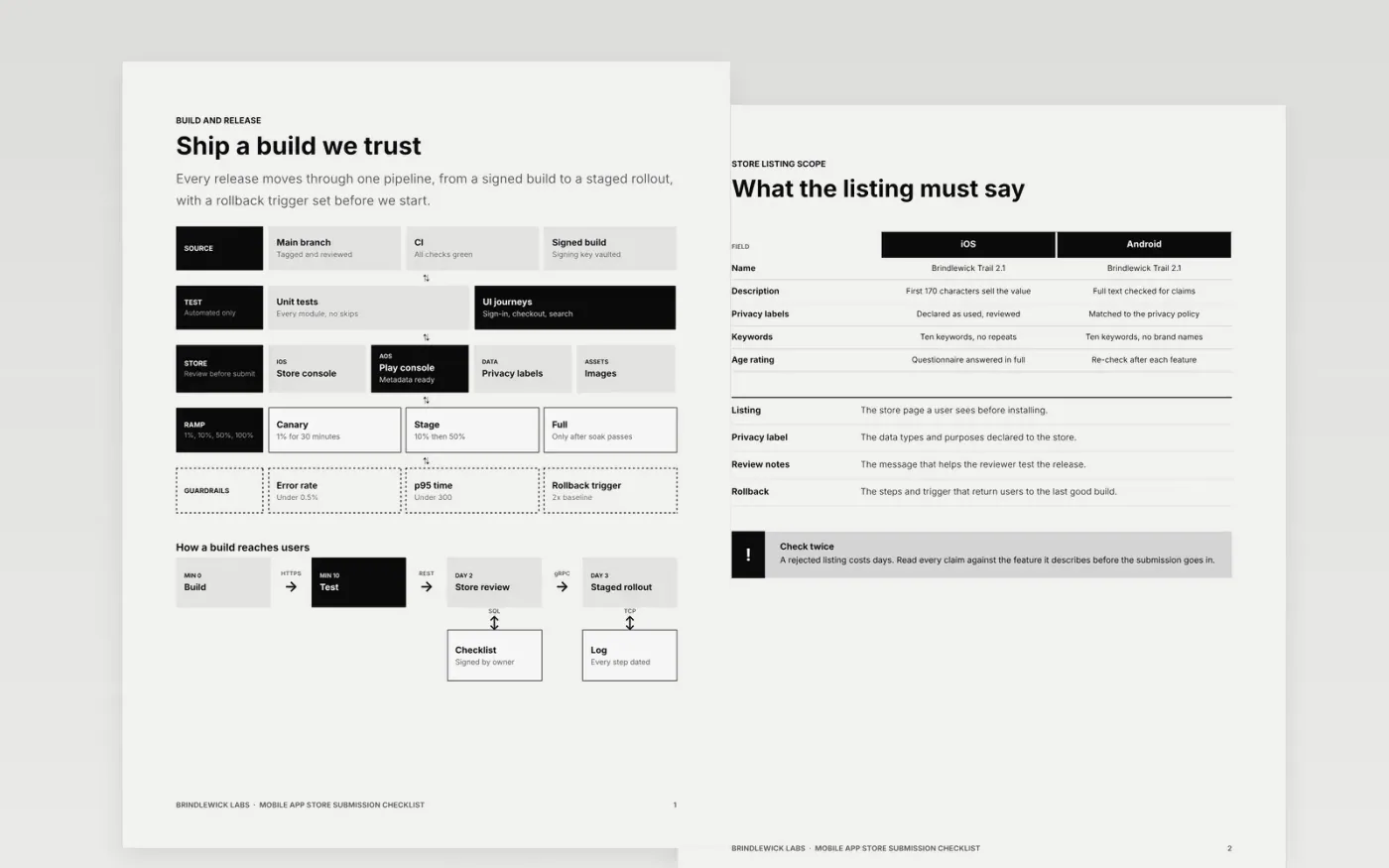
A rejected submission can cost a release a week, and most rejections come from details that were checked from memory. This checklist puts a store submission in order: the build and pipeline, the listing scope, the privacy labels, the screenshots, the review notes and the lessons from the last release. Each item is a yes or no answer with an owner.
The sample is for Brindlewick Labs, a fictional studio preparing a fitness app for iOS and Android. Its version numbers, rollout thresholds and review history are sample data. Replace them with your own app, store accounts and rollback numbers, and confirm each one with your service owners before you submit.
Click Make a copy in Google Docs, then confirm on the Google page. The copy is saved to your own Google Drive.
Set the release version, date, deployer and approver at the top of the checklist.
Delete items that do not apply to your app, and add the manual steps for your release.
Set the guard metrics and rollback thresholds from your service objectives.
Delete the guide page, name the hypercare owner, then share the checklist with the team.
Yes. Copy the checklist into your Drive for free, then add the commands and thresholds your releases use.
No. Brindlewick Labs, its app, versions and thresholds are fictional sample data. Replace them with your own store details and service numbers before you use the checklist.
No. Store rules change often, so check the current review guidelines before each submission and keep this checklist as your own record of what you verified.
More Google Docs templatesMore developer workflows templates
Docs + Word7 pages
Free
Docs + Word7 pages
Free
Slides + PowerPoint11 slides
Free









