Cleaning Services Proposal
Docs + Word8 pages
Free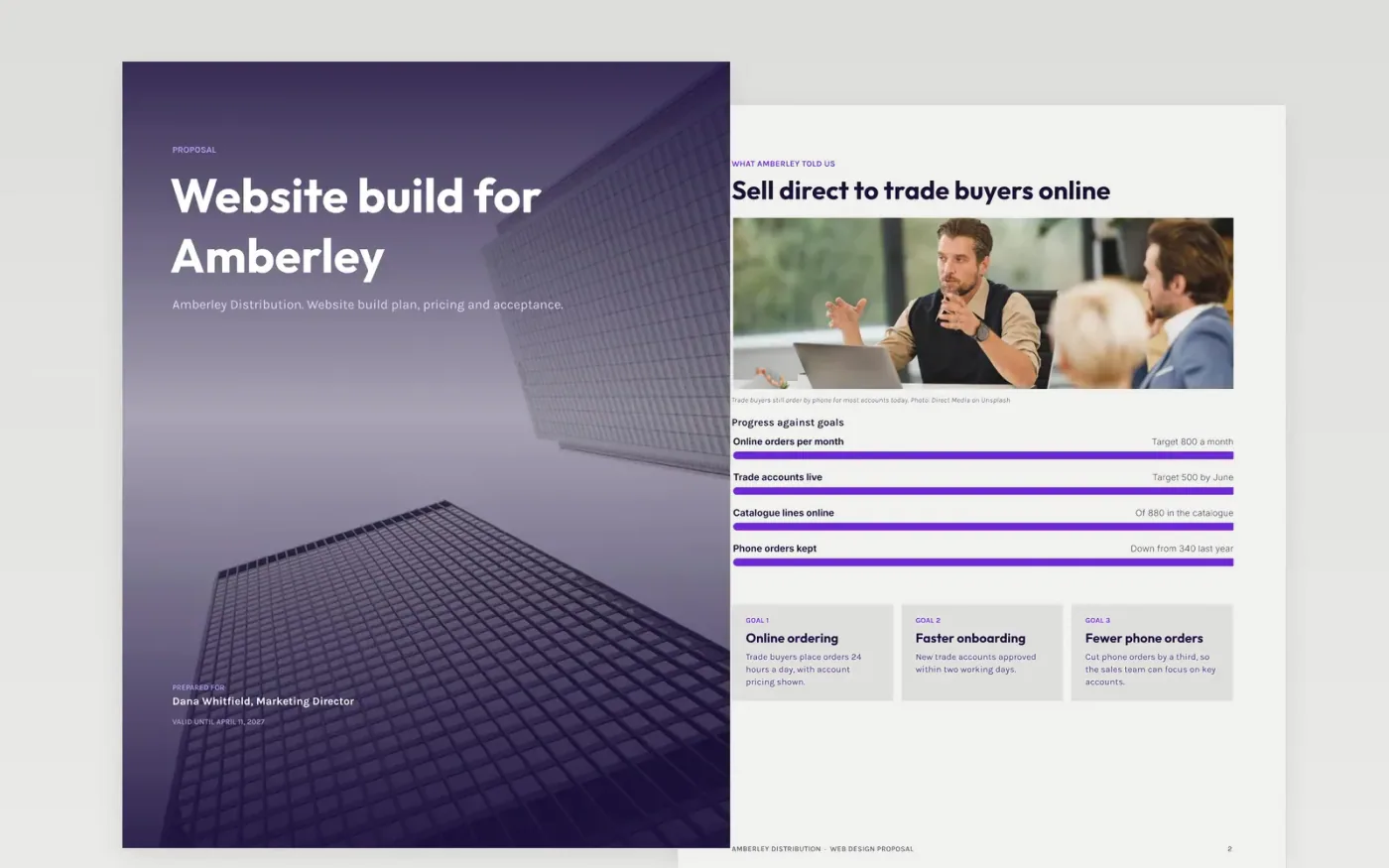
This nine-page Google Docs template helps a web design studio win a website project by showing the client their own goals first, then a priced solution they can compare. It moves from goals and sitemap through features, the design process and timeline to the price options, the payment schedule and a line-item quotation with an acceptance box. Each section restates what the client said before offering anything, so buying committees can approve it without another meeting.
The sample describes Amberley Distribution, a fictional wholesaler, with fictional contacts, figures and a studio called Harbor Lane. Replace the goals with the client's own phrases from discovery, enter your fees and deliverables, mark the option you recommend and add your payment terms, validity date and acceptance details before you send it.
Click Make a copy in Google Docs, then confirm on the Google page. The copy is saved to your own Google Drive.
Rewrite the goals page using the client's own phrases from discovery, and quote one number they gave you.
Enter your fees in the pricing and line-item tables, mark the recommended option and check the totals add up.
Add the signatory name, title and date in the acceptance box, then put your payment terms and expiry date in plain words.
Delete the guide page, then send the proposal to the client or present it to the buying committee.
Thirty days is common. Put the exact expiry date on the cover and the pricing page, and say what happens to prices after it, so the buyer knows when to decide.
Yes. Amberley Distribution, Harbor Lane Studio, the named contacts and every price in this sample are fictional and use the .example domain, so replace them with your own before sending.
Yes. Listing exclusions, such as copywriting, hosting fees or third-party licences, prevents disputes about scope after signature and makes the price easier for the buyer to compare.
Docs + Word8 pages
Free
Docs + Word8 pages
Free
Docs + Word4 pages
Free
Docs + Word9 pages
Free
Docs + Word9 pages
Free
Docs + Word8 pages
Free
Docs + Word9 pages
Free
Docs + Word8 pages
Free
Docs + Word8 pages
Free
Slides + PowerPoint11 slides
Free
Slides + PowerPoint10 slides
Free
Slides + PowerPoint10 slides
Free
Slides + PowerPoint12 slides
Free
Slides + PowerPoint14 slides
Free










