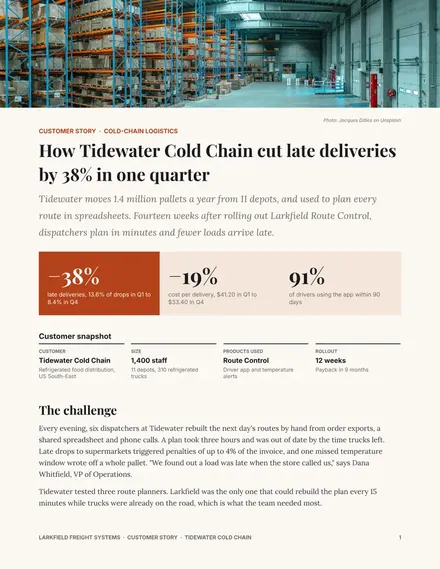
Customer Case Study
Docs + Word3 pages
Free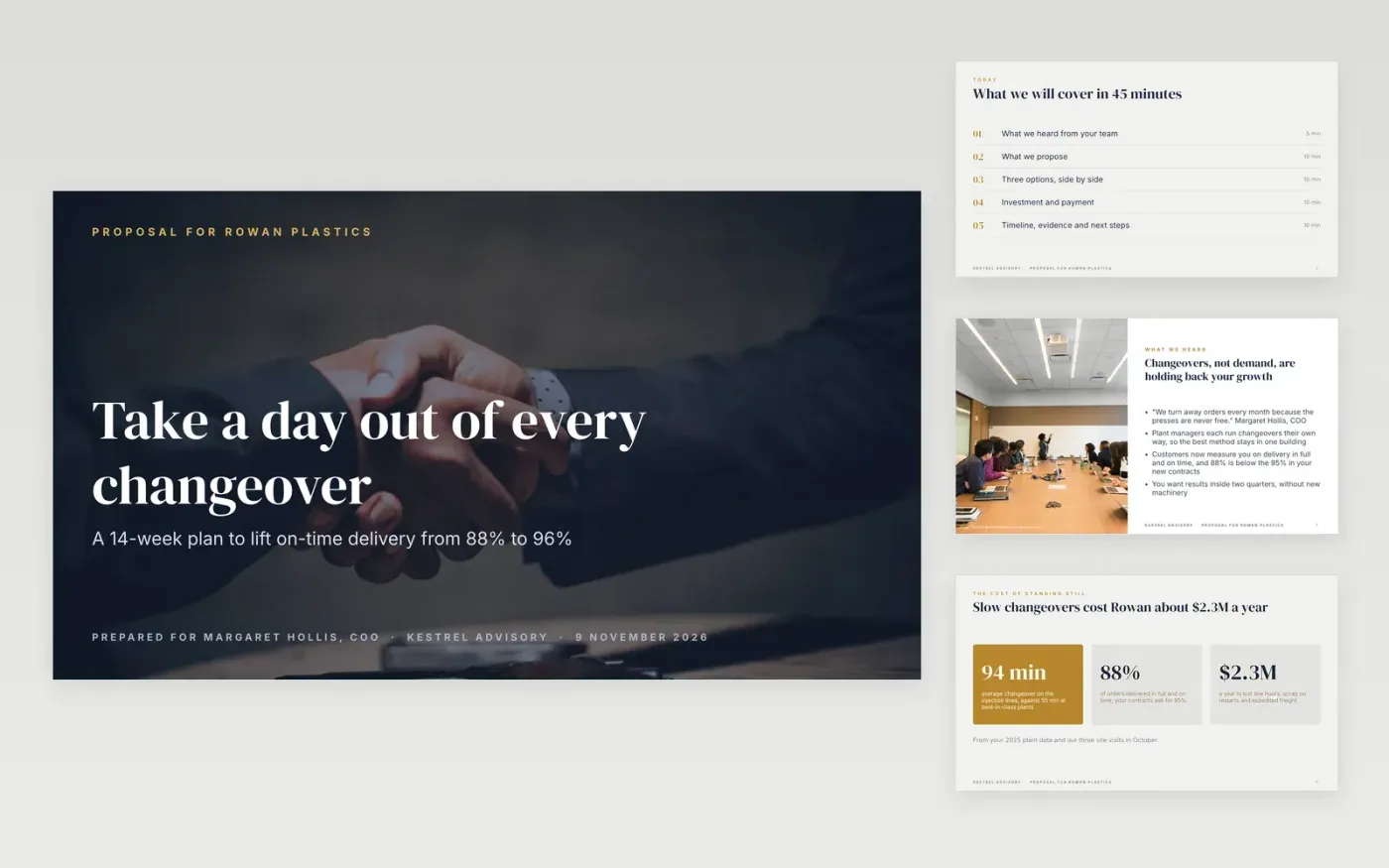
A proposal presented in a meeting works differently from one sent by email. The buyer has to see their own goals before your solution, compare options before they see a price, and leave knowing exactly how to say yes. This deck is built in that order.
It comes complete with a sample proposal from a fictional operations consultancy to a plastics manufacturer, so every slide shows what good looks like: the buyer's words, a priced three-option comparison with the middle one recommended, a milestone payment table, a timeline and a dated next step. Swap in your own deal and delete the guidance slide.
Click Make a copy in Google Slides, then confirm on the Google page. The copy is saved to your own Google Drive.
Change the client name, contact, date and footer text, then rewrite "What we heard" with your buyer's own words from discovery.
Replace the solution, scope and timeline with your phases, and enter your options and fees. Mark the one you recommend and check the payment table adds up.
Click a photo, then Replace image, and set your validity date and next steps on the last content slide.
Delete the Make it yours slide, then present, or share a PDF with File → Download → PDF.
If the buyer sees one price first, they judge it alone. Seeing three options side by side, with the middle one recommended, lets them choose a scope and makes your quote easier to compare fairly with a competitor's.
Eight to fourteen. This deck has twelve content slides plus a guidance slide and a closing slide. Cut the scope or evidence slide if you only have 30 minutes.
Tables and text are fully editable. The comparison and pricing slides are built from shapes and text you can change in place.
Rock Staar and Christina @ wocintechchat.com M on Unsplash, used under the Unsplash License and credited in the deck.
Docs + Word3 pages
Free
Docs + Word5 pages
Free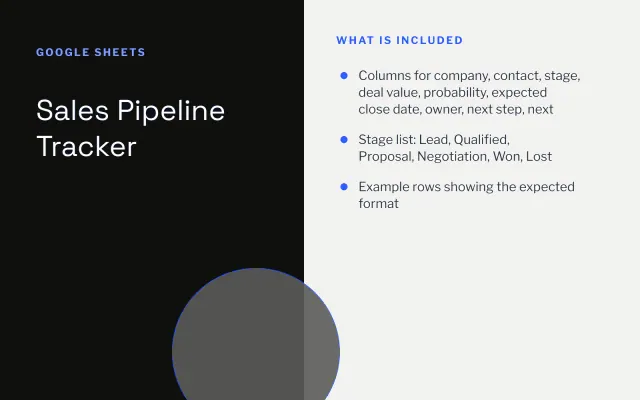
Google Sheets
Free
Slides + PowerPoint12 slides
Free
Docs + Word8 pages
Free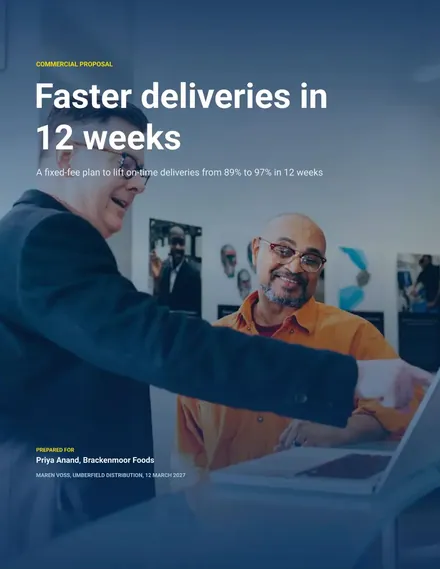
Docs + Word8 pages
Free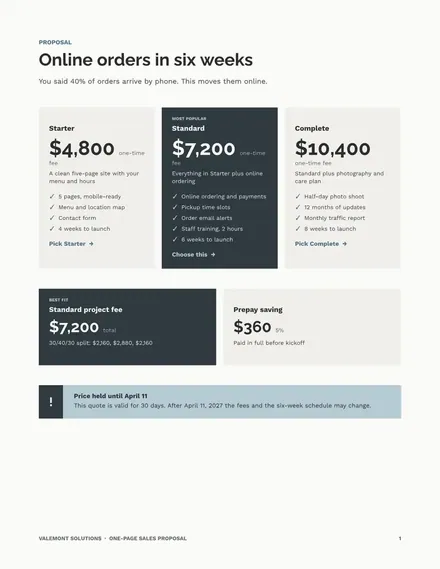
Docs + Word3 pages
Free










