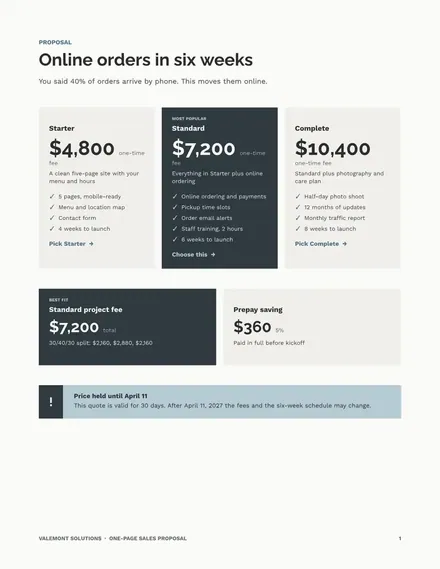
One-Page Sales Proposal
Docs + Word3 pages
Free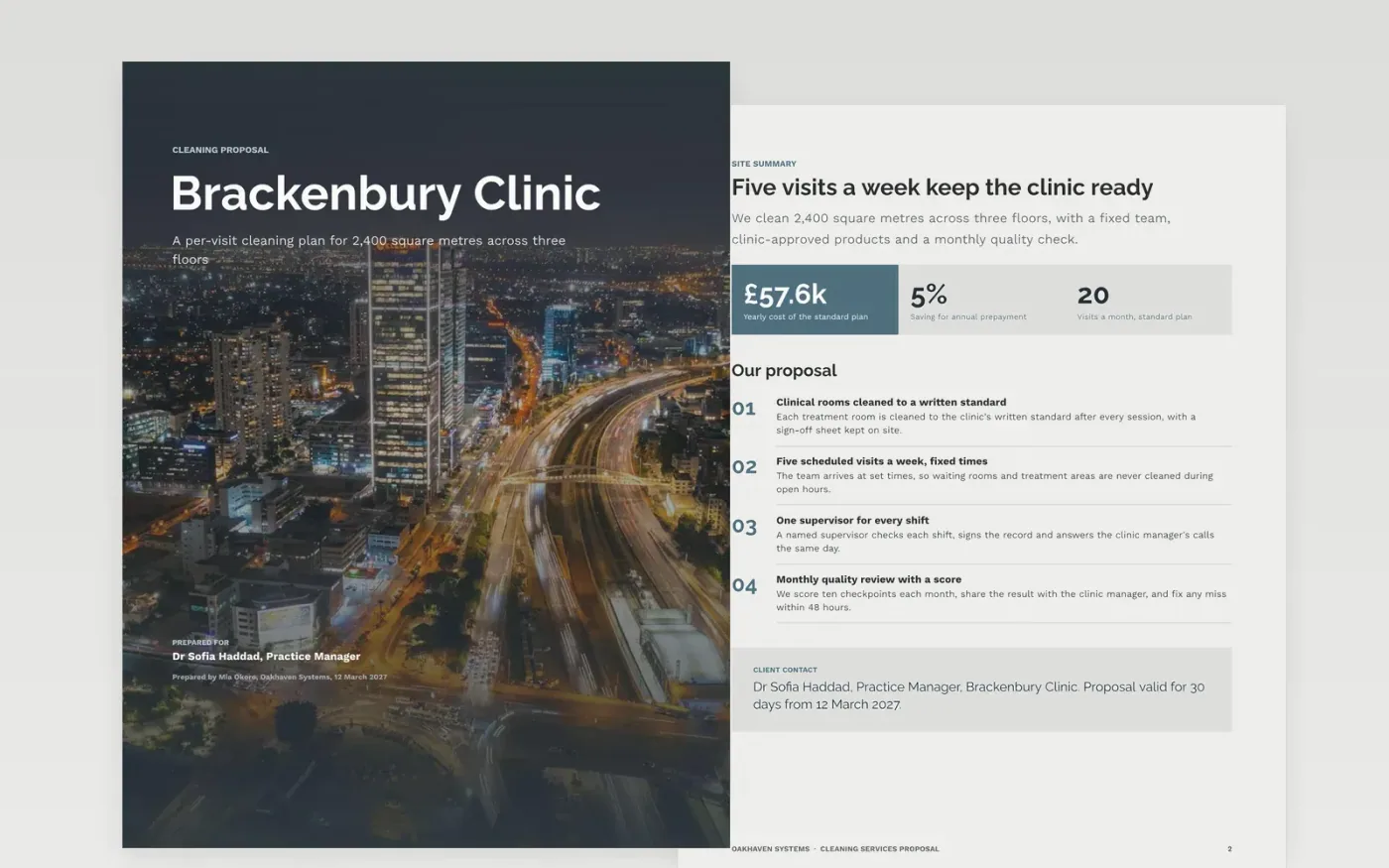
A cleaning proposal loses when the price is buried, the scope is vague or the buyer cannot tell what is included. This template sets the offer out in the order a practice manager reads it: the site, what is cleaned and how often, the team, the products and safety, the price, and the terms. Every area is listed, and every exclusion is named.
The sample is a per-visit offer from Oakhaven Systems to a three-storey clinic called Brackenbury Clinic, with five visits a week, three price options and an annual total of £57.6k. All names, addresses, prices and figures are fictional. Replace the site details, fees and terms with your own, check the arithmetic, and keep the expiry date on the cover.
Click Make a copy in Google Docs, then confirm on the Google page. The copy is saved to your own Google Drive.
Replace the site details, floor area and opening hours on the summary and scope pages.
Enter your per-visit fees and check that the monthly figure multiplied by twelve matches the annual price.
Set the exclusions and payment terms in plain words, then add the signatory name and date.
Delete the guide page, then send the proposal to the buyer with a dated next step.
Yes. Oakhaven Systems, Brackenbury Clinic, the team, the phone numbers and every price and figure are fictional. Replace them with your own details before you send the proposal to a client.
A single price invites a competing quote with no basis for comparison. Three options, with the middle one marked as recommended, let the buyer choose a level of service and see the trade-off between them.
Thirty days is a common limit. State the date on the cover and in the price section, so the buyer knows when the quote expires and does not sign on an old rate.
Docs + Word3 pages
Free
Docs + Word8 pages
Free
n8n
Free
Slides + PowerPoint12 slides
Free
Slides + PowerPoint14 slides
Free










