Sales Proposal
Docs + Word8 pages
Free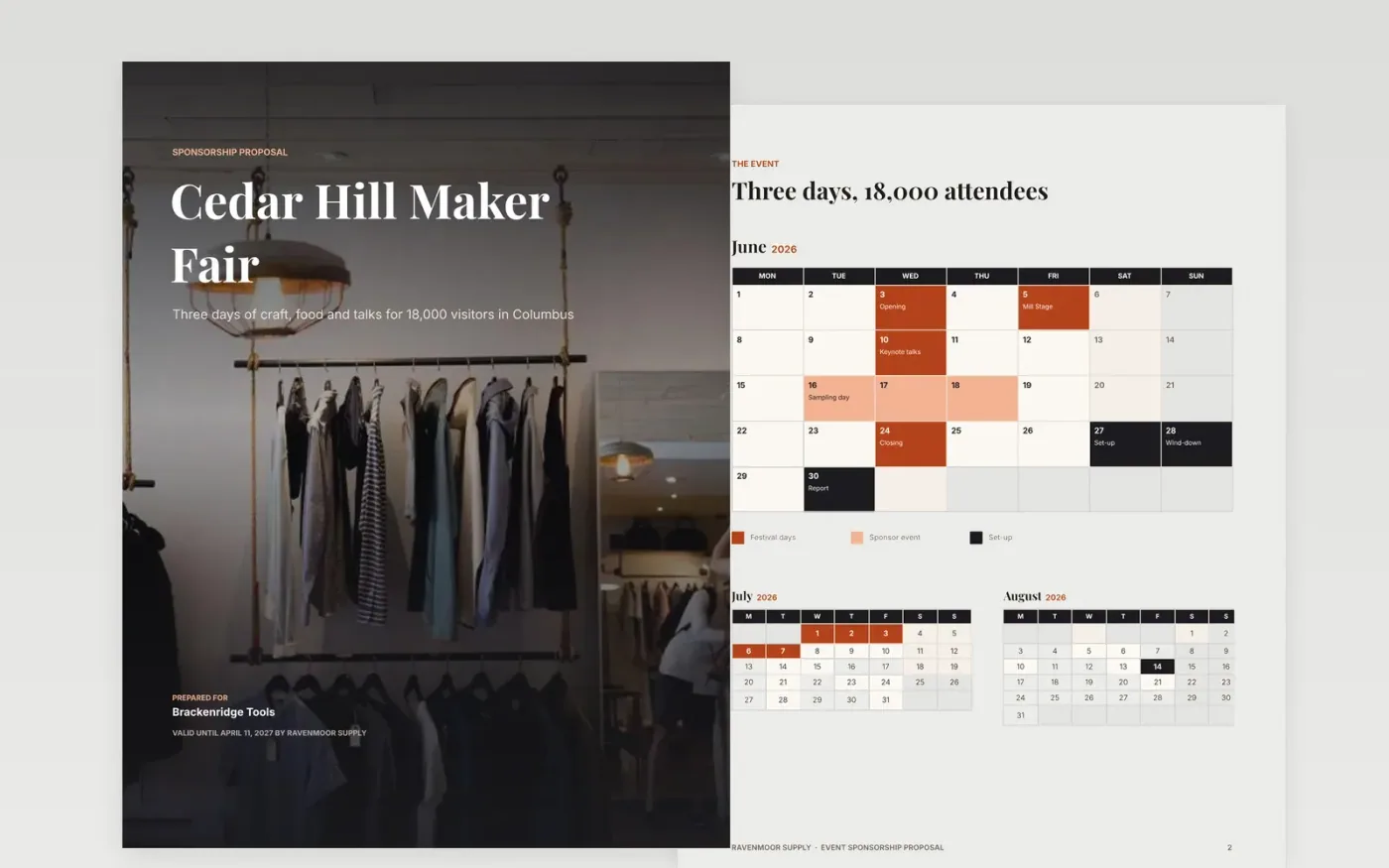
A sponsor compares several proposals side by side, and the one that restates their goals in plain terms, prices its options clearly and explains how to accept usually wins. This template is built for that moment. It opens with the event and its audience, sets out three priced tiers with the recommended one marked, shows the service levels each tier carries, and closes with past results and a booking page that states validity and terms.
The sample sells sponsorship at the fictional Cedar Hill Maker Fair in Columbus, run by Ravenmoor Supply for 18,000 visitors over three days, to a fictional prospect called Brackenridge Tools. Tiers run from $2,500 to $25,000 with the $9,500 Partner tier recommended, and the annual retainer is priced at $39,900 after a 5 percent discount. Replace the event facts, audience survey, prices and past sponsors with your own.
Click Make a copy in Google Docs, then confirm on the Google page. The copy is saved to your own Google Drive.
Rewrite the goals section in the buyer's own words from discovery, and quote one number they gave you.
Enter your tier fees in the pricing table, mark the option you recommend and check the total adds up.
Replace the service levels, validity date and cancellation rule with terms you can actually commit to.
Delete the guide page, then send the proposal to the buyer or present it from Google Docs.
No. Ravenmoor Supply, Cedar Hill Maker Fair, Brackenridge Tools, the people named in the booking plan and every price, audience figure and quote in this template are fictional sample data. Replace them with your own before you send a proposal.
Offering two or three options lets the buyer choose the level that fits their budget, rather than comparing you with a rival on price alone. Mark the middle option as recommended and explain why it suits most sponsors at that size.
Thirty days is a common limit. It gives the buyer time to take the proposal through approvals while keeping prices from drifting as costs change. State the date plainly on the booking page, and say what happens after it.
Docs + Word8 pages
Free
Docs + Word8 pages
Free
Docs + Word4 pages
Free
Docs + Word9 pages
Free
Docs + Word8 pages
Free
Docs + Word9 pages
Free
Docs + Word8 pages
Free
Docs + Word8 pages
Free
Slides + PowerPoint11 slides
Free
Docs + Word9 pages
Free
Slides + PowerPoint10 slides
Free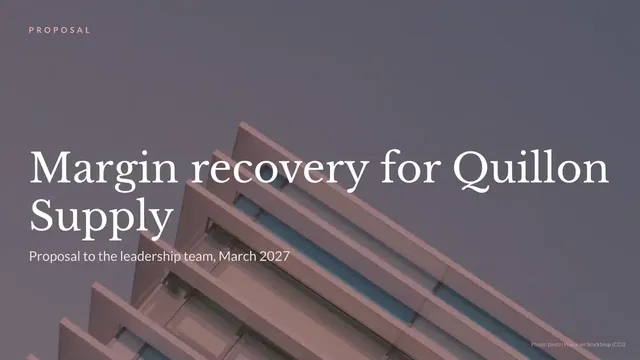
Slides + PowerPoint10 slides
Free
Slides + PowerPoint12 slides
Free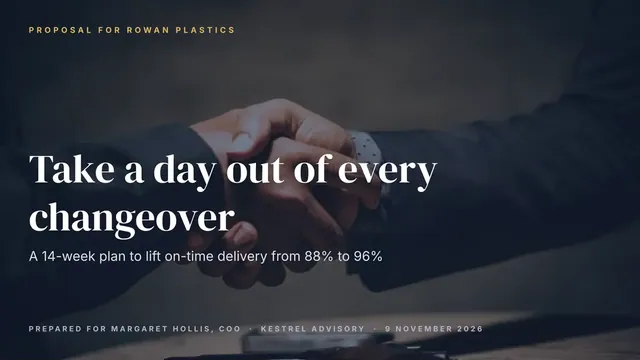
Slides + PowerPoint14 slides
Free










