
Agency Pitch Presentation
Slides + PowerPoint12 slides
Free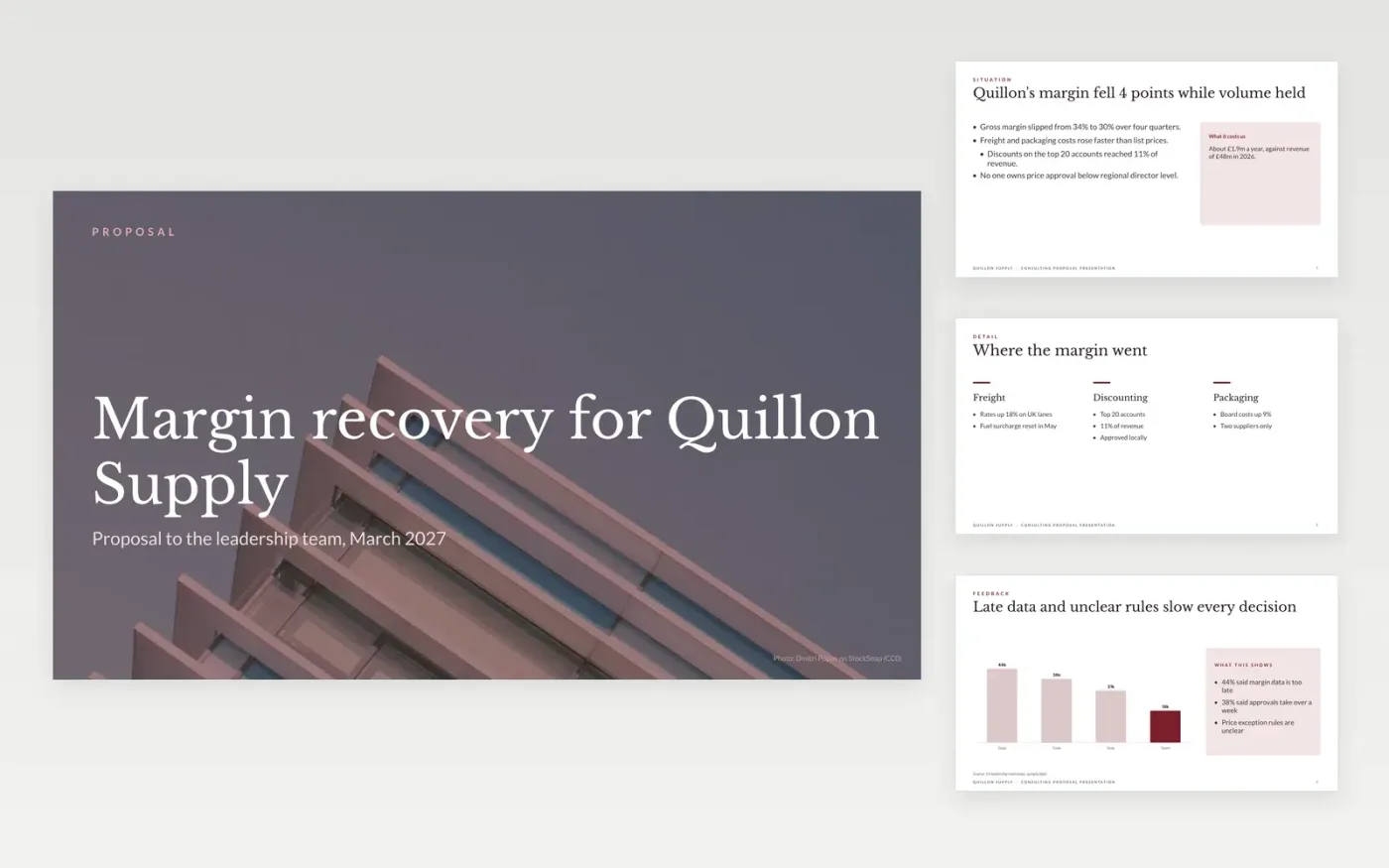
The Consulting Proposal Presentation template is a free Google Slides deck for consultancies that need to win a deal in one partner-led meeting. It runs to ten slides: a cover, the client's situation, what the team heard, the approach, the phases, the team, the fees and a closing slide, with a short guide slide at the end. Each slide sits on a fixed layout, so the argument stays in order from the buyer's problem to the decision.
Every slide carries sample content for Quillon Supply, a fictional company, so you can see how a finished proposal reads. Replace the situation, findings, phases and fees with your own, and enter only the dates you can commit to. Keep the fee options side by side so the buyer can compare them, then delete the guide slide before you share the deck.
Click Make a copy in Google Slides, then confirm on the Google page. The copy is saved to your own Google Drive.
Replace the cover, situation and findings with the client's own words and figures from discovery.
Set your approach steps, phase dates and team names, and enter your fees on the fees slide.
Mark the option you recommend, check the fees add up, and make sure the caption states your payment terms.
Delete the guide slide, then share the deck or present it from Google Slides.
Yes. Make a copy in Google Slides and it is yours to edit. There is no sign-up on this page and no charge for the template.
Yes. The slides use standard Google Slides styles, so you can change fonts, colours and layouts as you would in any presentation.
No. Quillon Supply, its people, the figures and the email addresses are fictional sample content. Replace all of them before you send the deck to a client.
Slides + PowerPoint12 slides
Free
Slides + PowerPoint14 slides
Free
Slides + PowerPoint11 slides
Free
Docs + Word9 pages
Free
Docs + Word9 pages
Free
Docs + Word8 pages
Free
Docs + Word9 pages
Free
Docs + Word8 pages
Free
Docs + Word8 pages
Free
Docs + Word9 pages
Free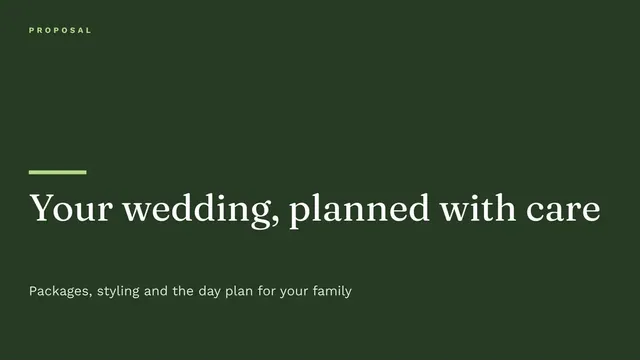
Slides + PowerPoint10 slides
Free
Docs + Word4 pages
Free
Docs + Word8 pages
Free
Docs + Word8 pages
Free










