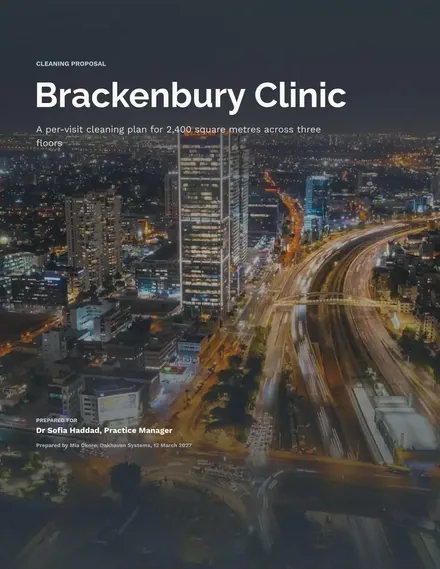
Cleaning Services Proposal
Docs + Word8 pages
Free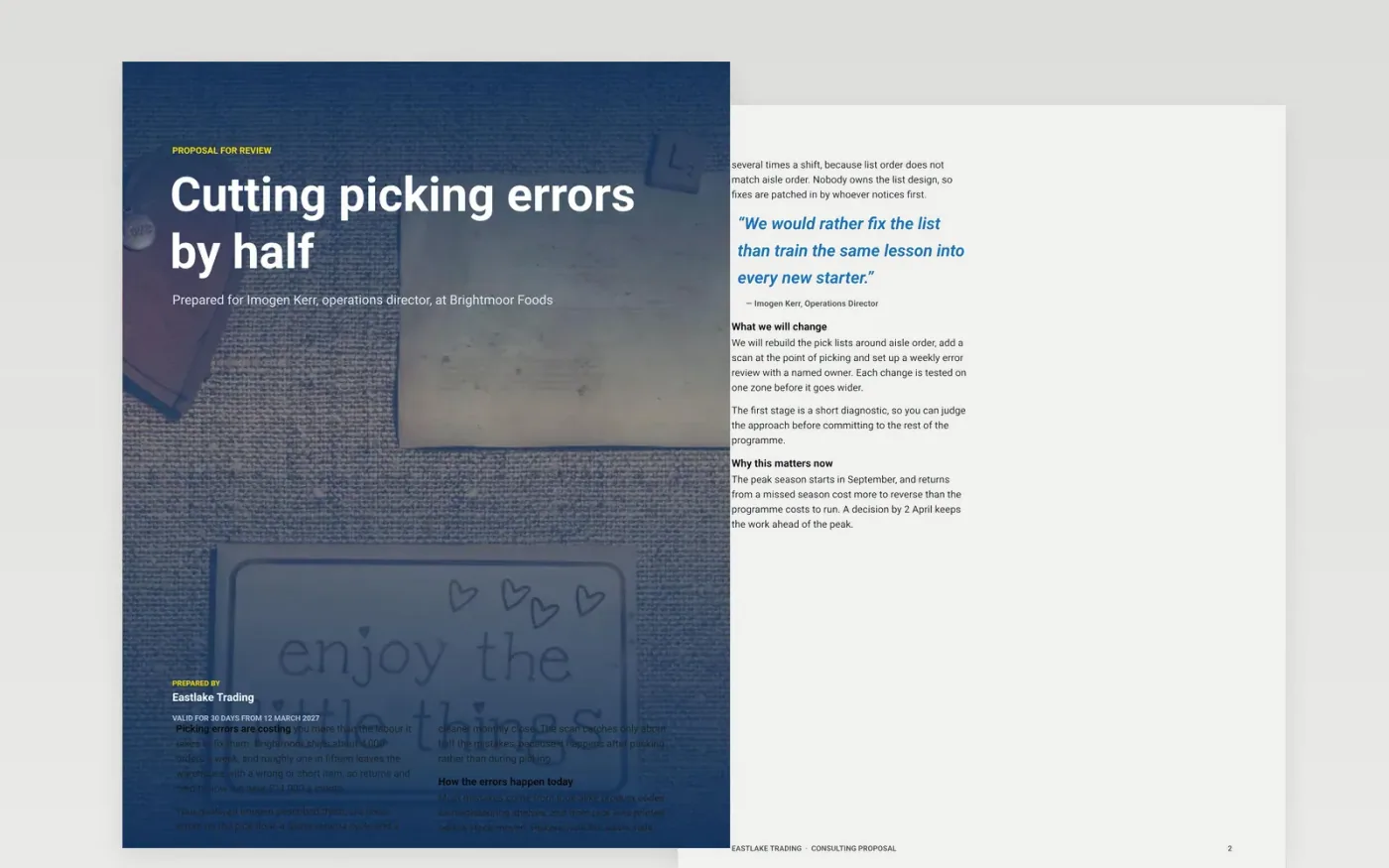
A buyer comparing proposals wants to see their own goals restated, a clear price they can compare and an easy way to accept. This business proposal template runs in that order: a situation article, objectives with a target chart, the approach, milestone phases, the team, priced options, terms and a guide page. Each part is short enough for a buying committee to scan, and the investment sits on its own page.
The sample proposes a three-stage error reduction project for Brightmoor Foods, a fictional client, with a recommended full option at £18,500 and a 30-day validity. Replace the goals with the phrases from your own discovery notes, then check that the solution matches them. Enter your fees in the pricing table, mark the option you recommend and confirm the acceptance details.
Click Make a copy in Google Docs, then confirm on the Google page. The copy is saved to your own Google Drive.
Rewrite the goals on page 3 using the buyer's own phrases, and quote one number they gave you.
Enter your fees on page 7, mark the option you recommend, and check that the total adds up.
Replace the dates on page 5 with dates you can commit to, and set the validity date on page 1.
Delete the guide page, then send the proposal to the buyer or present it to the committee.
No. Eastlake Trading, the client Brightmoor Foods, the people in the team section, the prices and every figure in this proposal are fictional sample data. Replace them with your own details before you send the document.
Show at least two and mark the one you recommend. A single price invites a competing quote, while a clear middle option lets the buyer see the trade-off between cost and results.
The content works in slides too, but this document is built for reading. Keep the terms and the price table here, and use the goals and approach as the basis of a short deck if the buyer asks for one.
Docs + Word8 pages
Free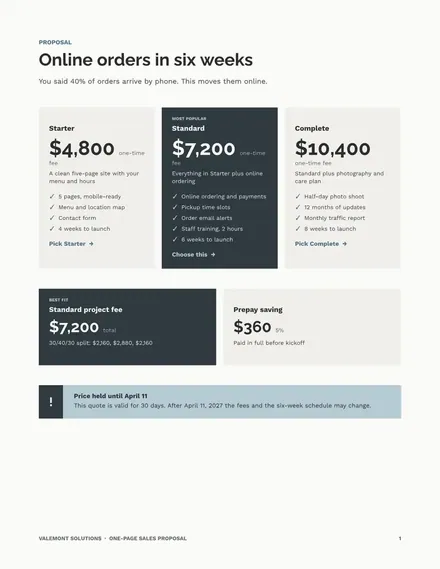
Docs + Word4 pages
Free
Docs + Word8 pages
Free
Docs + Word9 pages
Free
Docs + Word8 pages
Free
Docs + Word9 pages
Free
Docs + Word8 pages
Free
Docs + Word8 pages
Free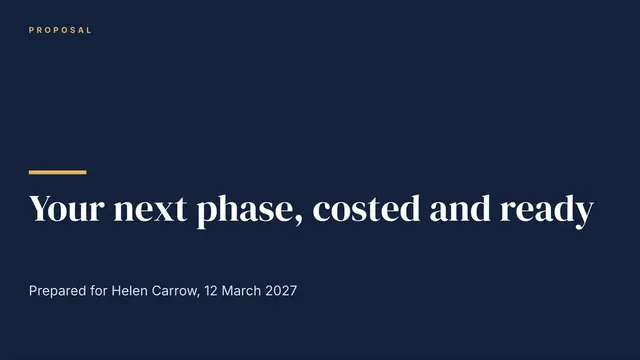
Slides + PowerPoint11 slides
Free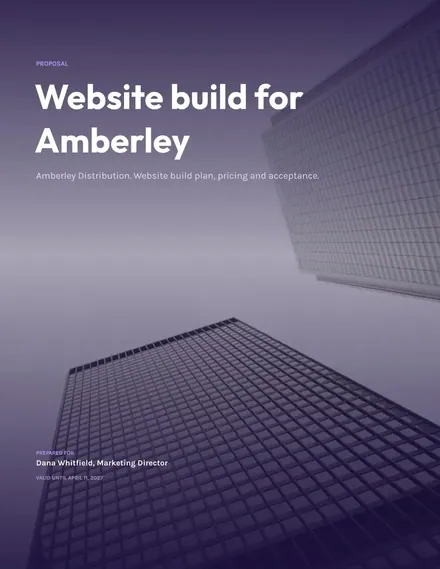
Docs + Word9 pages
Free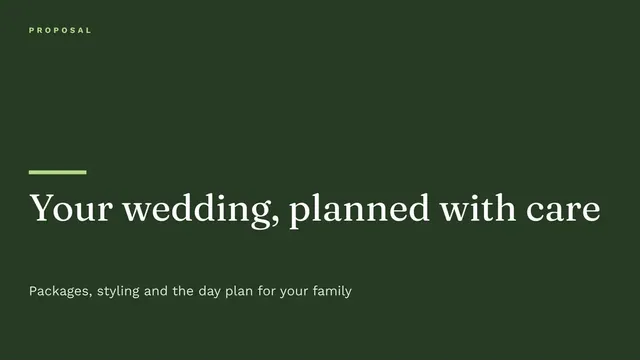
Slides + PowerPoint10 slides
Free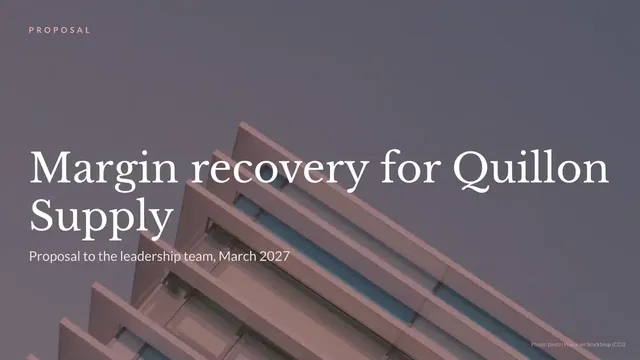
Slides + PowerPoint10 slides
Free
Slides + PowerPoint12 slides
Free
Slides + PowerPoint14 slides
Free










