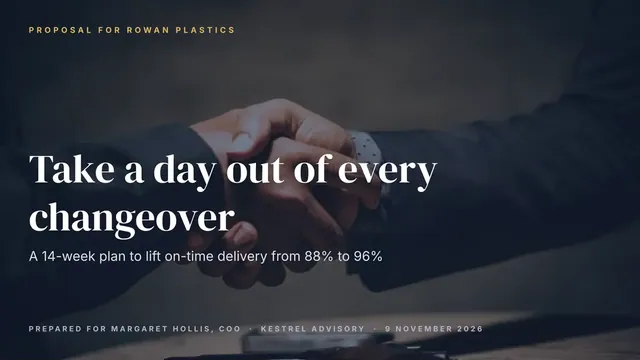
Sales Proposal Deck
Slides + PowerPoint14 slides
Free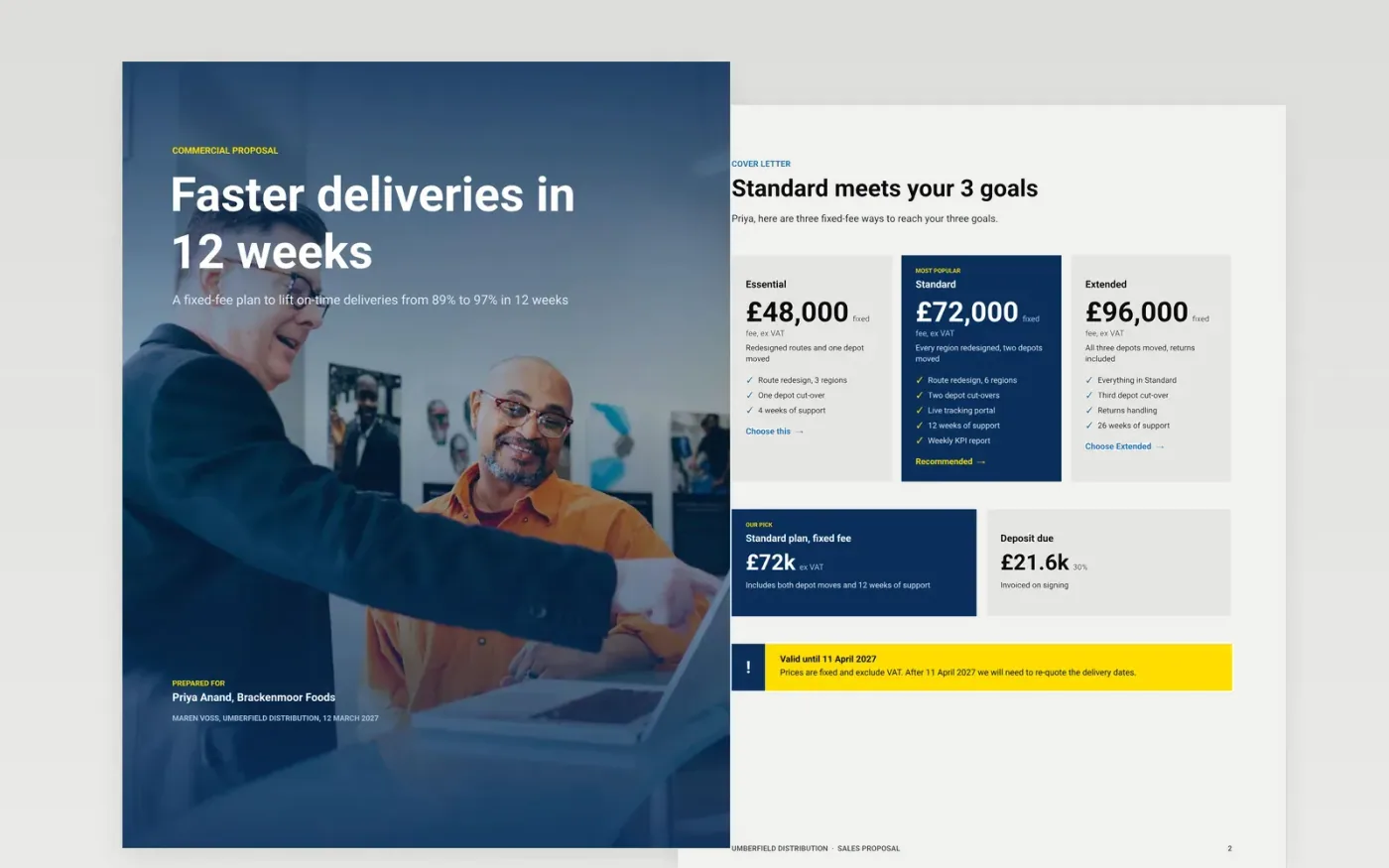
Most proposals open with a company history and bury the price on page six. This template does the opposite. It starts with a cover letter, restates the buyer's goals in their own words, then offers a solution, an approach with dates, three fixed-fee options, plain terms and a page to accept. A buying committee can approve it without another meeting.
The sample is a proposal from Umberfield Distribution to a fictional food producer, Brackenmoor Foods, for a £72,000 depot and route redesign. Replace the goals with phrases from your discovery call, swap in your phases and dates, enter your fees, mark the option you recommend, then check the totals add up.
Click Make a copy in Google Docs, then confirm on the Google page. The copy is saved to your own Google Drive.
Rewrite the goals page with the buyer's own phrases from discovery and quote one number they gave you.
Replace the phases, deliverables and dates with ones you can commit to, then enter your fees in both pricing pages.
Mark the option you recommend, check that the total, deposit and payment split add up, and put your terms in plain words.
Add the buyer's signatory name, title and date, delete the guide page, then share the document or present it.
Yes. You can make a copy into your own Google Drive and edit it without paying. Nothing is locked, so you can delete any page or option you do not need.
No. Umberfield Distribution, Brackenmoor Foods, every person and every figure are fictional sample data. Replace all of it with your own details before you send.
Yes, but we suggest keeping at least two options, because a single price invites a competing quote. Delete the cards you do not need and keep the recommended one.
Slides + PowerPoint14 slides
Free
Docs + Word3 pages
Free
n8n
Free
Slides + PowerPoint12 slides
Free
Docs + Word8 pages
Free
Docs + Word3 pages
Free










