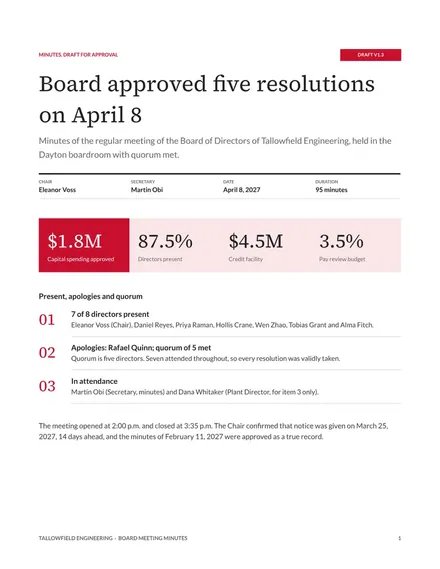
Board Meeting Minutes
Docs + Word9 pages
Free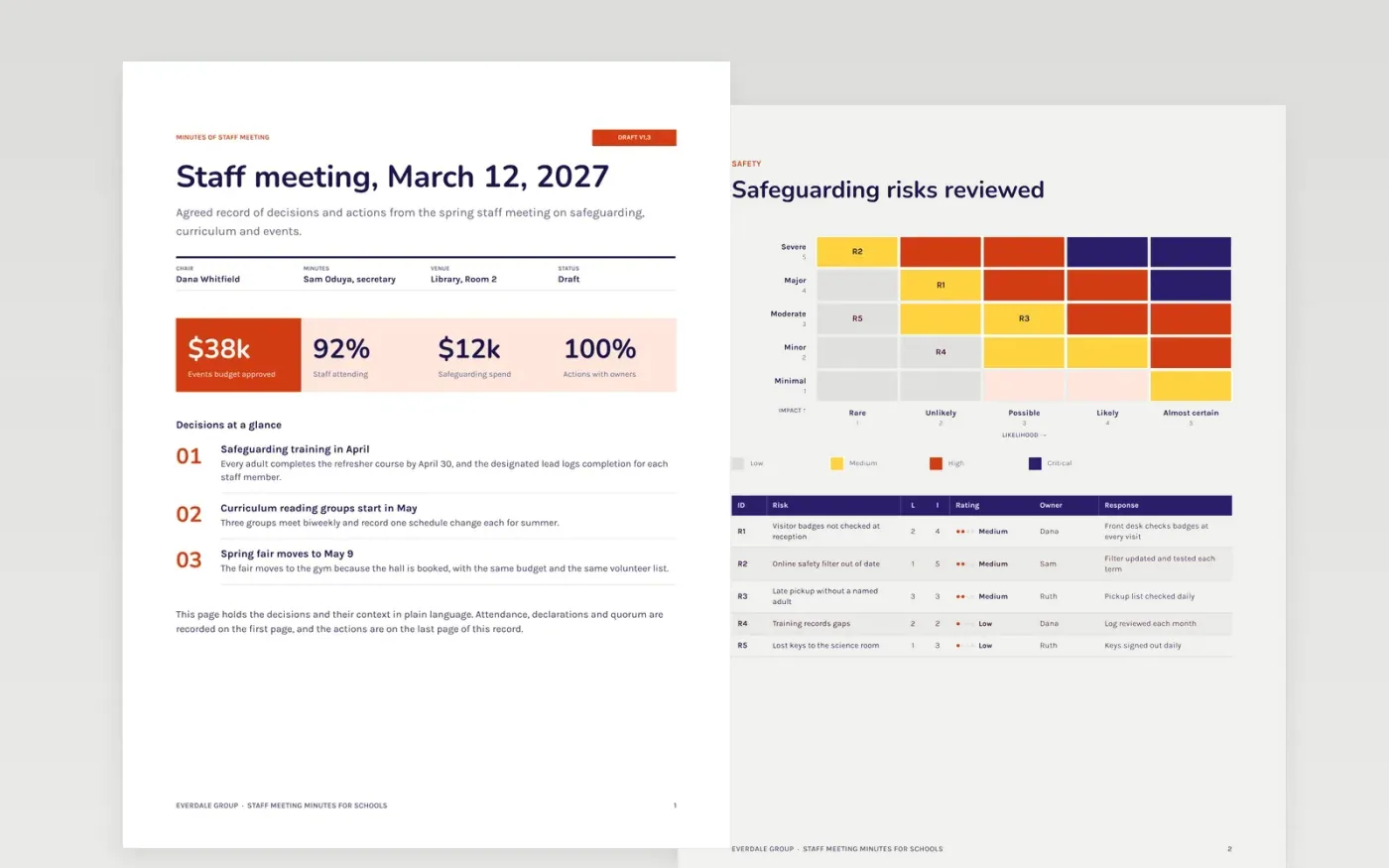
Staff meetings produce many decisions and few records. Weeks later nobody remembers who was to order the lanyards or whether the safeguarding refresher was agreed. This template keeps a short, neutral record: the meeting details and attendance, a risk register for safeguarding, the curriculum workshop plan, the running order for an event, the decisions with their votes, and an action list with owners and dates.
The sample shows Everdale Group's spring staff meeting, with five safeguarding risks rated and owned, three curriculum reading groups, a spring fair moved to May 9 and six actions with owners. Replace the chair, dates, votes and actions with your own, and mark the minutes as a draft until they are approved. Keep each vote count the same in the decision list as it is on the first page.
Click Make a copy in Google Docs, then confirm on the Google page. The copy is saved to your own Google Drive.
Fill in the date, venue, chair and minute taker, then list who attended and who sent apologies.
Reduce each agenda item to two or three lines and move every decision into the decisions list.
Give every action one owner and a due date, then mark the document as a draft.
Delete the guide page, then share the minutes with attendees for review.
Minutes record decisions, the votes behind them and the actions that follow, with an owner and a date for each. They do not need to be a transcript, and sensitive discussion can be left out of the shared copy.
Send the draft within two working days, while the discussion is still fresh. Ask attendees to correct errors, then mark the minutes approved only after the chair signs them at the next meeting.
No. Everdale Group, the people named in the record, their email addresses, the votes and every risk and budget figure are fictional sample data. Replace them with your own before you circulate the minutes.
Docs + Word9 pages
Free
Docs + Word9 pages
Free
Docs + Word8 pages
Free
Docs + Word5 pages
Free
Docs + Word7 pages
Free
Docs + Word7 pages
Free
Docs + Word8 pages
Free
Docs + Word8 pages
Free
Docs + Word8 pages
Free










