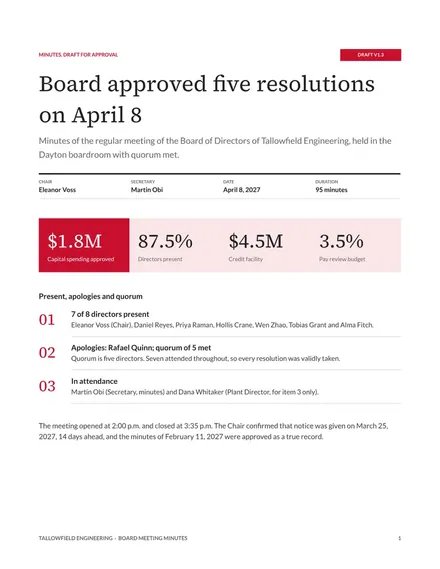
Board Meeting Minutes
Docs + Word9 pages
Free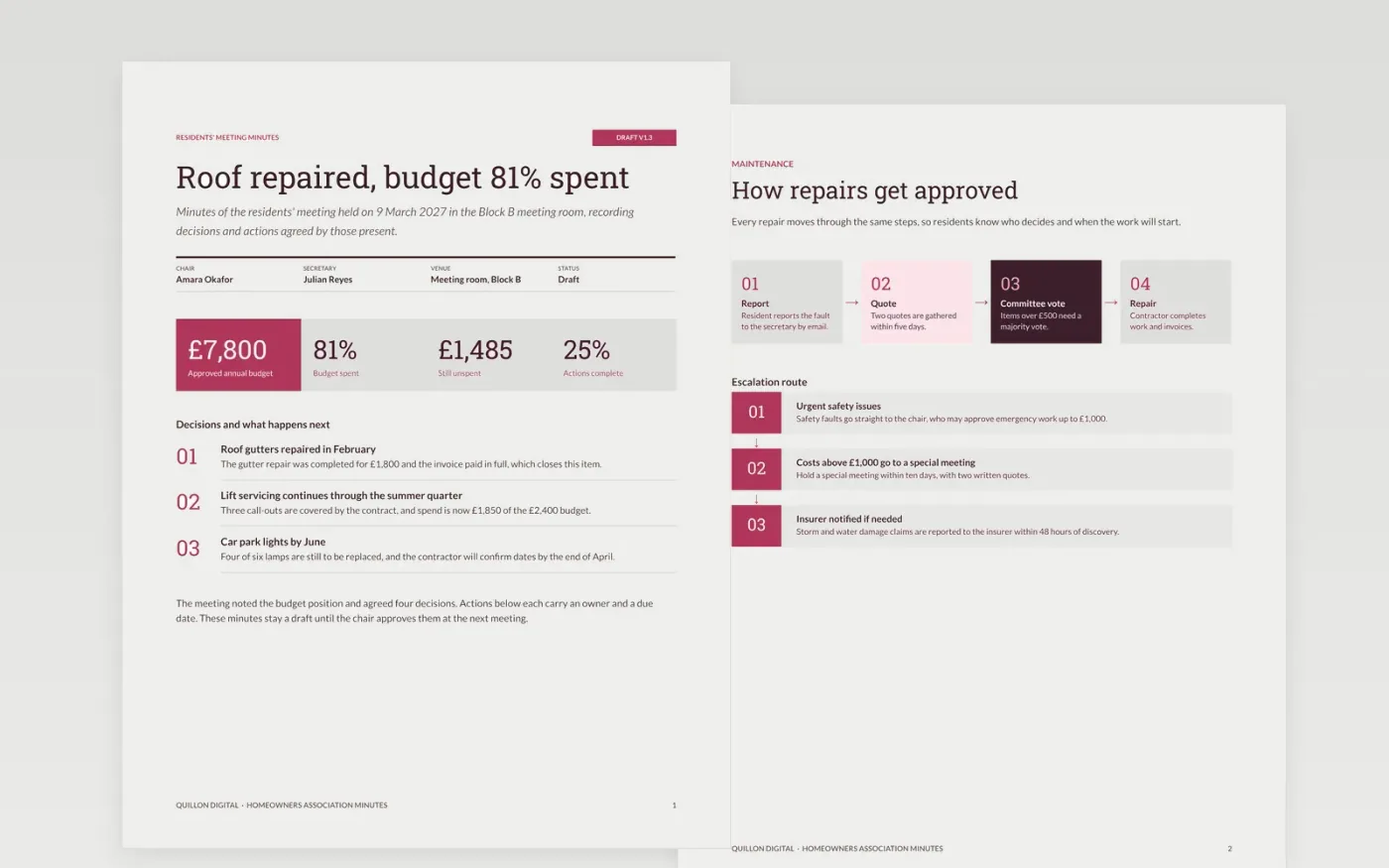
Minutes are the record people rely on when a repair is disputed or a decision is questioned, yet many associations write them as a transcript that nobody reads. This Google Docs template records what was decided and who must do what by when. It covers the meeting facts, the present and apologies, the maintenance and budget items, the standing rules, and an action list that carries forward until each item is closed.
The sample from Quillon Digital's residents' association shows £6,315 spent against a budget of £7,800, four recorded decisions with votes, and actions that each carry an owner and a date. Every name, figure and vote is fictional sample data. Replace the meeting details, figures and actions with your own, then mark the minutes as a draft until the chair approves them at the next meeting.
Click Make a copy in Google Docs, then confirm on the Google page. The copy is saved to your own Google Drive.
Fill in the date, venue, chair and secretary, then list who attended and who sent apologies.
Reduce each agenda item to two or three lines and move every decision into the decisions list.
Give every action one owner and a due date, and carry unfinished actions forward with their original date.
Delete the guide page, then share the minutes as a draft or present them at the next meeting.
No. Quillon Digital, the residents named, the contractors and every figure and vote in these minutes are fictional sample data. Replace them with your own records before you circulate any minutes.
No. Minutes record decisions, actions and the reasons for a decision where that matters. A verbatim account is hard to check, and it puts personal opinions on the record that the association may later regret.
Circulate draft minutes within seven days, then table them for approval at the next meeting. Once the chair signs the approved version, store it with the records and mark the earlier draft as superseded.
Docs + Word9 pages
Free
Docs + Word9 pages
Free
Docs + Word8 pages
Free
Docs + Word5 pages
Free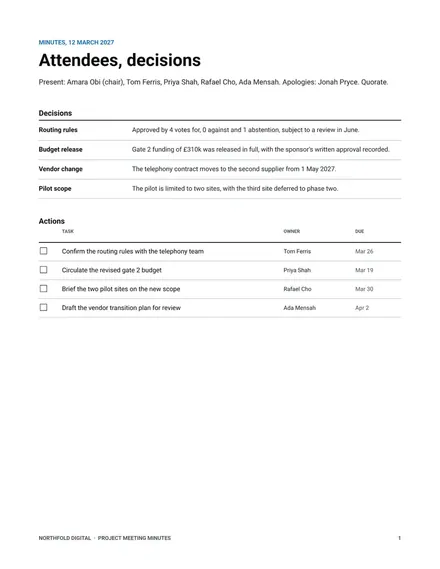
Docs + Word7 pages
Free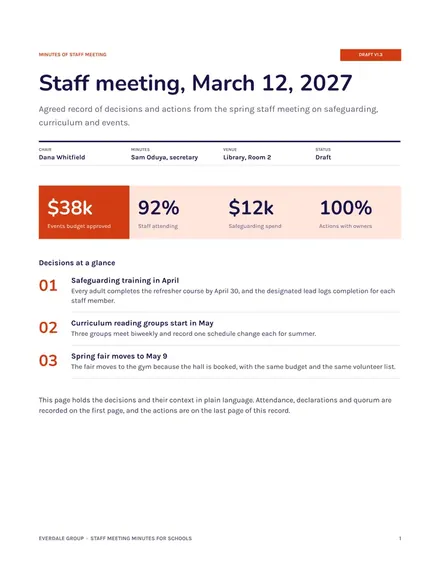
Docs + Word7 pages
Free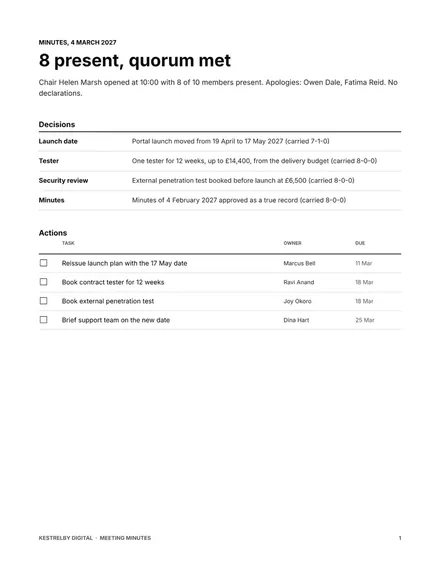
Docs + Word8 pages
Free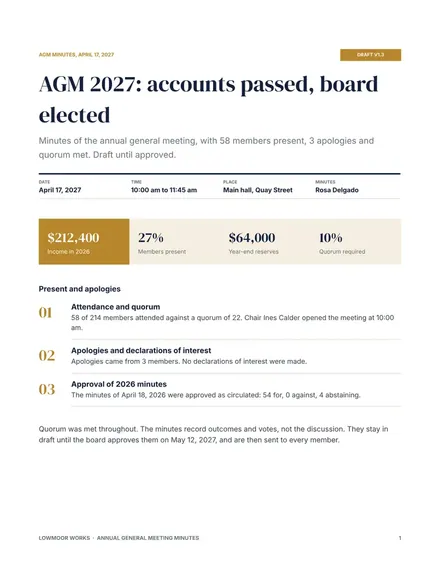
Docs + Word8 pages
Free
Docs + Word8 pages
Free










