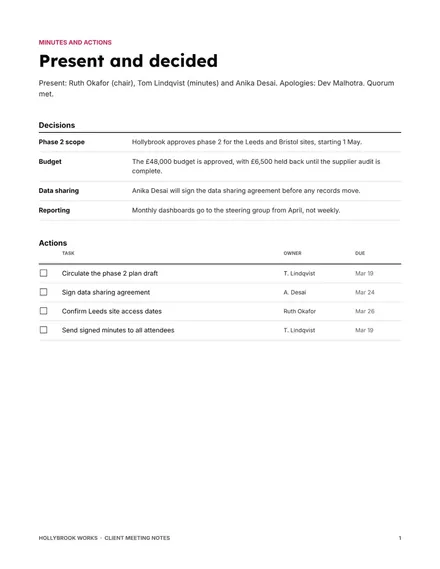
Client Meeting Notes
Docs + Word8 pages
Free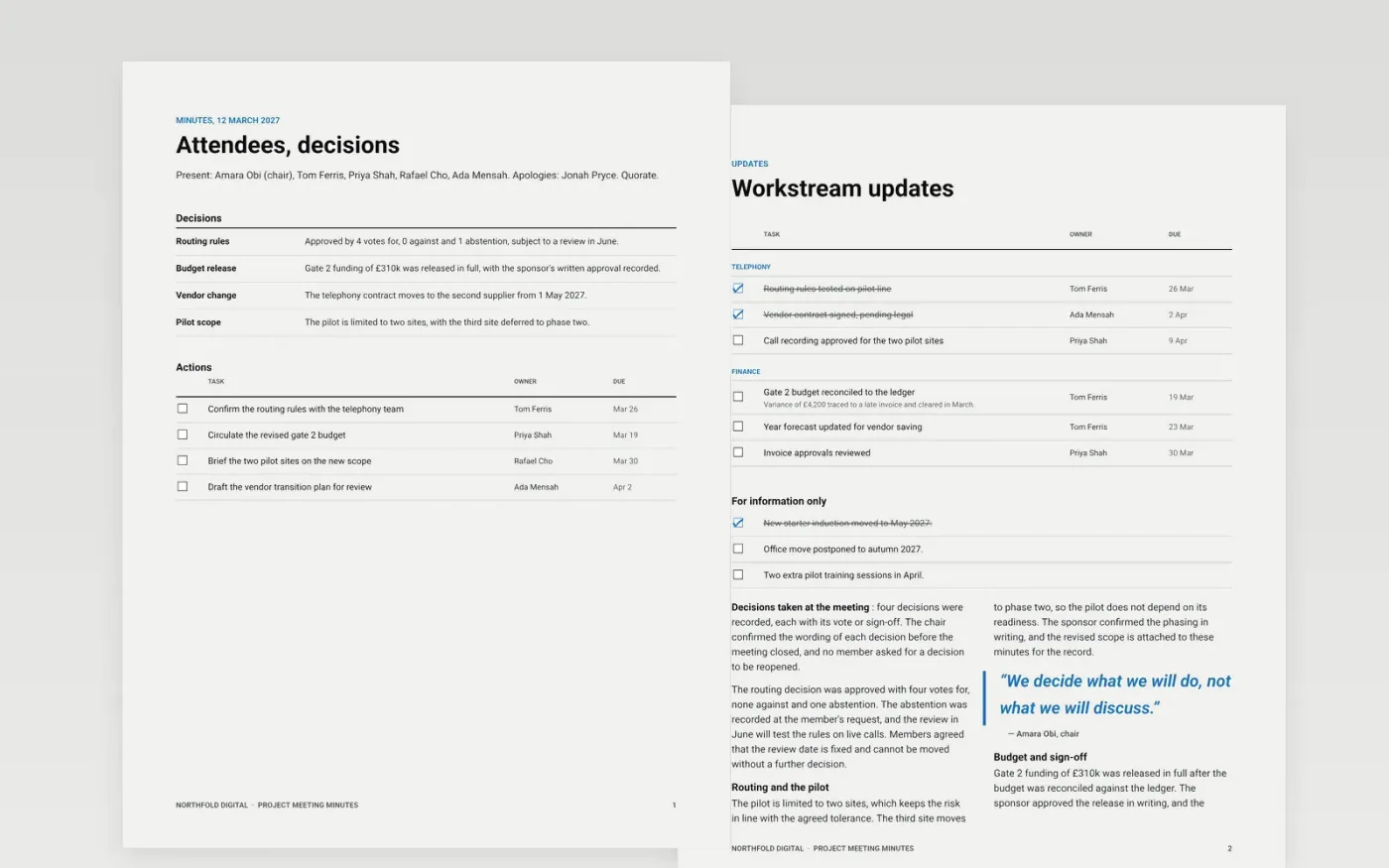
Minutes that read like a transcript bury the decisions and leave owners guessing what they must do. This template sets out the record in the order a secretary needs it: the attendees, updates by workstream, the decisions taken, the actions carried forward from earlier meetings and the new actions with a due date. Each part is short, neutral and written in the past tense.
The sample belongs to Northfold Digital, a fictional firm, and shows a project meeting with apologies, decisions recorded as term and definition pairs, and an action list with owners and dates. Replace the names, venue, decisions and dates with your own record, then mark the minutes as a draft until the chair approves them at the next meeting.
Click Make a copy in Google Docs, then confirm on the Google page. The copy is saved to your own Google Drive.
Fill in the date, venue, chair and minute taker, then list who attended and who sent apologies.
Reduce each agenda item to two or three lines and move every decision into the decisions list.
Give each action one owner and a due date, and carry forward any open action with its original meeting date.
Delete the guide page, then circulate the draft to attendees or present it for approval at the next meeting.
Yes. Northfold Digital, its people, their email addresses and every decision, date and figure in these minutes are fictional. Replace them with your own record before the minutes are circulated.
Record outcomes, not the discussion: what was decided, who will act, by when and how the vote went. Keep confidential points out of the minutes and note only that they were discussed in a closed session.
Circulate a draft within five working days, while memories are fresh. Ask the chair to approve the minutes at the next meeting, and mark them as a draft until that approval is recorded.
Docs + Word8 pages
Free
Docs + Word9 pages
Free
Docs + Word8 pages
Free
Docs + Word5 pages
Free
Docs + Word7 pages
Free
Docs + Word7 pages
Free
Docs + Word8 pages
Free
Docs + Word8 pages
Free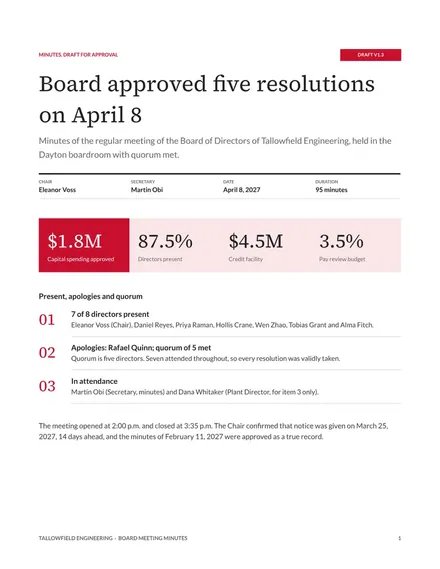
Docs + Word9 pages
Free










