Market Research Report
Docs + Word6 pages
FeaturedFree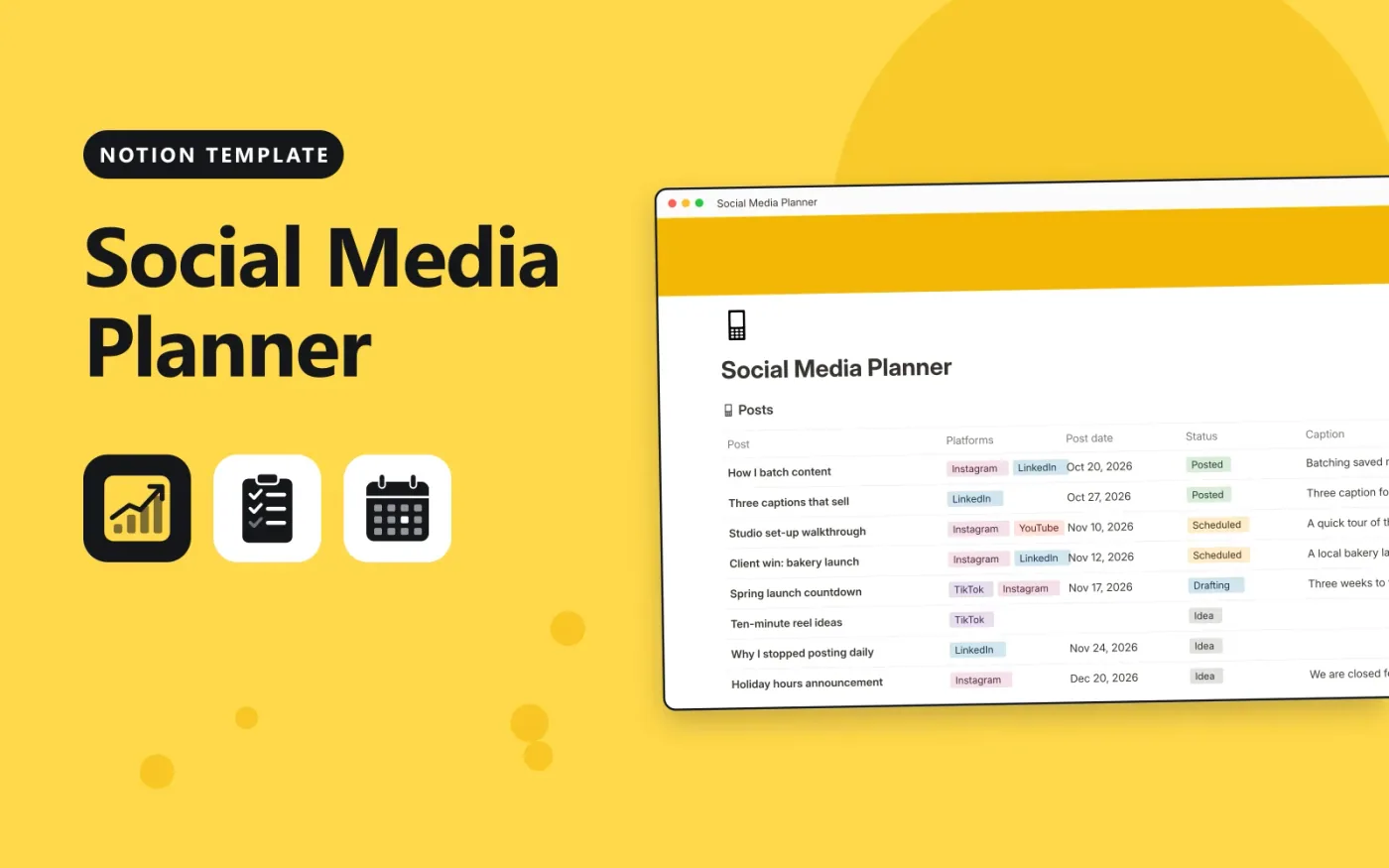
This Notion template keeps posts and content pillars in two linked databases. Each post has one or more platforms, a post date, a status, a pillar and a caption. The Ready column shows Set a date or Add a caption when something is missing, and Ready once the post is complete.
The Pillars database holds your themes, with a goal and a target share for each. Each post picks its pillar, and the pillar lists its posts, so Posts planned counts them. Duplicate the template, replace the samples and add a calendar view on Post date to see the week at a glance.
Click Duplicate in Notion. The template page opens in Notion.
Click Duplicate at the top right and choose your workspace.
Read the Start here section, then replace the sample entries with your own.
Add a board or calendar view from the + next to the table name if you want one.
Yes. Duplicate it into your own Notion workspace at no cost. The free Notion plan is enough.
It is a formula. It shows Set a date if there is no Post date, Add a caption if the caption is empty, and Ready when both are filled in.
Yes. Click + next to the Posts table name, choose Calendar and use Post date. The entries stay the same.
Docs + Word6 pages
FeaturedFree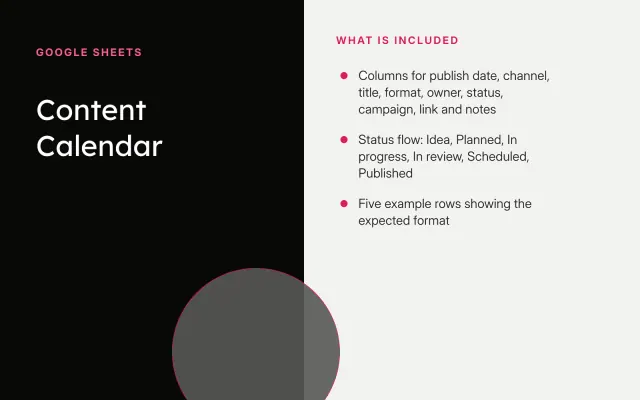
Google Sheets
FeaturedFree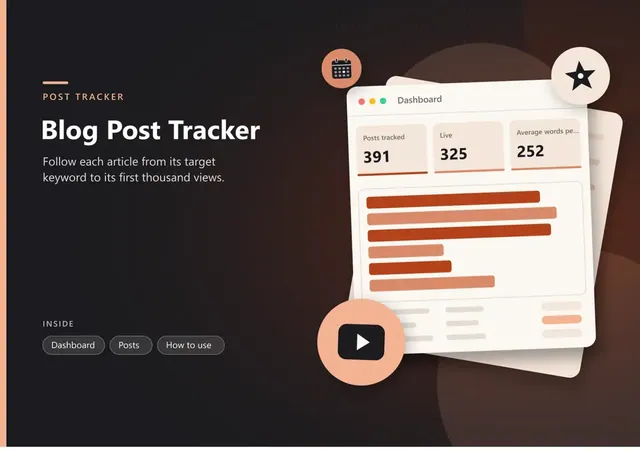
Sheets + Excel4 tabs
Free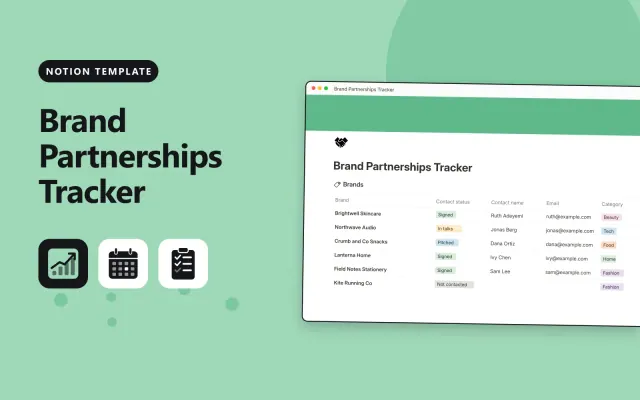
Notion
Free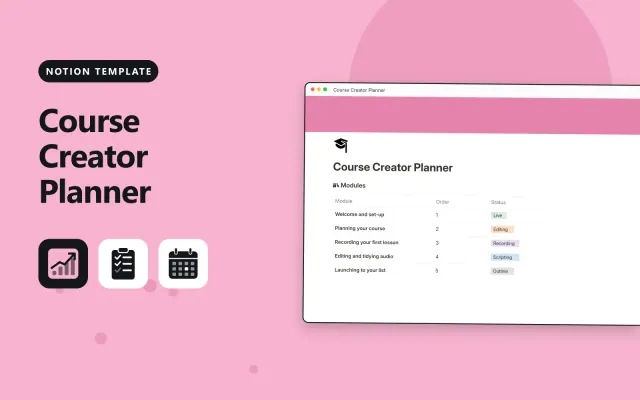
Notion
Free
Notion
Free
Notion
Free
Notion
Free
Notion
Free
Notion
Free
Notion
Free