Market Research Report
Docs + Word6 pages
FeaturedFree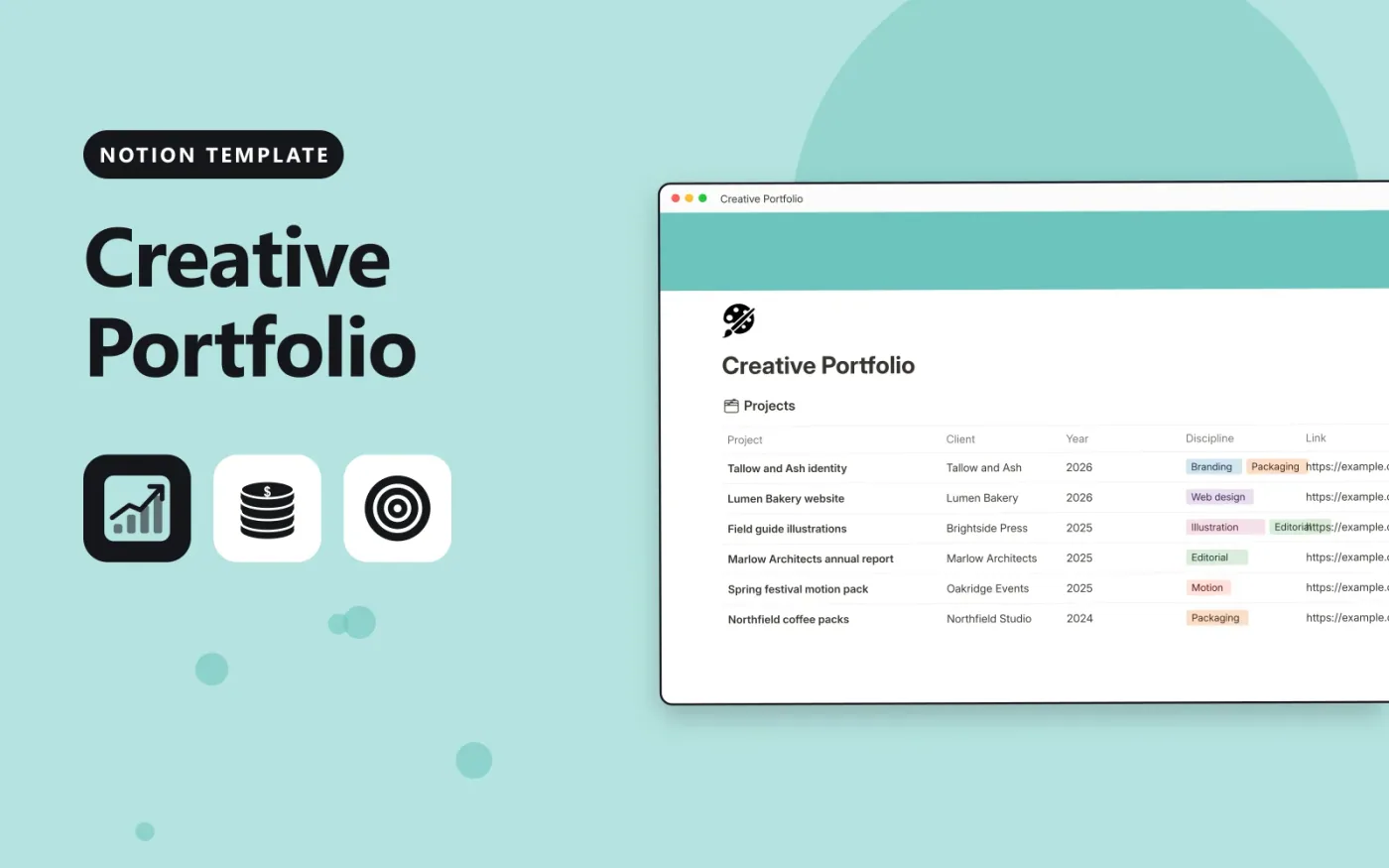
This Notion template holds your portfolio in a Projects database. Each project records the client, year, discipline, a link to the live work and a short summary. Tick Featured for the pieces you want to lead with, and the Home page formula shows which projects are on the home page and which sit in the archive.
Two ready-made pages sit alongside the database: About, for your story and recognition, and Services, for what you offer. Duplicate the template, replace the sample projects and text, and add a gallery view to show the featured work as cards.
Click Duplicate in Notion. The template page opens in Notion.
Click Duplicate at the top right and choose your workspace.
Read the Start here section, then replace the sample entries with your own.
Add a board or calendar view from the + next to the table name if you want one.
Yes. Duplicate it into your own Notion workspace at no cost. The free Notion plan is enough.
It is a formula. It shows Shown on home when Featured is ticked and In the archive when it is not, so you can check your selection at a glance.
Yes. Open the page, select Share and turn on Share to web. Check that the Link column and the About text are ready to be seen by anyone.
Docs + Word6 pages
FeaturedFree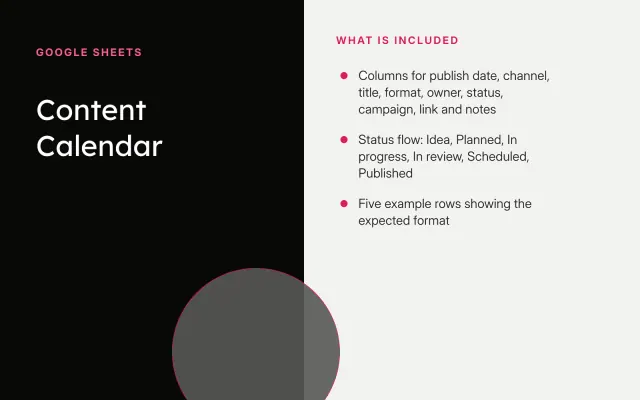
Google Sheets
FeaturedFree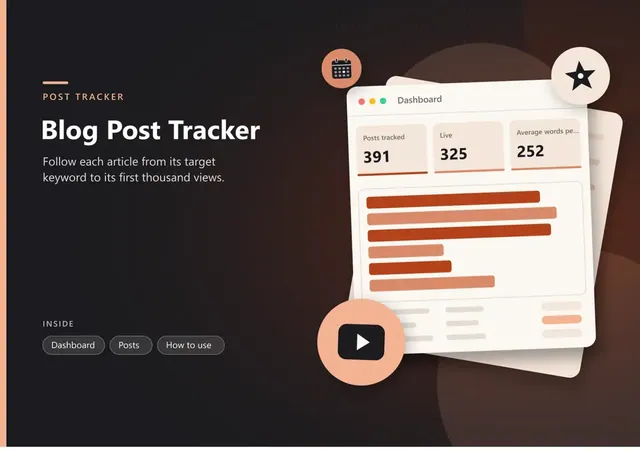
Sheets + Excel4 tabs
Free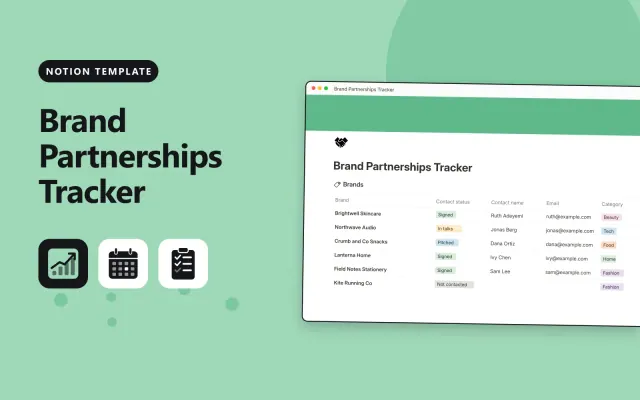
Notion
Free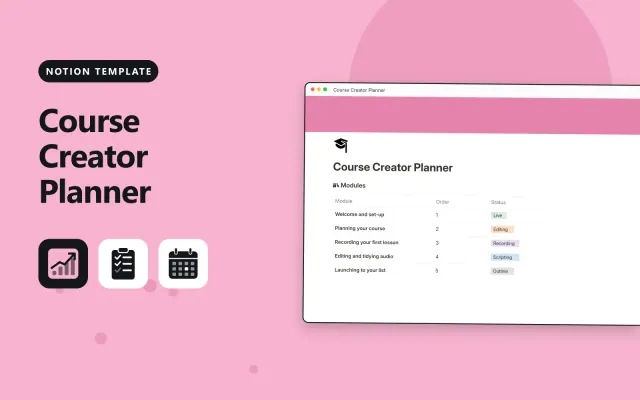
Notion
Free
Notion
Free
Notion
Free
Notion
Free
Notion
Free
Notion
Free
Notion
Free