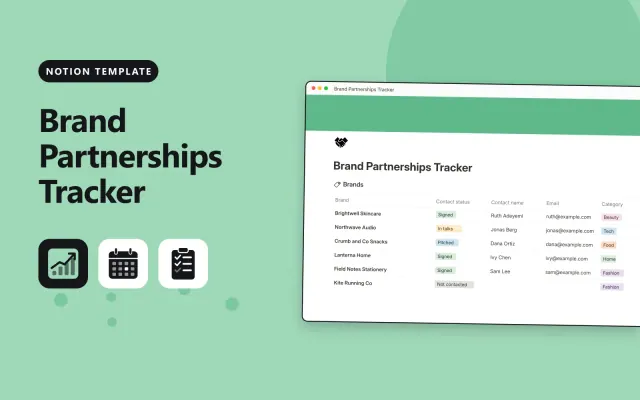
Brand Partnerships Tracker
Notion
Free9 templates
Notion
Free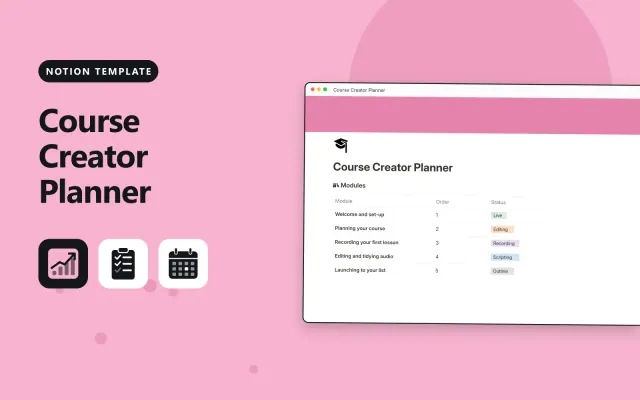
Notion
Free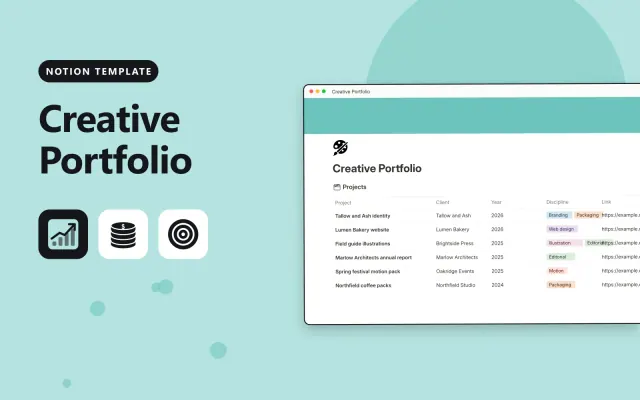
Notion
Free
Notion
Free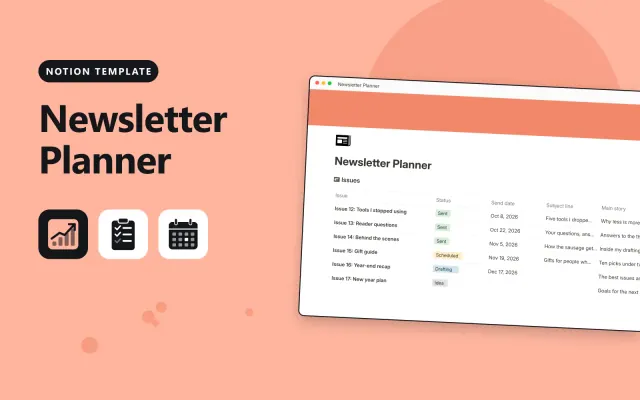
Notion
Free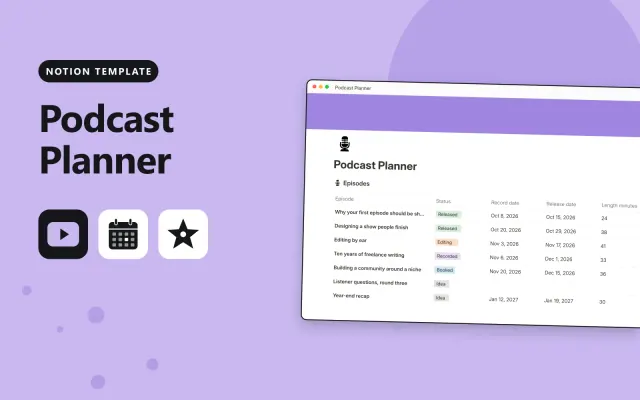
Notion
Free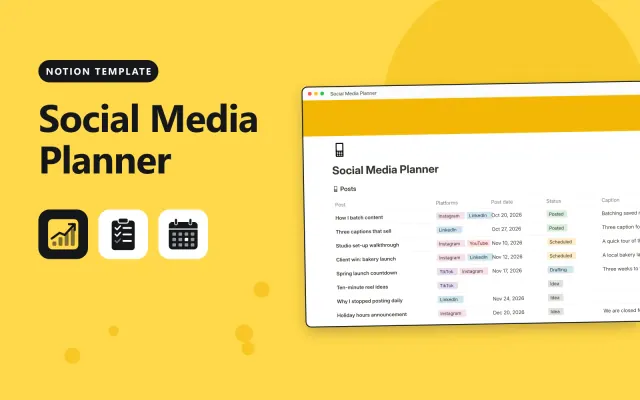
Notion
Free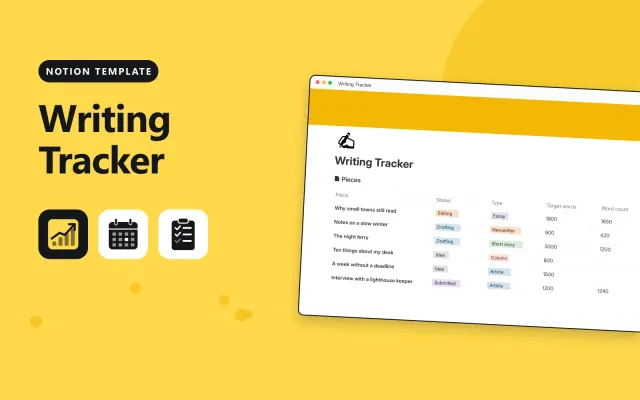
Notion
Free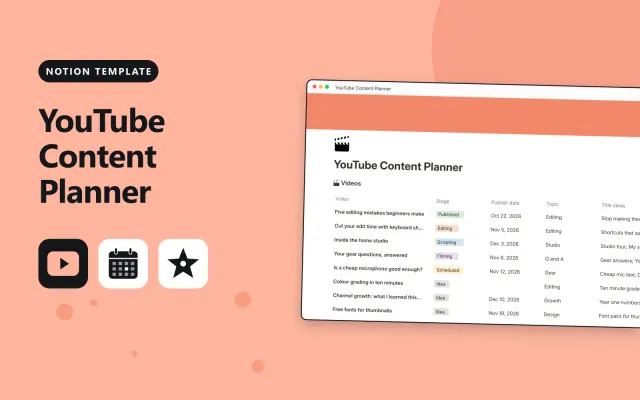
Notion
Free| Brand Partnerships Tracker | Course Creator Planner | Creative Portfolio | Freelance Business Hub | |
|---|---|---|---|---|
| Format | Workspace | Workspace | Workspace | Workspace |
| Works in | Notion | Notion | Notion | Notion |
| Length | Not listed | Not listed | Not listed | Not listed |
| Style | Not listed | Not listed | Not listed | Not listed |
A Notion creator template plans content, sponsors and client work for someone who publishes or sells their work. Creators use it to keep ideas, schedules and deals in one place, from first draft to publish.
Cover an ideas bank, a content calendar with publish dates, a status column from idea to published, a partners or clients tracker, a page for each piece with notes and links, and sample entries.
Track each piece by its publish date and status, so the calendar shows what is ready and what is late.
Compare Brand Partnerships Tracker, Course Creator Planner, and Creative Portfolio, then pick the closest match and replace the sample text with your own.
A Notion creator template plans content, sponsors and client work for someone who publishes or sells their work. Creators use it to keep ideas, schedules and deals in one place, from first draft to publish.
Include an ideas bank, a content calendar with publish dates, a status column from idea to published, a partners or clients tracker, a page for each piece with notes and links, and sample entries. Track each piece by its publish date and status, so the calendar shows what is ready and what is late.
Open the template page and select Duplicate. The copy includes the content database and its views, which you can then fill with your own ideas and schedule.
Most creator templates work on the free plan for a single user. Check the description for any feature that needs a paid plan, such as sharing with a large team.
Open the content database, select the add view button, and choose Board. Group the board by the status property, so each piece moves from idea to published across the columns.
Start with Brand Partnerships Tracker: Track sponsor brands, deal fees and payments for creators in one Notion workspace. If that is not the right fit, compare it with Course Creator Planner.
Yes. These notion creators templates work in Notion. All 9 templates are free, with no account or email needed.